Get to know this pattern
Description
This is a PDF sewing pattern and tutorial to teach you how to create these garments. THIS IS NOT A FINISHED PRODUCT.
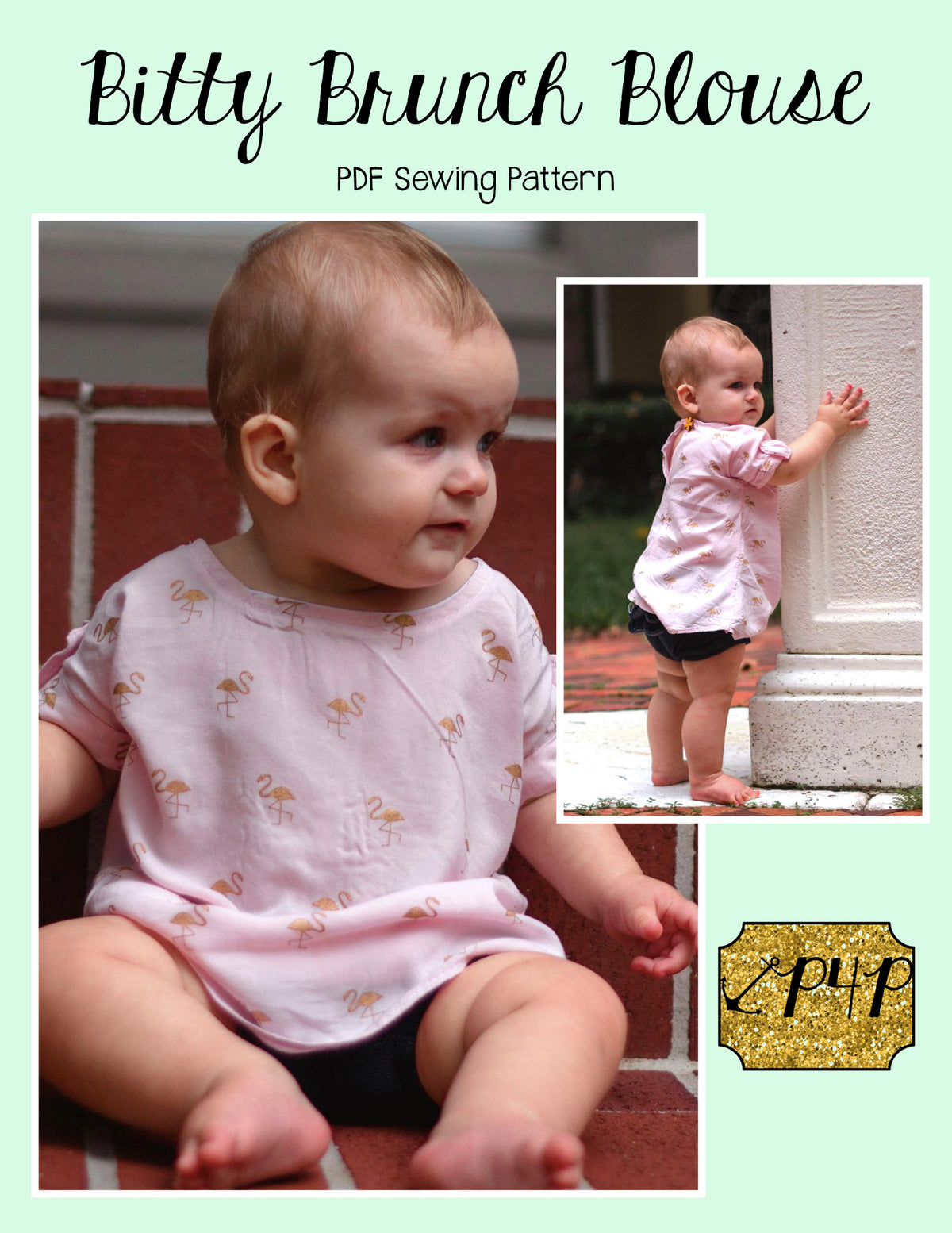
Bitty Brunch Blouse is a great dolman sleeve style top, tunic and dress for all those wovens in your stash! Perfect for school, church, parties and more! It is quick and easy with no zipper- back closure is a button loop. It has a back center seam and neckline/tank are finished with a single fold bias to inside.
Options include shirt length, curved tunic length, and curved dress length. You can pick from a short sleeve, cap sleeve and tank. Extras include chest pockets, henley placket, short sleeve cuffs and button tabs and waist ties.
Here is a round up blog post and album full of photos to look through!
We have a matching Adult – Hourglass Figure pattern available here: Brunch Blouse
Bundle of both patterns available here: Bundle
Sizes included: 3m,6m,9m,12m,18m,2,3,4,5,6,7,8,10,12,14. Size chart is in the product images. You will receive the easy to print and match color coded pattern pieces on NO TRIMMING pages with LAYERS options at printing in US Letter, A4, Copy Shop, and Projector files! A cutting guide for rectangle pieces, and a full color and detailed picture step by step tutorial and guide to making the garment.
Sizing and fabric
- Sizes included: 3m,6m,9m,12m,18m,2,3,4,5,6,7,8,10,12,14
- Fabric type
- Woven
The designer identifies a size chart in the product images. Compare your measurements with that chart. View product images
Included files
- US Letter PDF: Print at home and assemble the pages.
- A4 PDF: Print at home and assemble the pages.
- A0 copy-shop PDF: For a print shop that prints large pattern sheets.
- Projector file: For a sewing projector setup.
Printing and file help
Start with the instructions for your pattern and choose an available file that matches how you plan to use it.
- Save the PDF to your device. For reliable access to size layers, open it in the free Adobe Acrobat Reader desktop app. Layer support varies in other PDF viewers.
- For home printing, choose Actual size or 100%. Turn off options that shrink, enlarge, or fit the pattern to the page.
- Print the page with the test square first. Measure it against the dimensions shown in your file before printing the remaining pages.
If your file has size layers, select the sizes you need and keep any shared markings shown in the instructions. Follow the pattern’s page layout when assembling.
If your PDF app asks for an editing password, switch to viewing or printing instead. You do not need editing access to print the pattern.