Patterns for Pirates

P4P stylish, modern, wearable patterns

  • Home
  • Blog
    • Frequently Asked Questions
    • Pattern Releases
      • Free Patterns
    • P4P University
      • Fitting
      • Sewing with Stretch, Knit Fabrics
      • Sewing with Woven Fabrics
      • Sewing Machines
    • Sew-A-Longs
    • Fabric for Pirates
    • Pattern Hacks
    • Announcement
      • Blog Tours
      • Contest/Giveaway
  • Shop
  • Bundle Discounts
  • Flash Friday
  • Gift Cards
  • My Account
  • Cart

Sunflower Swim top SAL – day 4

June 24, 2021

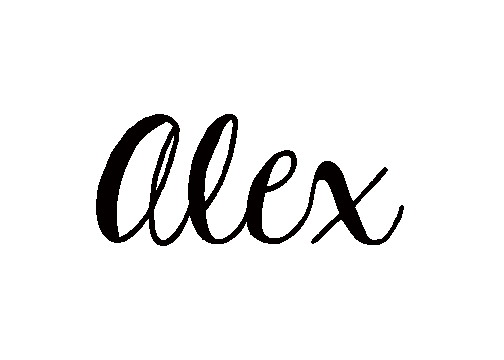
Ahoy, matey! Welcome to the mid day of our Sunflower sew along. Today is the fastest sewing day so it makes a good opportunity to catch up on past days, start a second swim top or join us if you still haven’t started. 

First off we need to baste or pin in place the front straps. If you are sewing the halter top, you’ll pin the straps 1.25″ away from each side. If you did the scoop neckline (like me) then you are centering the straps in the pick ups. Once the front straps are basted in place, stitch the back side too. You are only sewing in the back straps for the closed back style. 

Place your lining and your main right sides together making sure that the straps are out of the way. Stitch along the top ONLY for now. For the closed back option, you are all done. If you are creating the open back then you will also need to stitch around the 4 “C” curves at the back.

You can see in day 4 video below how I attach the lining to my scoop neck, open back Sunflower swim top. Once you finish today’s steps, post a picture of your progress in the comments of day 4 photo of the Sunflower Sew Along album. See you back here tomorrow! 


Sunflower Swim Top SAL day 1 | Cut fabric

Sunflower Swim Top SAL day 2 | Shelf bra

Sunflower Swim Top SAL day 3 | Straps and side seams

Sunflower Swim Top SAL day 4 | Attach lining 

Sunflower Swim Top SAL day 5 | Neckline and elastics

Sunflower Swim Top SAL day 6 | Add ruffle/hem and finish swim top

Sunflower Swim Top SAL day 7 | Winners announcement
Filed Under: Sew-A-Long, Uncategorized Leave a Comment

Sunflower Swim top SAL – day 3

June 23, 2021

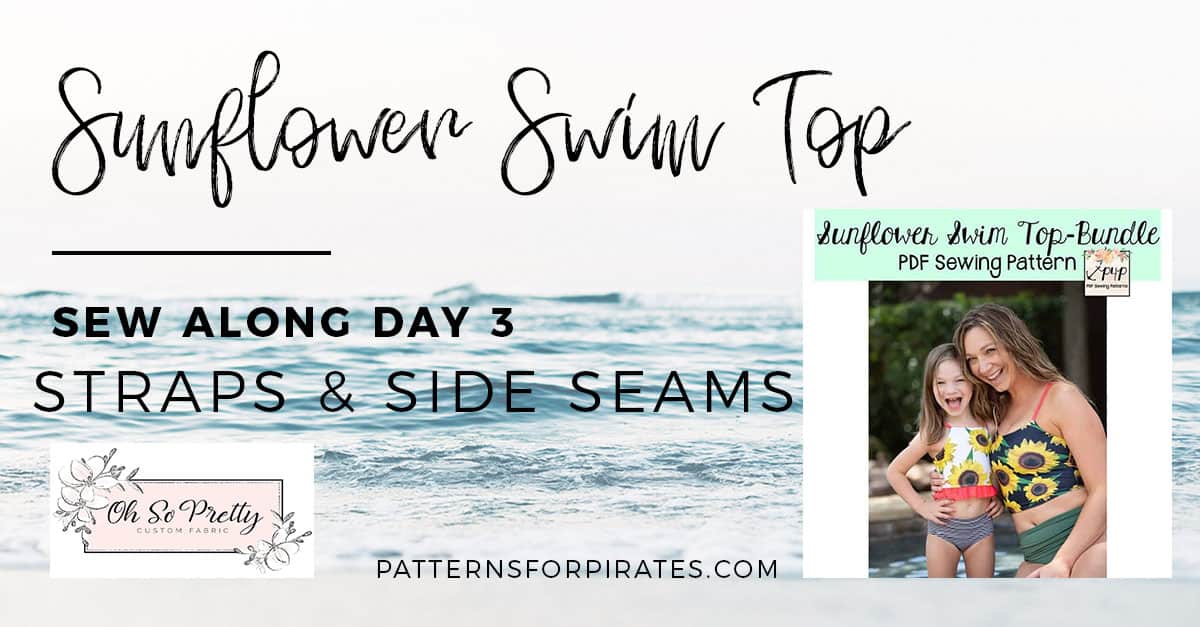
Hello, pirates! On day 3 we create the straps and sew the side seams. The Sunflower Swim top includes a full back and an open back option. The covered back straps are much shorter than the open back ones.

One of the most important tips I have for you for today is to not skip the elastic in the straps, regardless of which style swim top you chose. The straps are pretty much holding the rest of the suit in place. That, and the fact that swim fabric tends to “relax” in the water makes the straps elastic mandatory. 

You can serge the elastic to the wrong side of the straps as Judy has in her videos or you can zig zag it on, as I did. Optionally, you can top stitch the straps along the center. Just make sure you use a stretch stitch or a chain stitch for that.

Last steps for today are sewing the side seams of the main and then of the lining. If you opted fro the open back style, your main and lining will be a flat piece. For the closed back style, once you sew the side seams you will have two “loops”. 

In today’s video you can see how I create the open back straps and sew the side seams. Keep in mind that if you are doing the closed back option, the Sunflower pattern does include videos for that option as well. Once you finish today’s steps, post a picture of your progress in the comments of day 3 photo of this Sew Along album. 

Sunflower Swim Top SAL day 1 | Cut fabric

Sunflower Swim Top SAL day 2 | Shelf bra

Sunflower Swim Top SAL day 3 | Straps and side seams

Sunflower Swim Top SAL day 4 | Attach lining 

Sunflower Swim Top SAL day 5 | Neckline and elastics

Sunflower Swim Top SAL day 6 | Add ruffle/hem and finish swim top

Sunflower Swim Top SAL day 7 | Winners announcement
Filed Under: Sew-A-Long, Uncategorized Leave a Comment

Sunflower Swim top SAL – day 2

June 22, 2021

Good morning and welcome to day 2 of our Sunflower Swim top SEW ALONG. Today we create the shelf bra, with or without the removable cups layer. If you are adding the cup pockets you will have 4 pieces for the front (one main, one lining, one inner lining and one shelf bra). If you are making the youth Sunflower  you will not have the cups option so your front will have 3 layers (main, lining and shelf bra).

This swim top can be sewn entirely with your sewing machine. If you own a serger and a coverstitch machine, some steps can be done with them. In my years of me-made swimsuit sewing and wearing I have found that swimwear created with the sewing machine tends to last longer than serged one. So my personal goal for this sew along is to utilize a zig zag and a triple stretch stitch 100% off the time. If you know me, you know that I am a huge serger/coverstitch fan so this is a big step 😉.

Tip: if you do not have 3/4″ swim elastic for today’s steps, you can use 1″ knit elastic in a pinch. Do keep in mind that swim elastic is treated to withstand chlorine water, while knit elastic is not,   

You can see in today’s video how I added the shelf bra to the lining, including the cup pockets. Once you complete all steps, snap a photo of your front lining and posted in the comments of Day 1 photo of this sew along album. You can find the album in the M4M & P4P sew along group on Facebook. 


Sunflower Swim Top SAL day 1 | Cut fabric

Sunflower Swim Top SAL day 2 | Shelf bra

Sunflower Swim Top SAL day 3 | Straps and side seams

Sunflower Swim Top SAL day 4 | Attach lining 

Sunflower Swim Top SAL day 5 | Neckline and elastics

Sunflower Swim Top SAL day 6 | Add ruffle/hem and finish swim top

Sunflower Swim Top SAL day 7 | Winners announcement
Filed Under: Sew-A-Long, Uncategorized Leave a Comment

Sunflower Swim top SAL – day 1

June 21, 2021

Welcome to the Sunflower Swim Top Sew Along! 

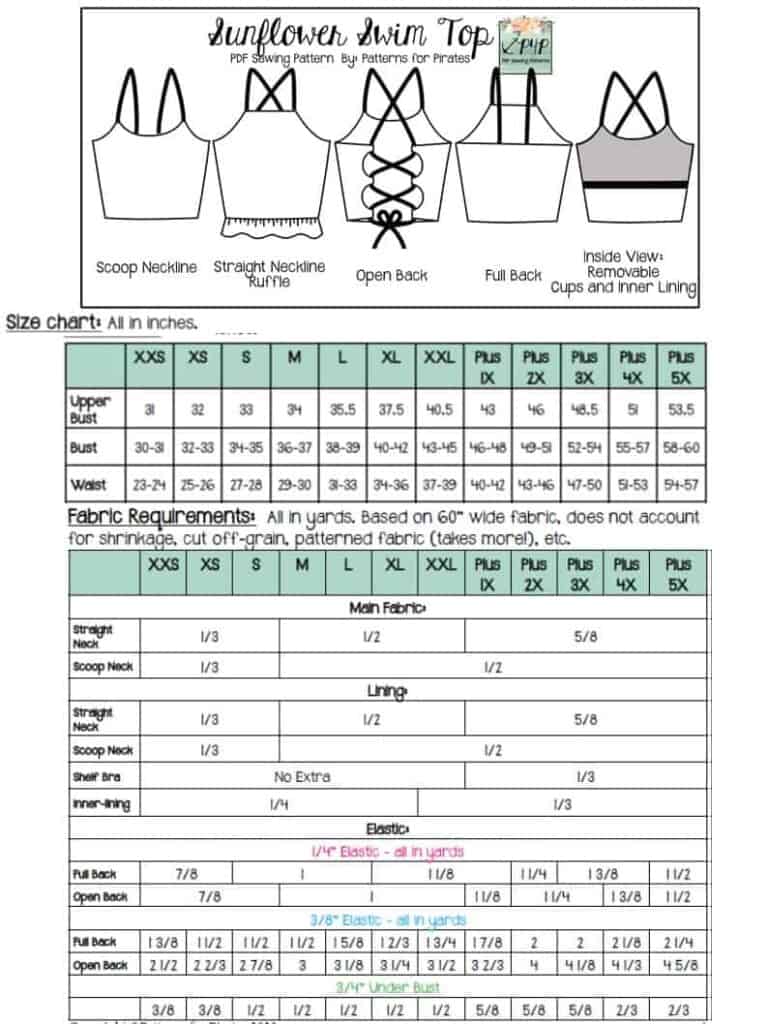
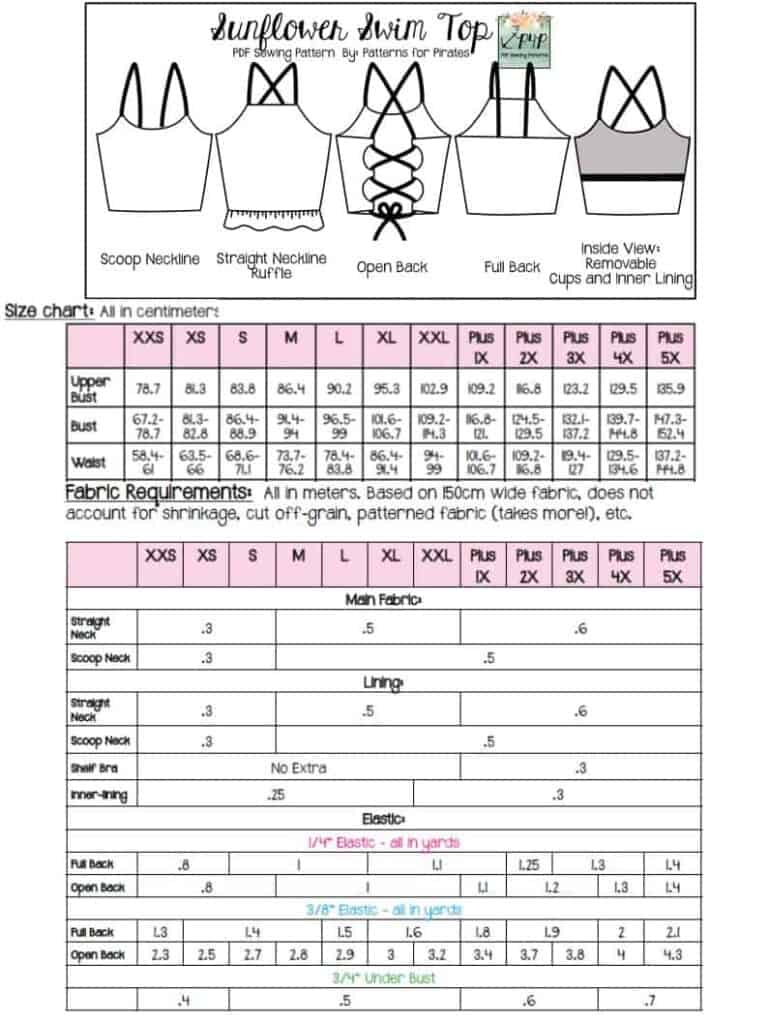
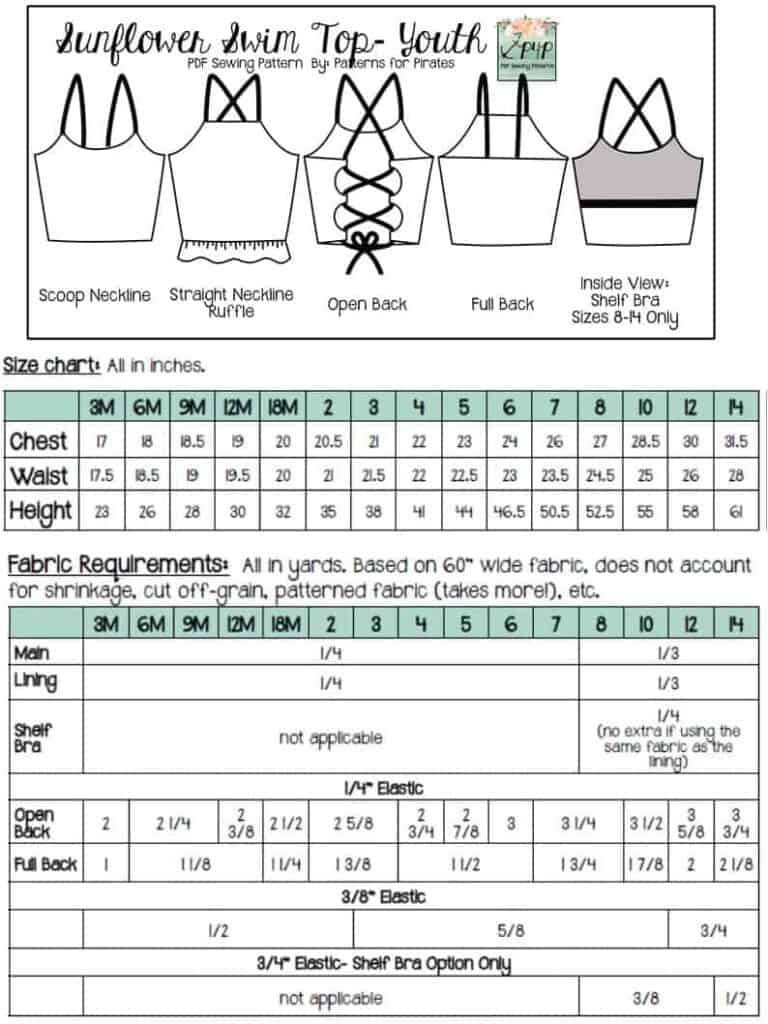
Day One of the sew along is for purchasing the pattern and cutting the fabric. If you did not buy the patterns yet, stop by the Sew Along Facebook Group to find an exclusive coupon code. You can grab the adult Sunflower Top here. If you plan to sew for a little one,  the Youth Sunflower Swim Top  or the Bundle is what you need. If you are still undecided which style to make, our Round Up blog will give you an overview of all options included, plus a look at the Busy Bee swim bottoms. You can also use the Easy Hacks blog for added options. As a matter of fact, I will be making my SAL top inspired by Dana’s hack. 

Now that we have the patterns it’s time to select which method of using them you would like to do. Both the Youth and the Adult come in A4 and Letter format to print at home, A0 format to print at a copy shop AND a projector file. If you use the projector file you will not have to print anything!! That’s definitely my favorite way! You can see in today’s video how I use the file to cut the fabric. We also have an excellent P4P University that will give you the basics of using a projector instead of printing the pattern. I highly recommend reading it and watching the included video. 

Let’s start by taking the measurements needed for the best fit. P4P has an amazing blog that gives you tips for accurately taking your measurements. You can read all about it here. If your measurements put you in a different size for chest and waist be sure to check out our P4P University blog and grade to achieve the perfect fit. P4P’s newest patterns come with videos throughout the tutorial, just click the link in the pattern to access them. 


For my Sunflower Swim Top I am using these cute Minnie Mouse inspired  Oh So Pretty swim knits. Oh So Pretty Custom Fabric is this sew along’s sponsor as well so our lucky winner will be receiving gift card to treat themself to their custom prints (must be a member in the OSP Facebook group to qualify). They stock solid swim fabric in retail as well. 


Judy made this very in depth video about various swim fabric, notions and how to accurately take your measurements to create the perfect custom swim suit. I highly encourage you to watch it:

TIP: write on your elastic where it will go (eg neckline elastic , armscye elastic, etc)

You can see day 1 video below. Once you cut all the fabric and elastics take a picture and post it in the comments of day 1 photo. This sew along album will be in the M4M & P4P Sew Along Facebook group. 

Sunflower Swim Top SAL day 1 | Cut fabric

Sunflower Swim Top SAL day 2 | Shelf bra

Sunflower Swim Top SAL day 3 | Straps and side seams

Sunflower Swim Top SAL day 4 | Attach lining 

Sunflower Swim Top SAL day 5 | Neckline and elastics

Sunflower Swim Top SAL day 6 | Add ruffle/hem and finish swim top

Sunflower Swim Top SAL day 7 | Winners announcement
Filed Under: Sew-A-Long Leave a Comment

Using A Projector For Sewing – The Basics

June 18, 2021

I am going to be spending some time today talking about how I use my projector for sewing. We’ll discuss what type I have, and why I chose it as well as discussing the other options available; how I link it up to the pattern itself; how I ensure it is projecting at the right size; and some of the pros and cons of projecting. Hopefully it will answer a few of the questions you may have about this new sewing craze, and maybe give you the confidence to get involved too! 


I first heard about using a projector for sewing patterns a few years ago.  The idea is that you link a projector up to your pattern, and then rather than printing out the paper pattern pieces to cut and use, you project those pattern images straight onto fabric, cutting out the middle man, so to speak.

I didn’t really give it much thought, it sounded like an interesting idea but presumed it would be a bit too technical for me, and perhaps a bit cumbersome, but I liked the idea of doing away with paper pattern pieces and so when I started to see more people using projectors I decided to dive in and see if I could work out how practical it might actually be.

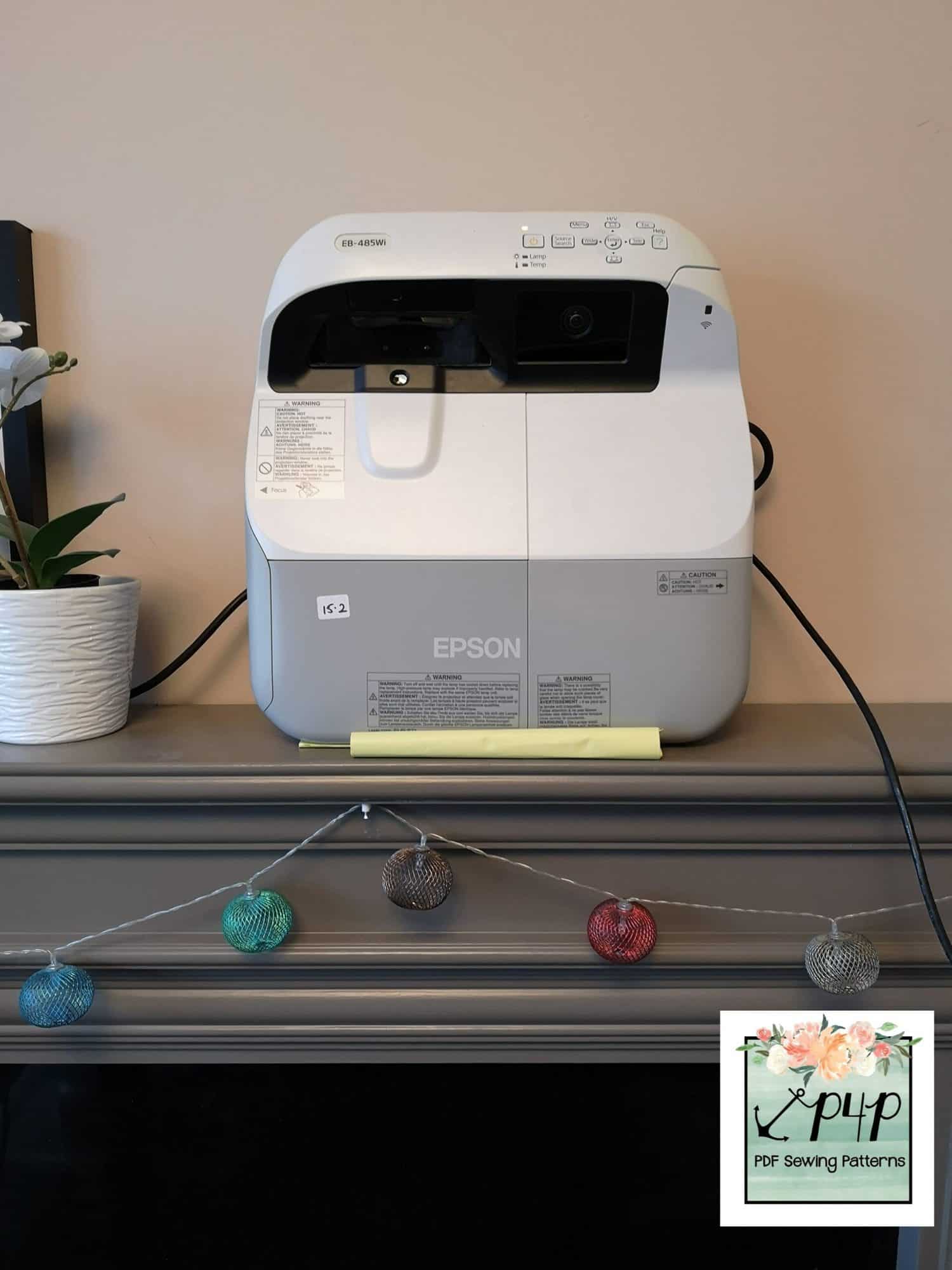
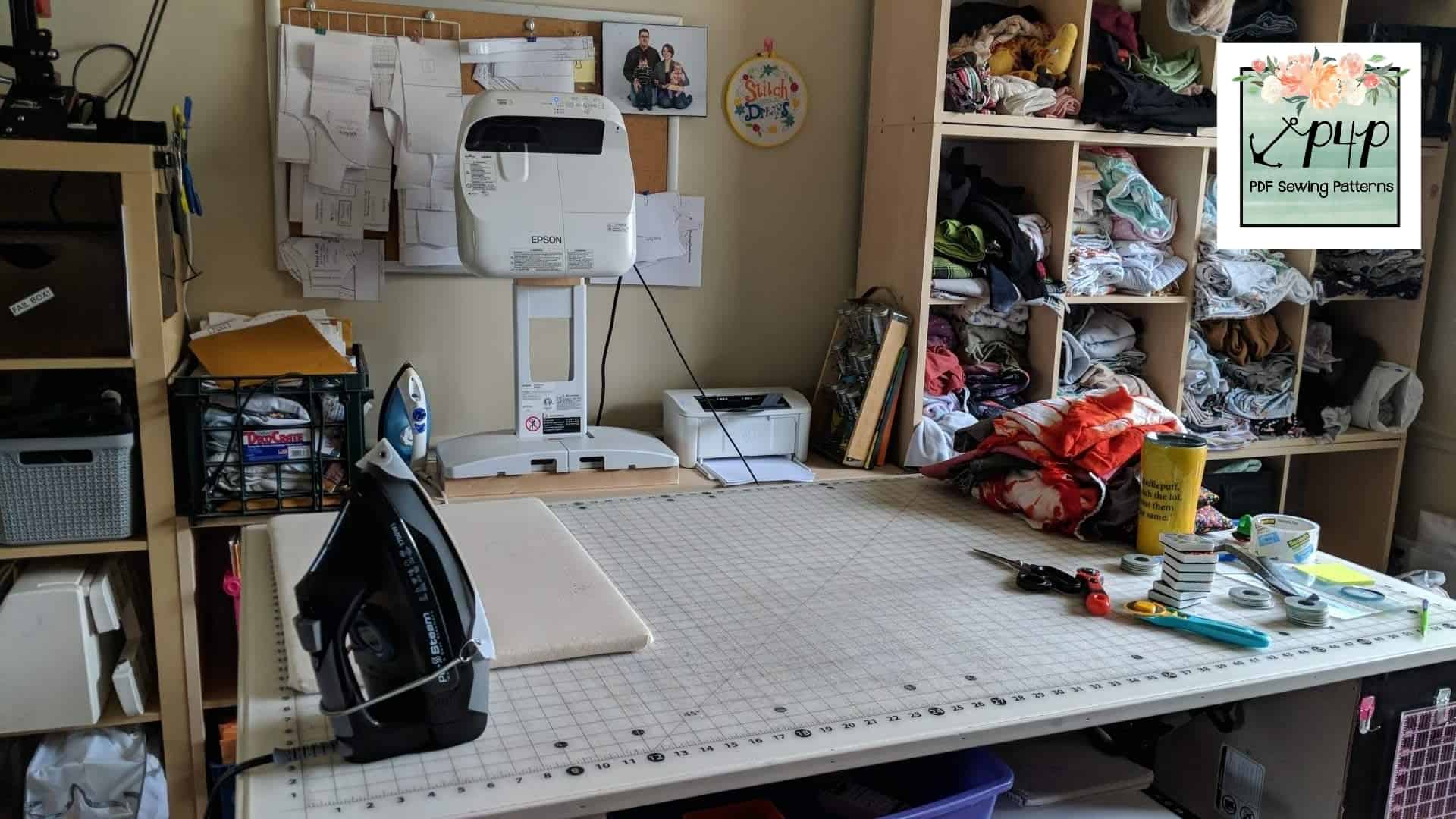
My projector is an Epson 485WI. I bought it in May 2020 after doing a lot of research about the kind of set up I would need for my own sewing room. I was lucky enough to find it reconditioned, on Ebay, being sold by a private school that was refurbishing its classrooms, and I have to say that it has been absolutely brilliant. Brand new, these types of projectors can be extremely expensive, but if you can find a reconditioned model like mine it’s a great way to make it more affordable.  Things to be aware of are the seller’s returns policy and reviews, and the age of the bulb. Older bulbs will be dimmer, so a new bulb with fewer hours on the clock will give you a brighter image. Some less powerful projectors will need to be used in a darkened room, however mine can be used in the middle of the day, quite comfortably.  The make and model you are looking at should be able to tell you the Lumens rating of the projector, that is it’s measure of brightness.  My projector has a rating of 3100 lumens. 

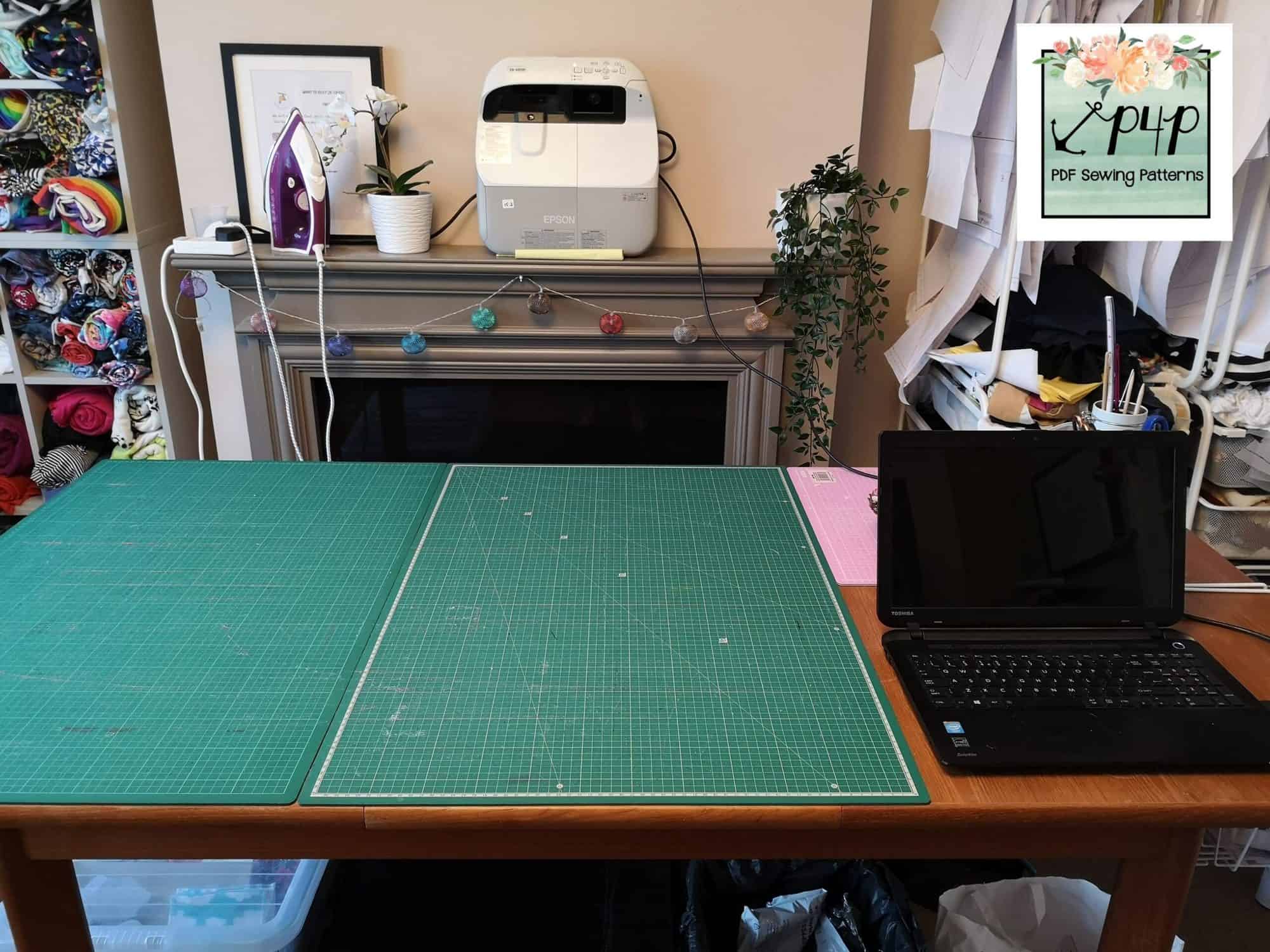
 I chose it because it is an Ultra Short Throw projector. This means that you do not need to have a large distance between the projector itself and your cutting mat. I did not want to have to mount a projector on the ceiling, as we have a ceiling light right above my cutting table, so I had to look at other options. This type of UST projector sits next to the cutting table, raised slightly above it, and projects down onto the surface of the mat. I have a mantelpiece right behind my table (which is lifted up on risers to a more comfortable height for cutting), and I knew I would be able to sit the projector on the mantelpiece nice and neatly, away from my daughter and my dog – both crash hazards!

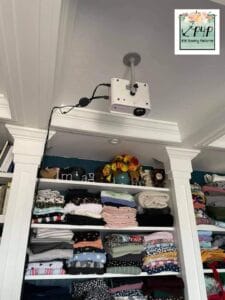
If you don’t have this set up, or you would prefer a ceiling mounted projector you can find them relatively inexpensively on Amazon or elsewhere online. You will need to measure the distance between your cutting mat/table and where your projector would be mounted to help choose the right projector for your space. The specifications for the projector you are looking at should detail the minimum distance needed and the size of projection this will give you. Generally speaking, the further away from the cutting mat the projector is, the bigger the projected picture you will get. If you want to get very adventurous, I have seen people setting up their projectors to reflect the picture down to the cutting mat via a mirror, to make a larger projected image, but I don’t have experience of dealing with this myself. 


As well as the Ultra Short Throw projector that I have, you can also get Short Throw projectors that are specifically designed to project down from the ceiling but at a closer distance to the cutting mat. Again, the individual projector specs will give you details of how close you can mount the projector to the projection surface. 

My projector is connected via an HDMI cable to the projector directly. Some people use a Chrome cast plugged into the projector and cast the image from their laptop or tablet and others have a cable tethered to the ceiling and wall that runs from their digital device to the projector. However, one way or another you need to be able to connect your projector to your pattern image being displayed on Adobe Acrobat. Some sewists using a tablet can use software called Zodo to display the pattern but I believe there are issues using the zoom function to accurately display the pattern at the correct size every time, so that may be something to do some further research into, if you don’t have a laptop/desktop computer to use. 


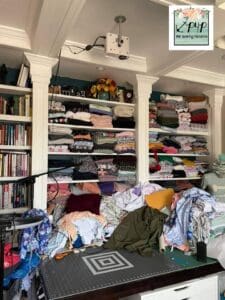
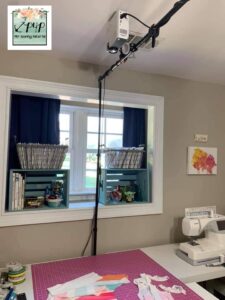
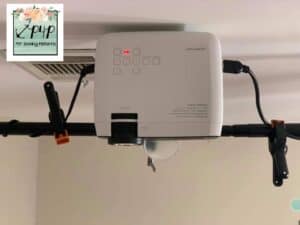
Some of the other admins at P4P have kindly taken some photos of their projector setups, to give you an idea of how people are using these new sewing tools!

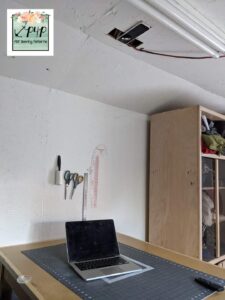
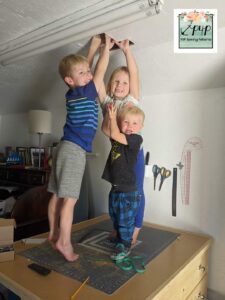
• Bekah uses a GooDee Wifi mini projector, with a short throw.  She has about 4ft from ceiling to cutting table and so she chose to sink the projector in a recess cut into the ceiling space of her sewing room.  She gets a cutting space of about 24″ x 36″.  Her installation team were very hard workers!


• Lizzy has an Ultra Short Throw Epson 585w Powerlite mounted on a stand at the back of her cutting table.

• Trissa uses a Vivimage Explorer 2 connected to her Mac laptop with a 3rd generation Chromecast.


• Rachel has an Apeman projector mounted on a backdrop stand, for a non-permanent setup option.


So you can see that there are lots of different options out there for you to consider.  My thanks to all my Pirate shipmates for their help supplying pics and setup details.


Watch THIS VIDEO to see my projector setup in action as I go through turning it on, calibrating it, selecting options and demonstrate cutting using a projected image.


The most important thing about using your projector is that you will need to calibrate it to make sure it is projecting at the correct size. Otherwise you will find that your pattern pieces are too large/small and your garment will not fit. 


First of all you will ensure that your projector is casting a correct rectangular shape, with 90° right angles at the corners. This shape can be adjusted by either moving the projector itself, or using the Keystone adjustments on the projector settings. You may also need to adjust the focus as well.


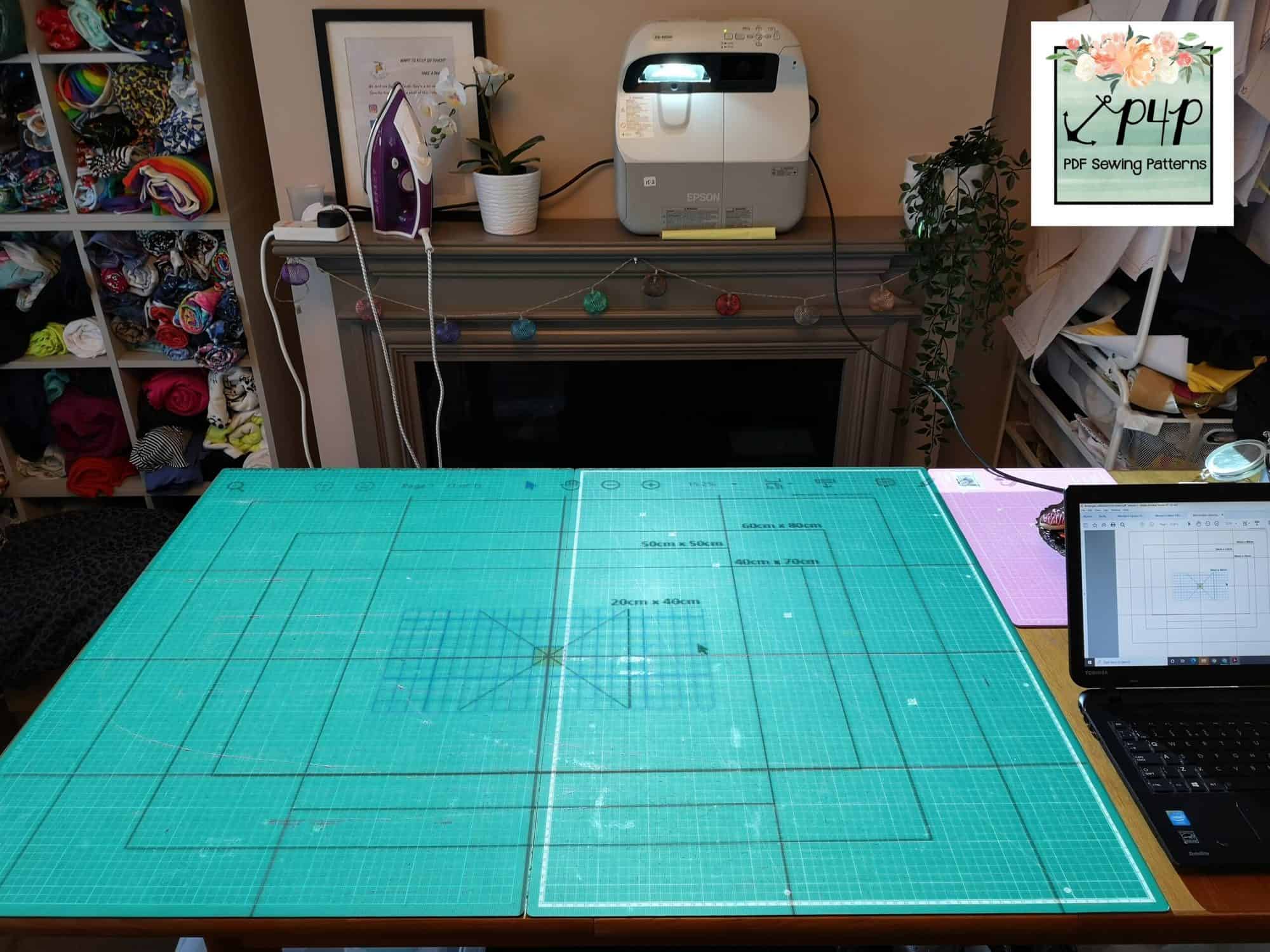
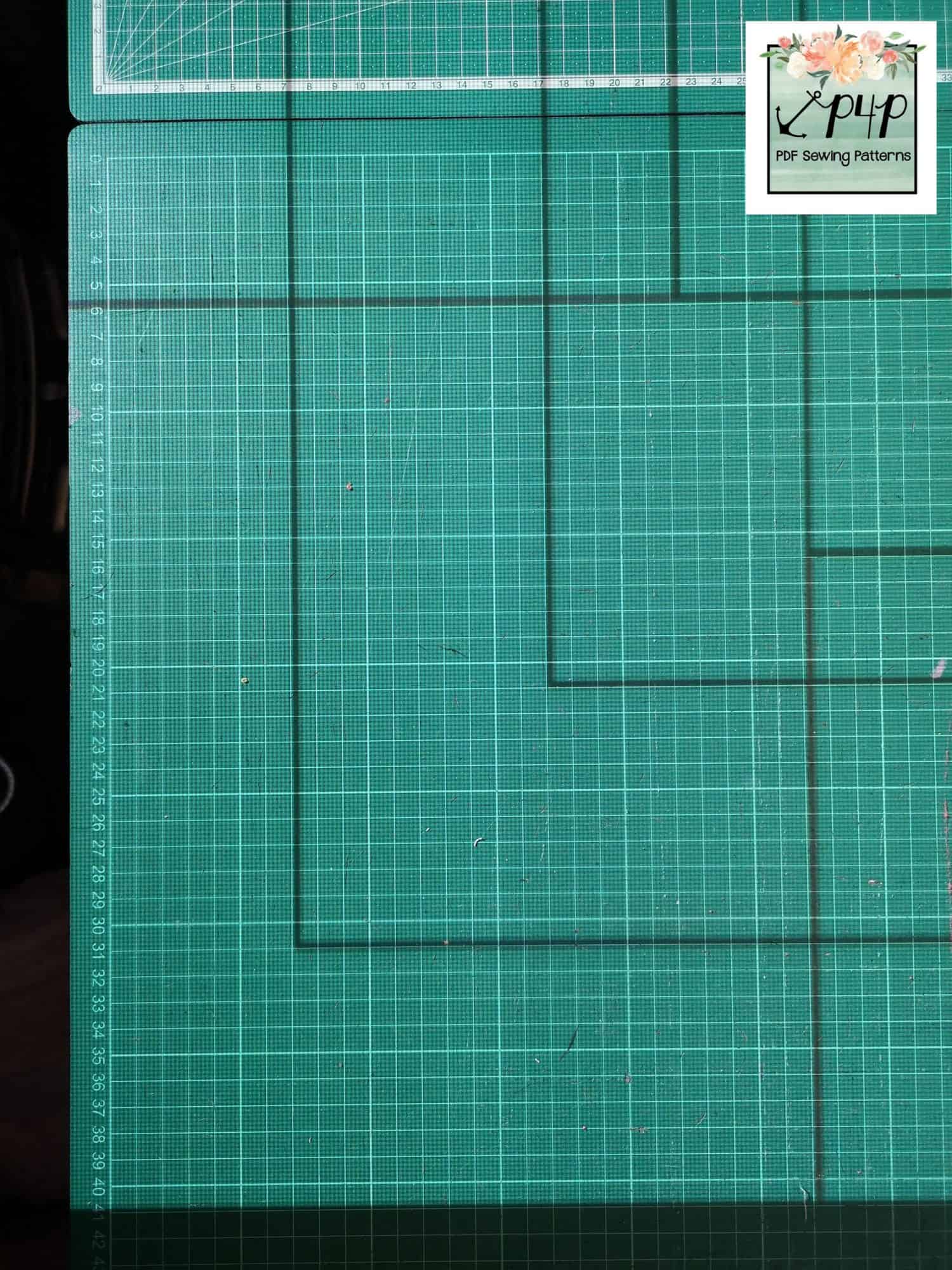
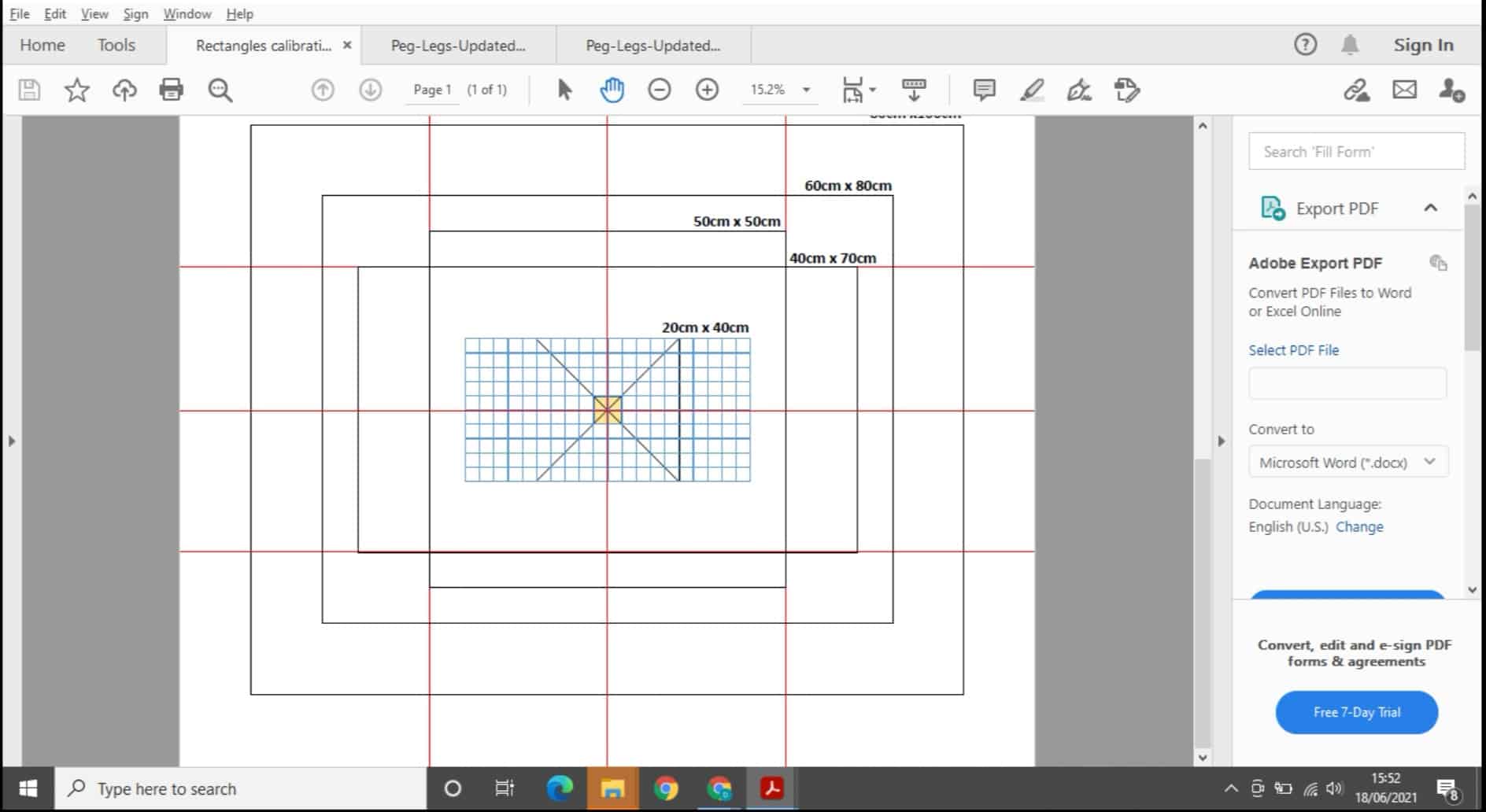
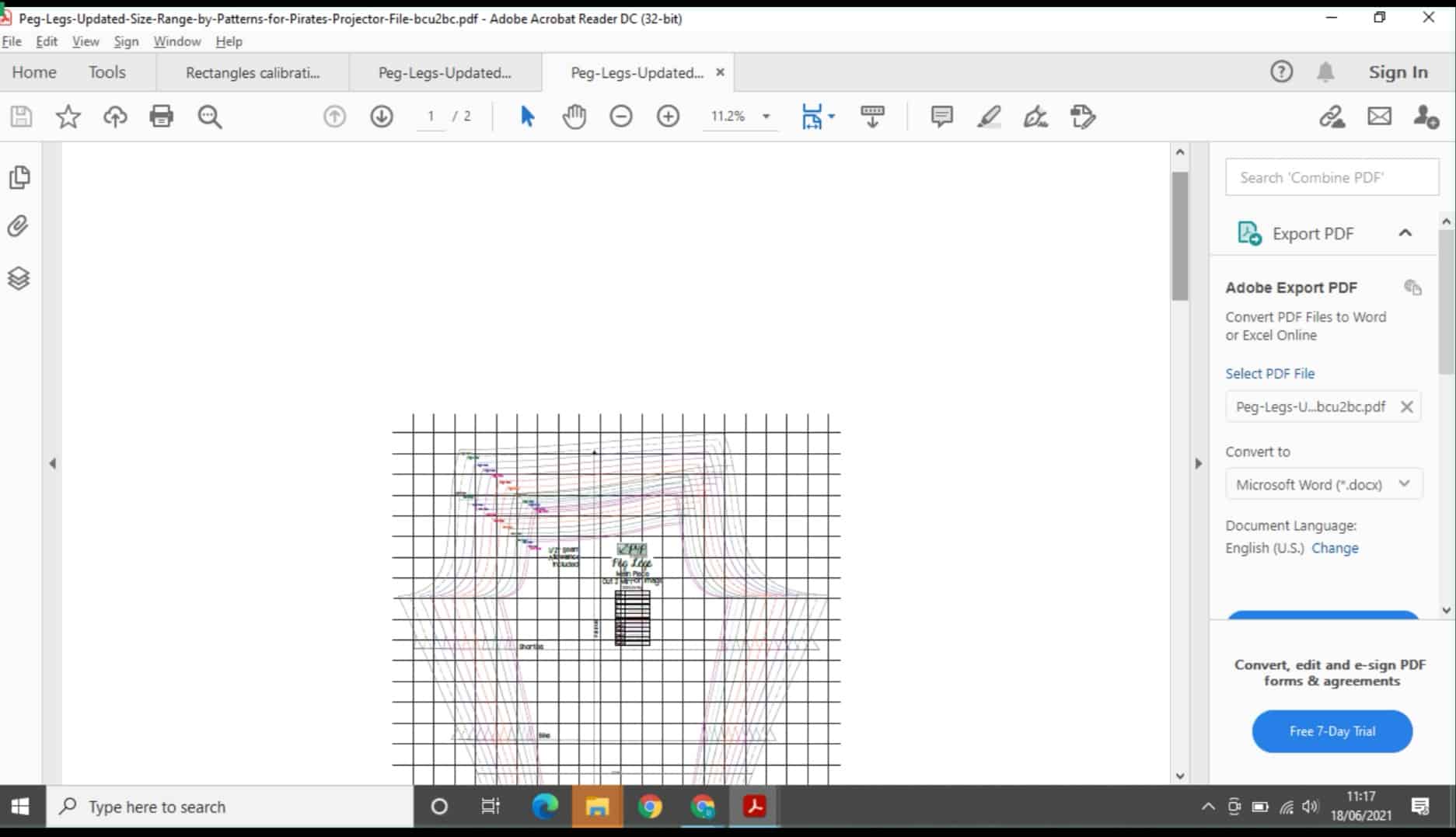
Next you will adjust the zoom on Adobe Acrobat to make sure that the pattern pieces being projected will be the correct size. The Facebook group, Projectors For Sewing has a lot of information that will help guide you through this process, which has kindly been provided for free by the page admins. It includes several calibration grid files, which you can download and bring up in Adobe Acrobat. Here is a screen grab of my laptop displaying one of the calibration grids that can be used.  Each line is a certain length as indicated on the grid, and your projected image has to be adjusted so that the projected line measures at the correct length.

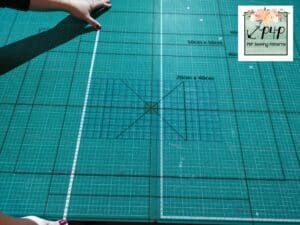
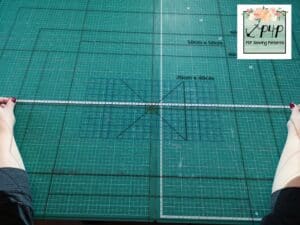
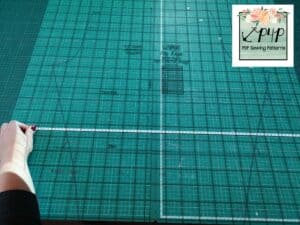
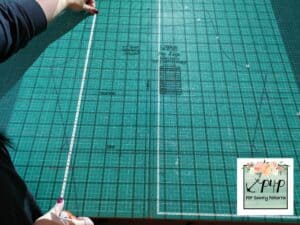
These calibration grids will help you adjust the zoom in Adobe to the correct scale, by measuring the lines on the boxes once they are projected onto your cutting table. If the projected line measures 90cm on your tape measure, for example, and the grid says it should measure 80cm, you will need to decrease your zoom to make the image smaller.  There is a little trial and error to start with, but it’s pretty easy once you understand the logistics of it. Once all the lines measure the correct size, your projector is calibrated.   I use a centimetre grid as I am in the UK and use metric, but there are also imperial options too.  You can watch the video linked above to see me doing this live, and see some stills below:


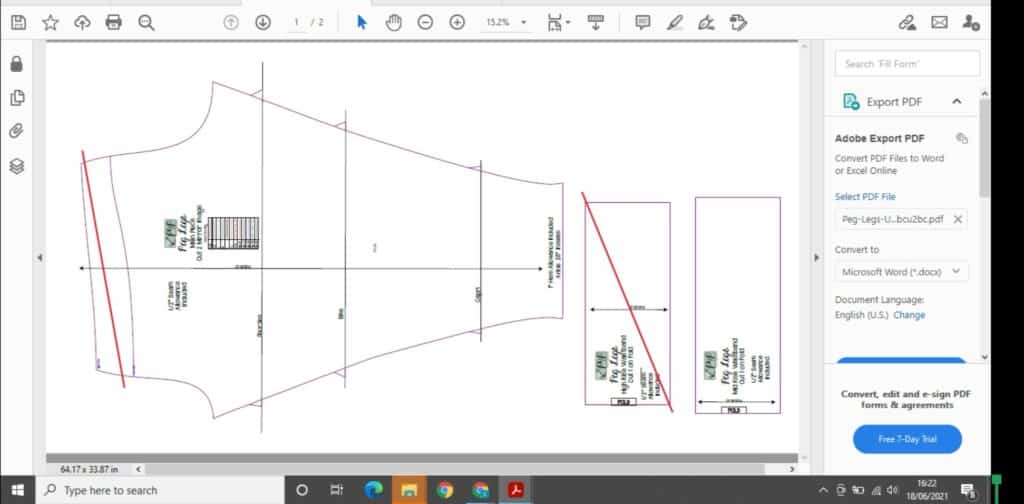
My machine stays in place on the mantelpiece, so I do not have to re-calibrate every time I turn it on. I set the zoom to the correct setting (which for me is 15.2%) and then just measure off a couple of lines on the calibration grid to make sure nothing has shifted. 


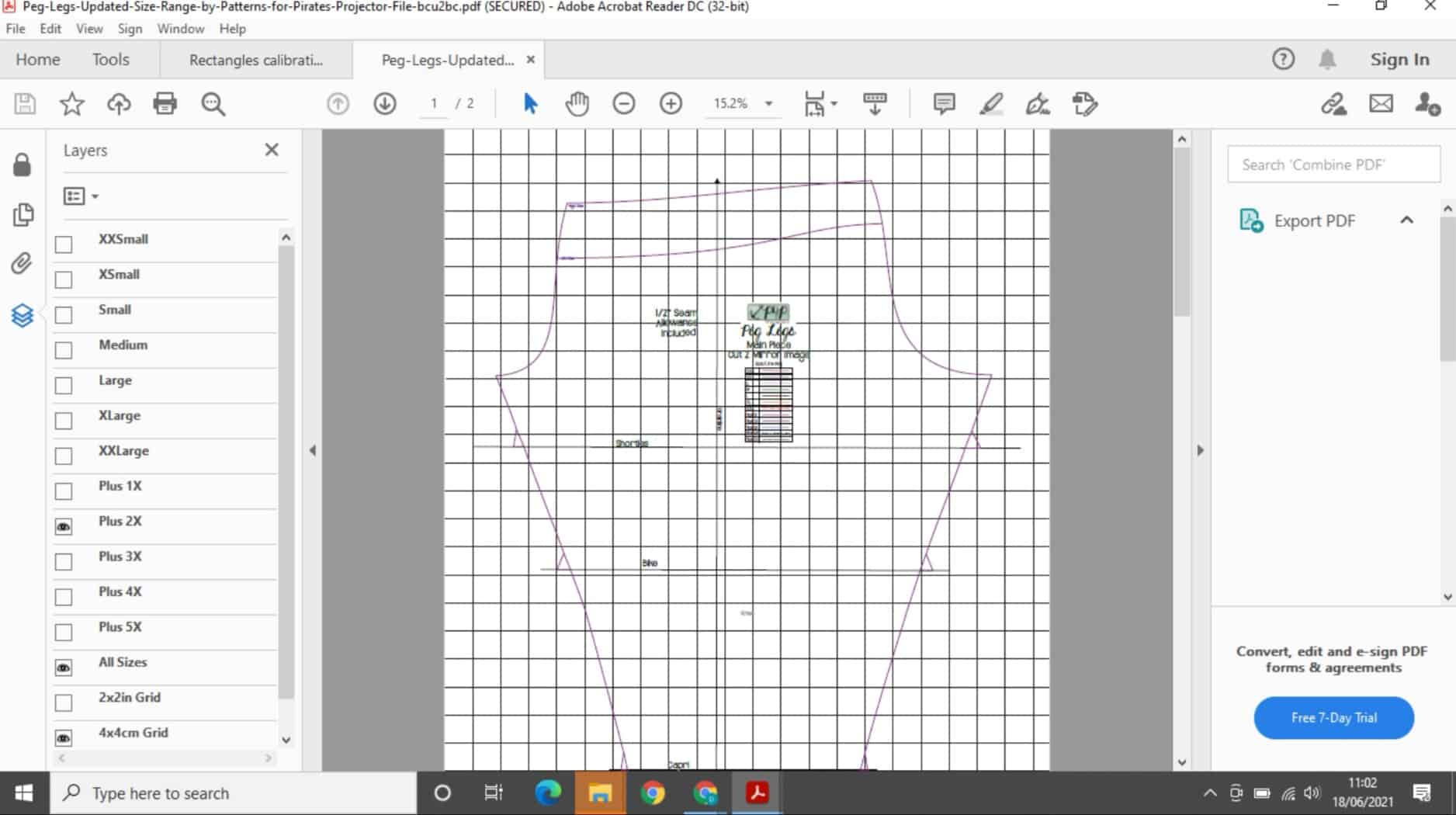
When you open your P4P projector file, you will see two options at the bottom of the size layers, 2x2in grid and 4x4cm grid. These will bring up a grid which measures either 2×2 inch squares or 4×4 centimetre squares, superimposed over your pattern pieces.

You can then sit your tape measure or quilting ruler next to these to ensure you have got the right setting on your zoom, also. It is important to check the measurements at the top, and the bottom of your projected image, in case the projection has tilted in some way. 


You do not need a projector file, however; some of our older patterns produced before this new projector craze have a layered A0 file, and this can also be used to project your pattern very effectively. The differences will be that the A0 file will not have the sizing grid option included, and the lines on the projector file are a little thicker and easier to see. 


There are many great benefits that you get from using a projector for sewing. The time saving aspect of not having to tape/glue pattern pieces together or cut out paper patterns is astonishing. Plus you will be saving a massive amount of paper from your recycling bin. It’s great for being able to quickly cut out multiple sizes of the same pattern, for siblings etc. 

You will save money on ink and paper too, and at £30 for a cartridge of ink for my printer every few months, it quickly adds up to a cost saving overall. 


I find it easy to mash patterns by cutting/drawing part of the pattern out using one pattern image, and then flipping into the next pattern pieces to draw/cut the remainder.


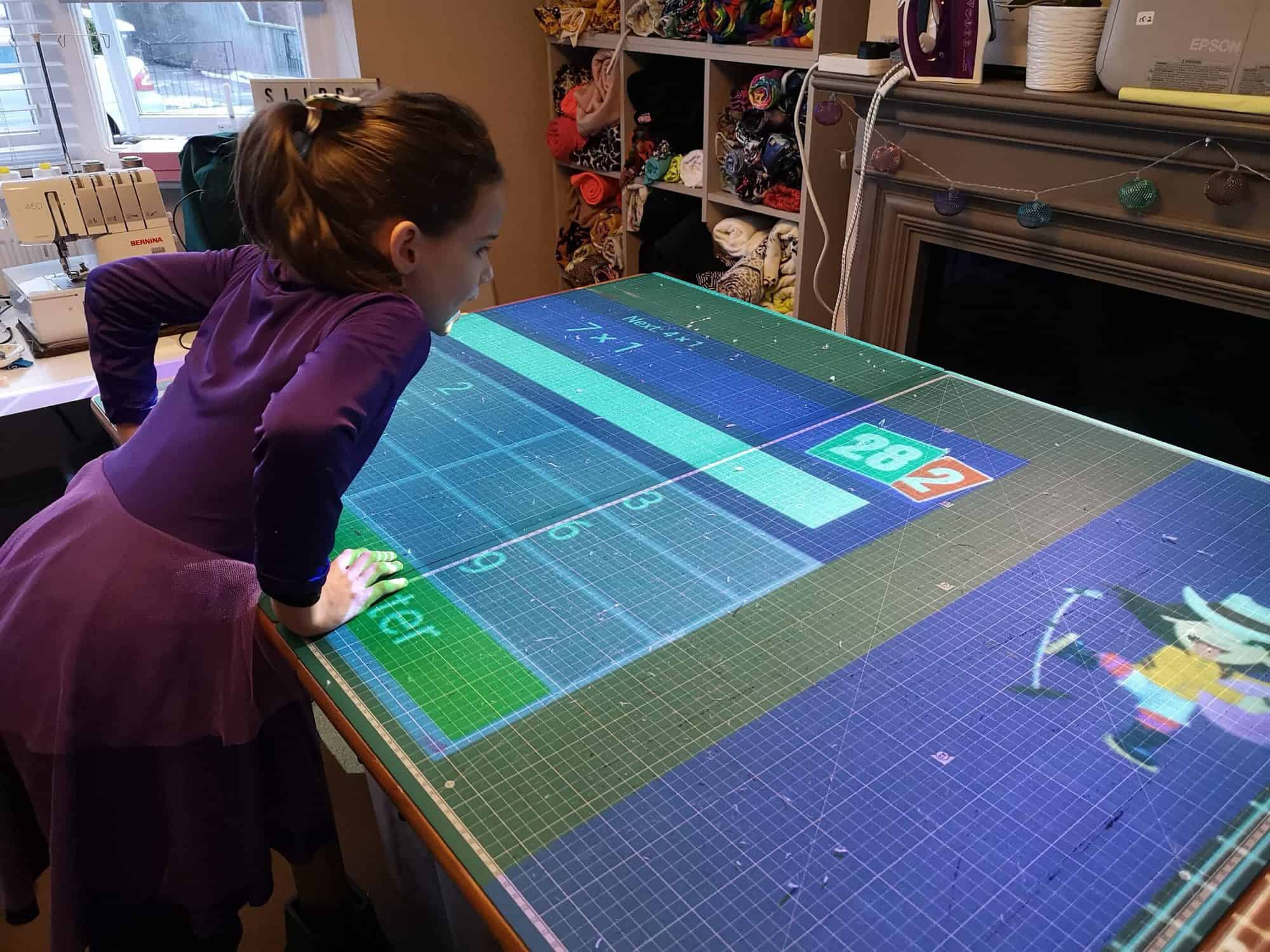
You can use it for other things too, we had great fun during homeschooling, projecting my daughter’s maths and spelling homework onto my cutting table, which she really enjoyed. A lot of people use their projectors for home cinema setups, too. Just remember you will need to re-calibrate it afterwards, once you get it back into position. 

If you make lots of pattern alterations, like full bust adjustments, sway back adjustments etc, you may need to get to grips with a software called Inkscape, which allows you to make adjustments to the pattern pieces digitally. Alternately, some sewists like to use their projectors to project the pattern image onto tracing paper, and then make adjustments to the paper pattern pieces as they go. Some adjustments can be made on the fly as you project, just by marking the pattern in a specific location, and then sliding your cutting board along the table to a new position, and then cutting again, but more advanced adjustments will need to be done in one of the ways discussed above. 

With my projector, because the projection area is so large, sometimes I have to add a buffer of blank space around my pdf pattern so that I can manoeuvre it into the right place on my cutting table.  I use a website called sedja.com to do this, and you can find full instructions on how to do this in the helpful files on the Projectors for Sewing Facebook page.  I like to add a 25 inch buffer on every side.  If you’re not sure what I mean here, the video linked above will show you how this works.


The only other downsides I have so far come across, is that if you do not note what adjustments you have made to a pattern then when you come back to it later, because you may not have a hard, paper copy to refer to, you will have forgotten what you did. For example, my daughter is tall and slender, and I always have to grade sizes for her. At the moment she is an age 8 height, 5 waist and 6 hip. I might make something for her and love the fit, but if I don’t note down what grading I did, if I want to make another I will have forgotten.   You can add notes to your pattern on Adobe Acrobat however, just remember to make them!


Sometimes it is also difficult to see which pieces to cut when looking at the projected image, as the text may be a little blurry. I find that if I turn on the tools and comments section, I can use a large red line to score out the pieces I don’t need to cut, so I don’t get confused when cutting out. 


The only other downside? Sometimes, especially in the middle of summer, the fan on the projector can kick out quite a lot of heat.  I cut out a pattern wearing a bikini during a particularly hot spell last year!


Overall, it’s a fantastic tool to have in your sewing arsenal, the time and money saving aspect alone is enough to make it worthwhile to give it a go. I certainly haven’t looked back. 

I would recommend doing a lot of research before you dive in and make a purchase. There is a vast amount of information on the Projectors for Sewing page, and I would recommend joining  and seeing what setups people have to get a little inspiration. 


Hopefully this has helped you get an idea of how projectors can be used in your sewing room to help you and maybe inspire you to join this growing community.

Happy Sewing!

Dana x


Dana is a sewing teacher and fabric fancier living in Suffolk, UK.  She specialises in plus size womenswear and funky kids clothes, and she loves testing and blogging for P4P.  You can find her at The Slippy Chicken Company

Filed Under: P4P University 18 Comments

Infinity Wrap – easy hacks

June 4, 2021

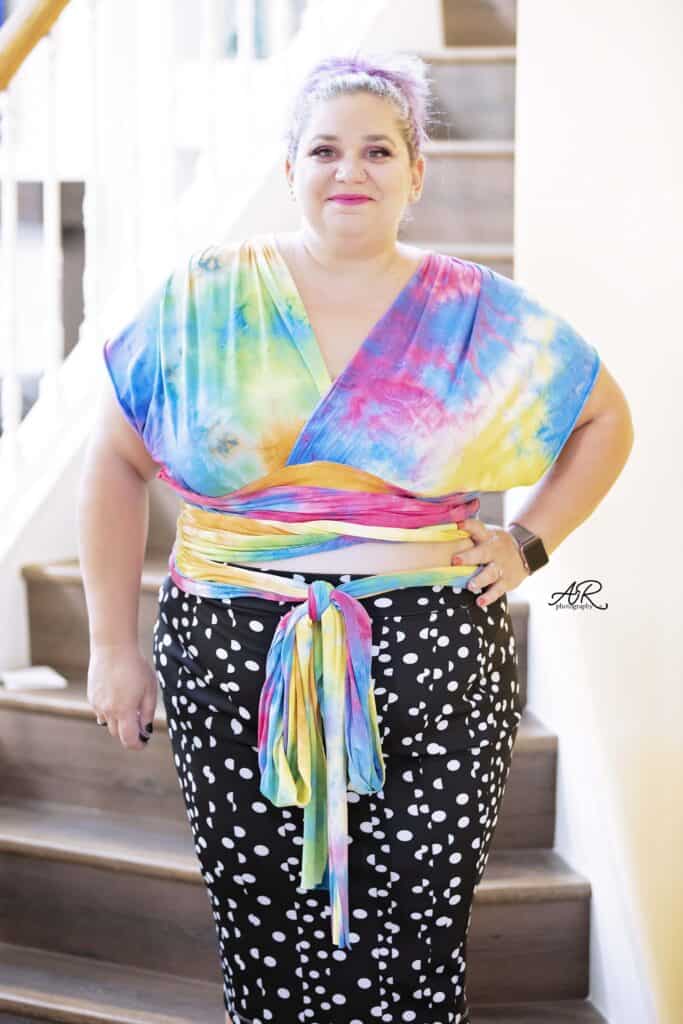
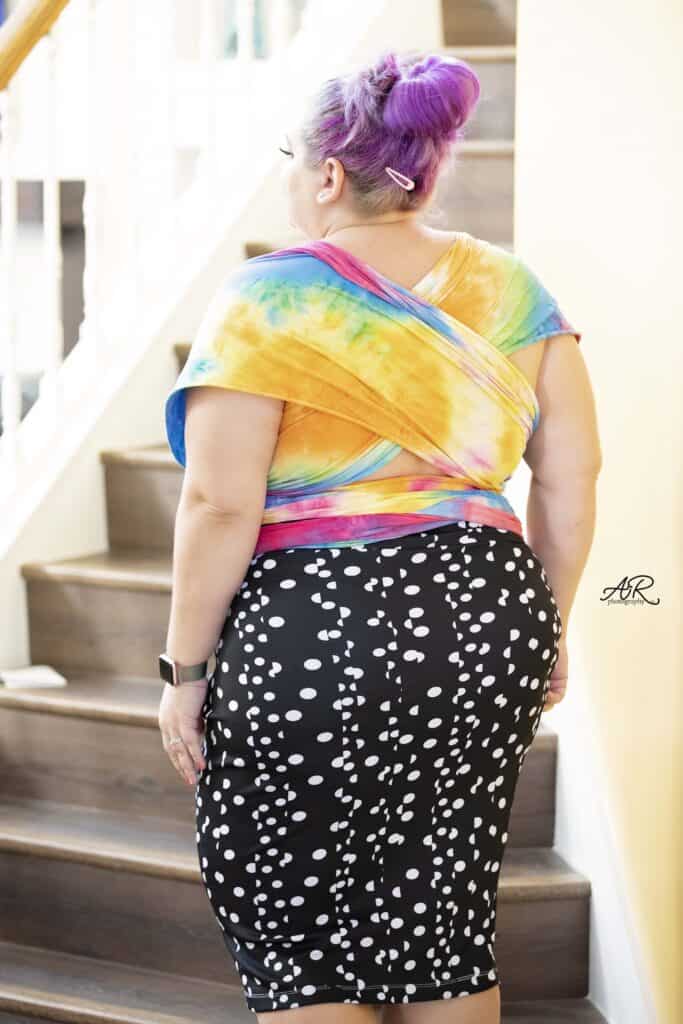
Infinity Wrap is here! As with the rest of the P4P patterns, this one is definitely not lacking in options. With this release hack blog we wanted to show you two easy mods you can do to the pattern. First off, I will slim down the straps to a tapered end. Second hack will be a crop option. You can use both on the same Infinity Wrap or just one.

…..

Tapered Straps

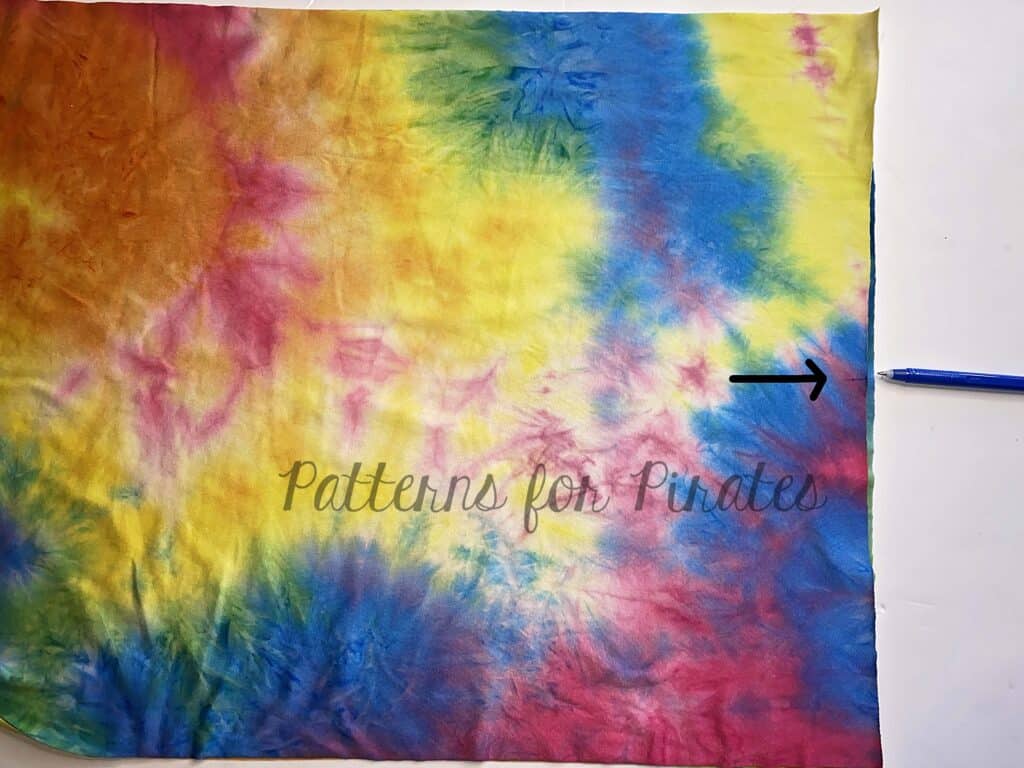
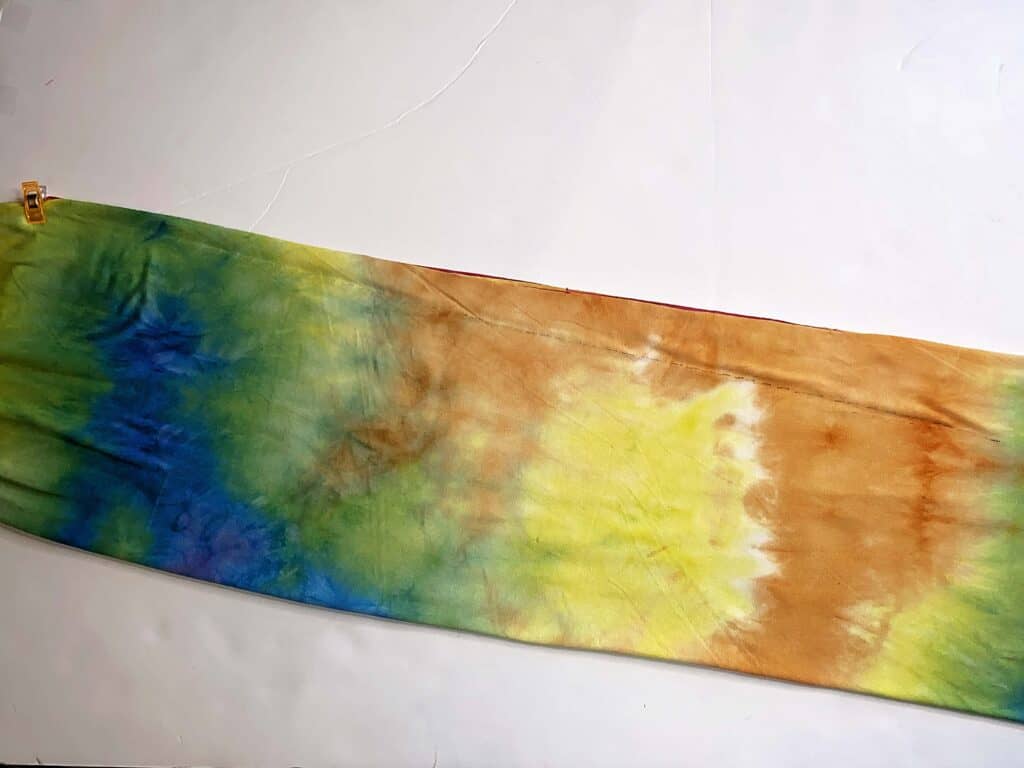
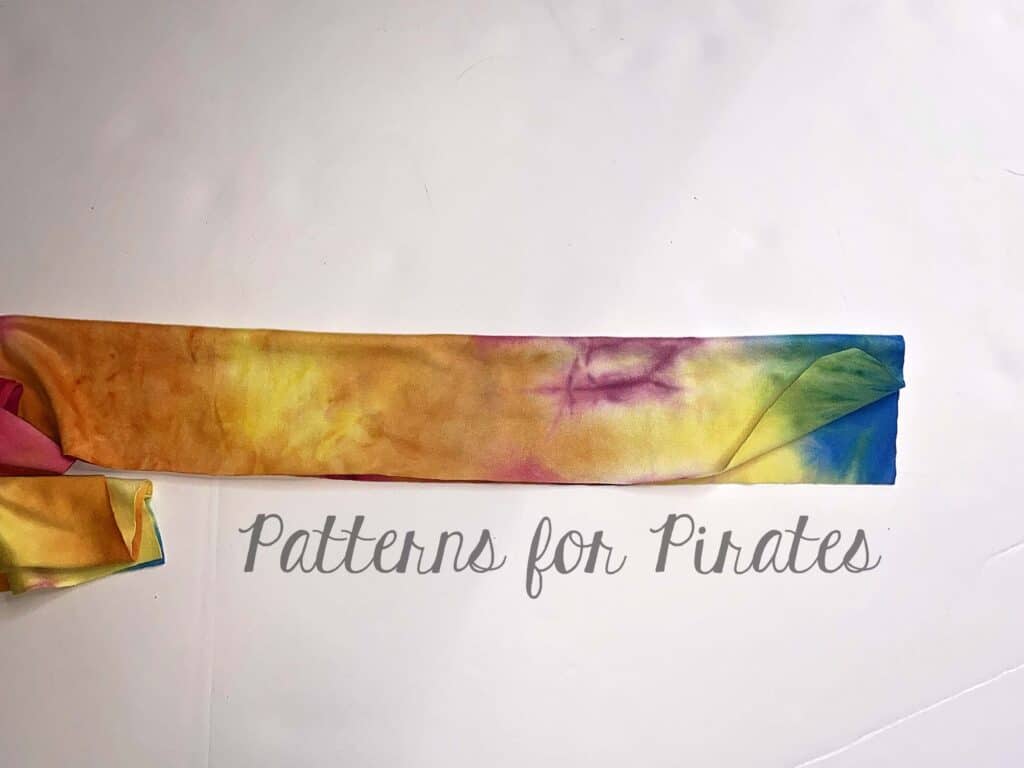
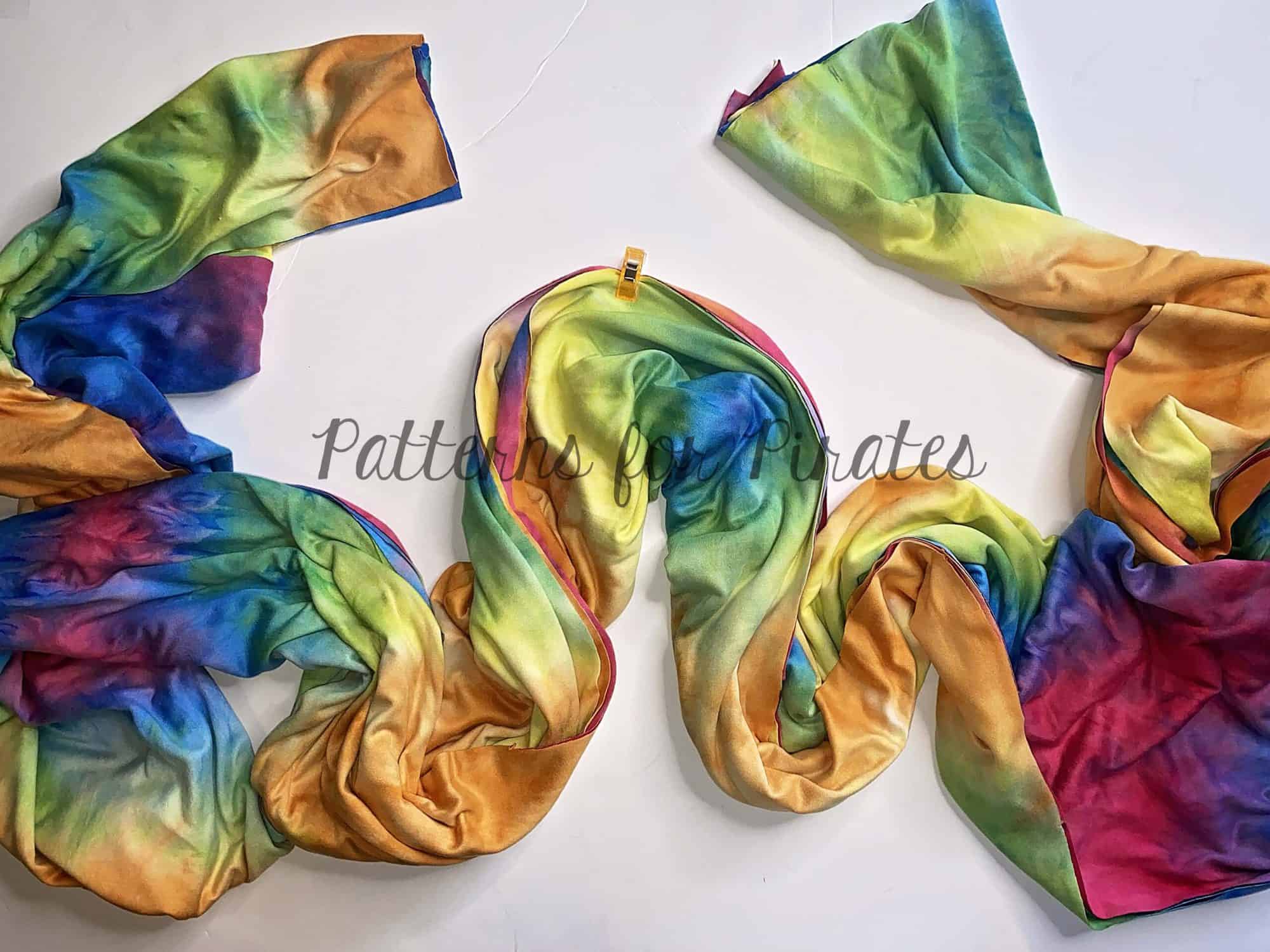
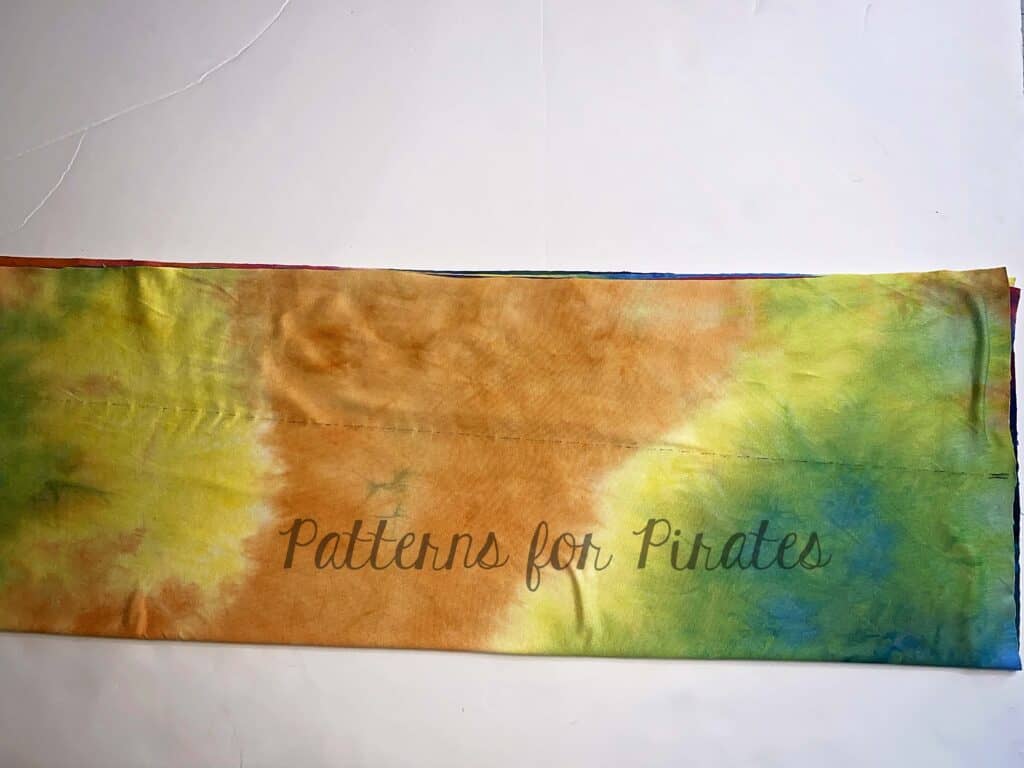
The Infinity Wrap features long wide straps that you can wrap in various styles. But what if you want the straps to have less bulk towards the ends? Well… easy! Let’s taper them. Place both straps on top of each other (so we can make only one mark and one cut). Find the center of the short end. Fold the strap length wise at the center. We will now mark the center of the folded piece.


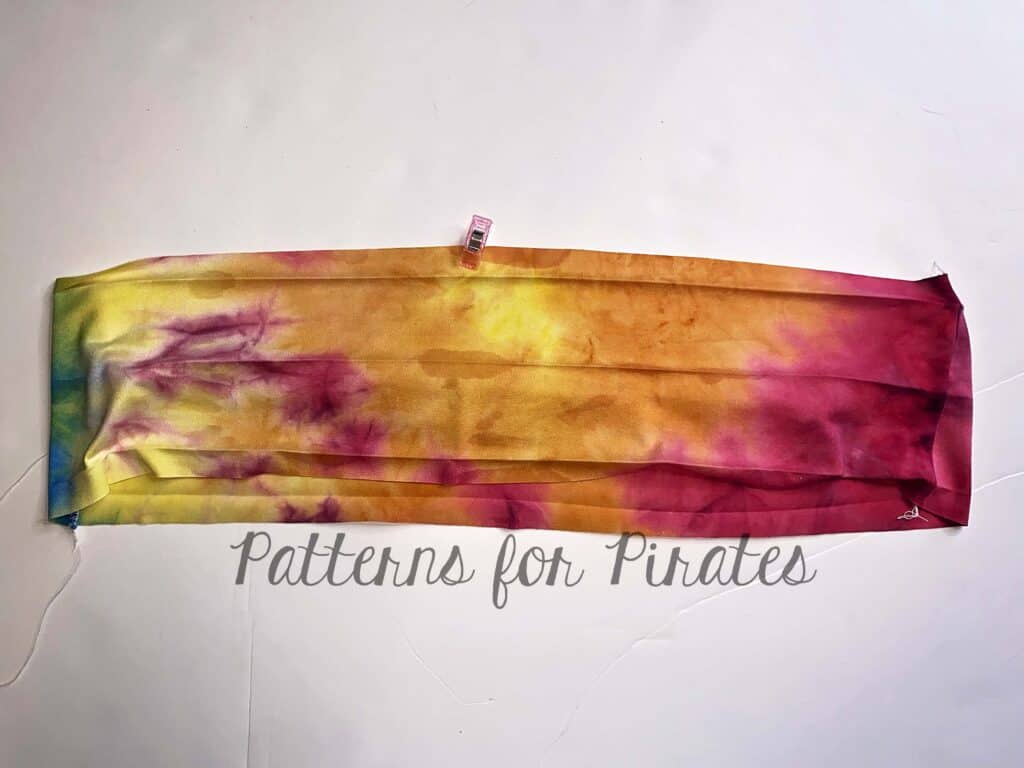
Mark the center of the long side of the straps. I used a clip for this step.

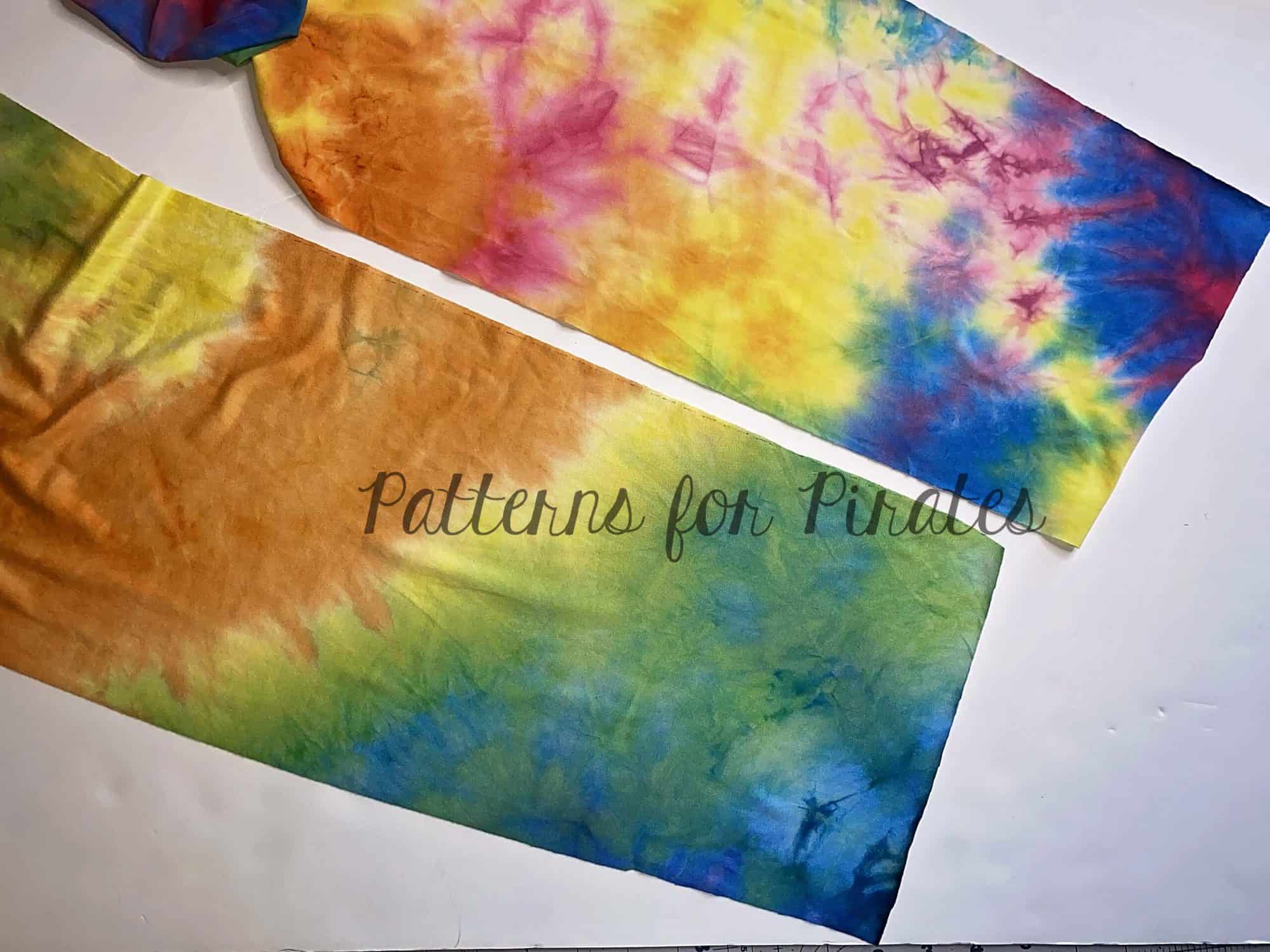
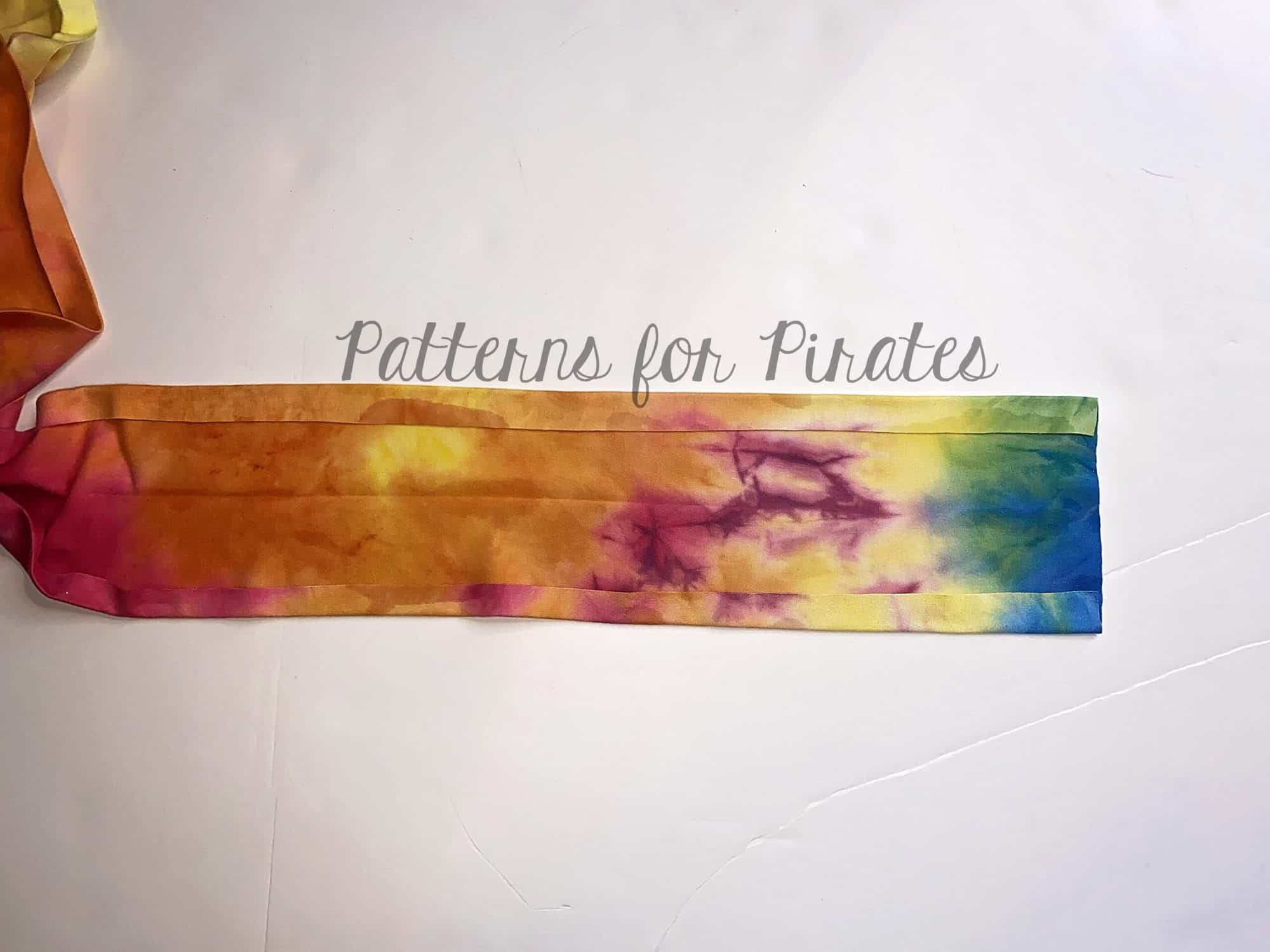
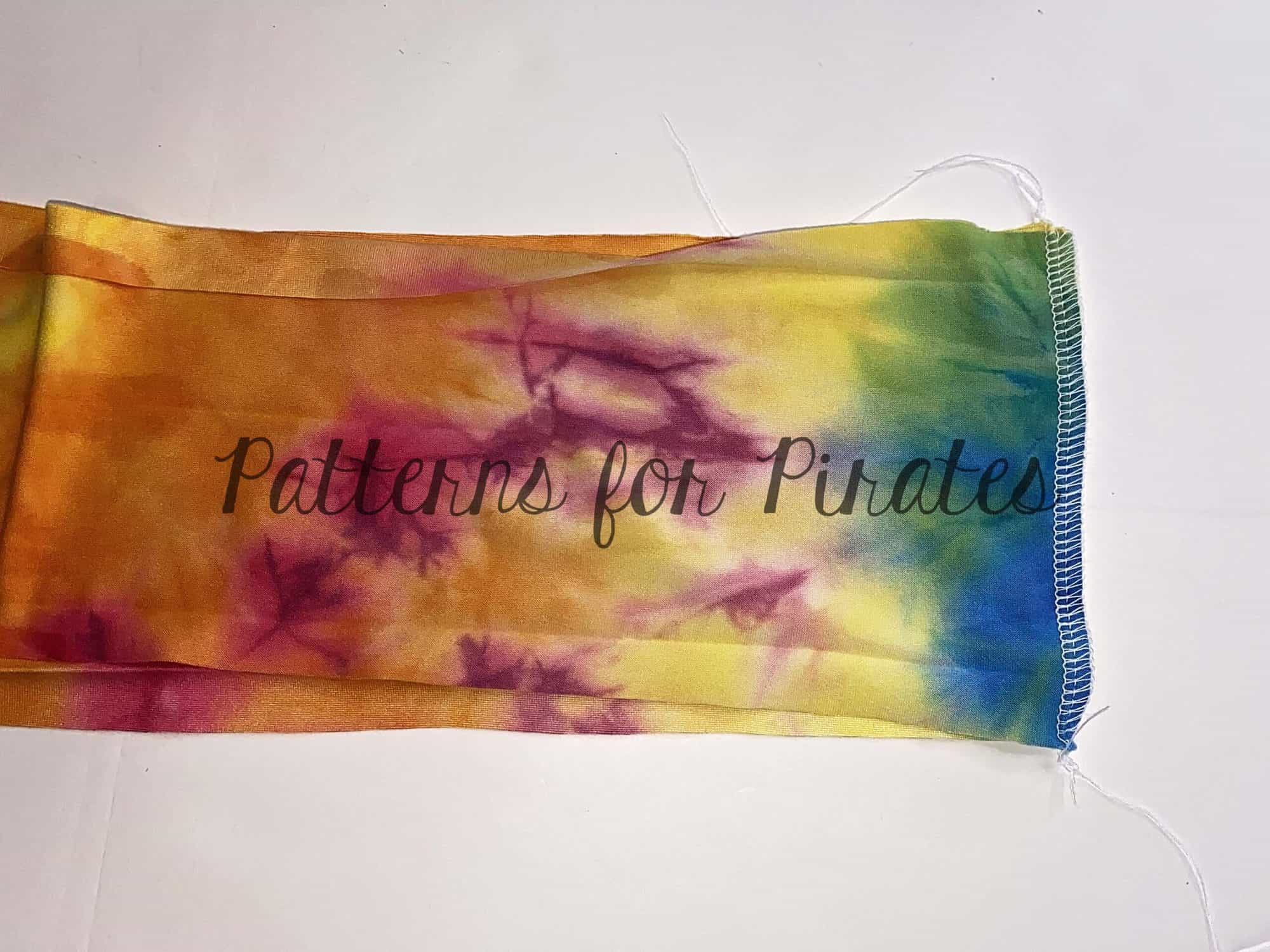
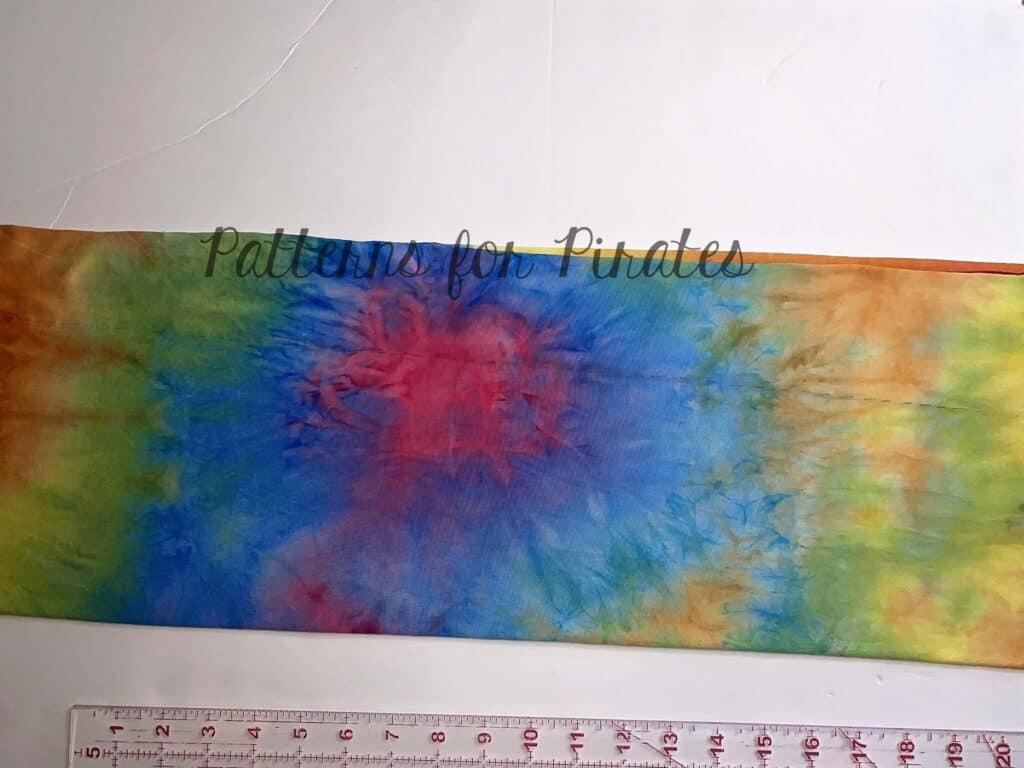
Lay the folded straps on the table. Make sure they are all nice and wrinkle free. Draw a straight line from the center of the folded short end to the center of the long edge. Using a quilting ruler and a rotary cutter, cut along the drawn line.


That’s it! It is that easy to make a tapered strap.

…..

Crop Top

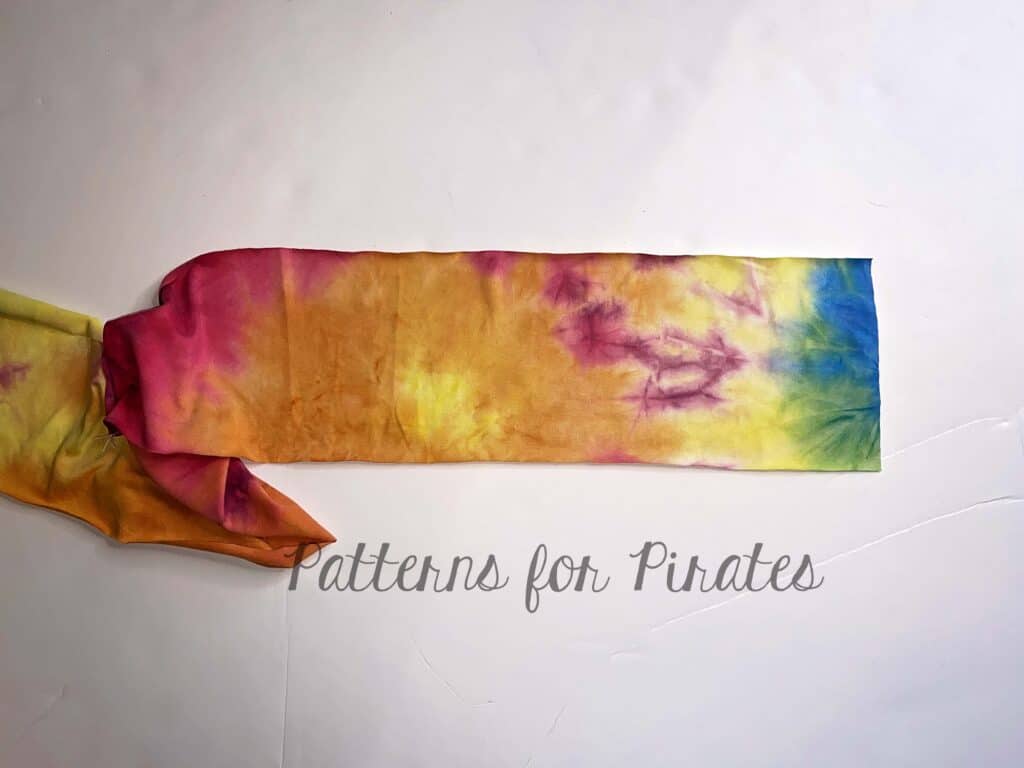
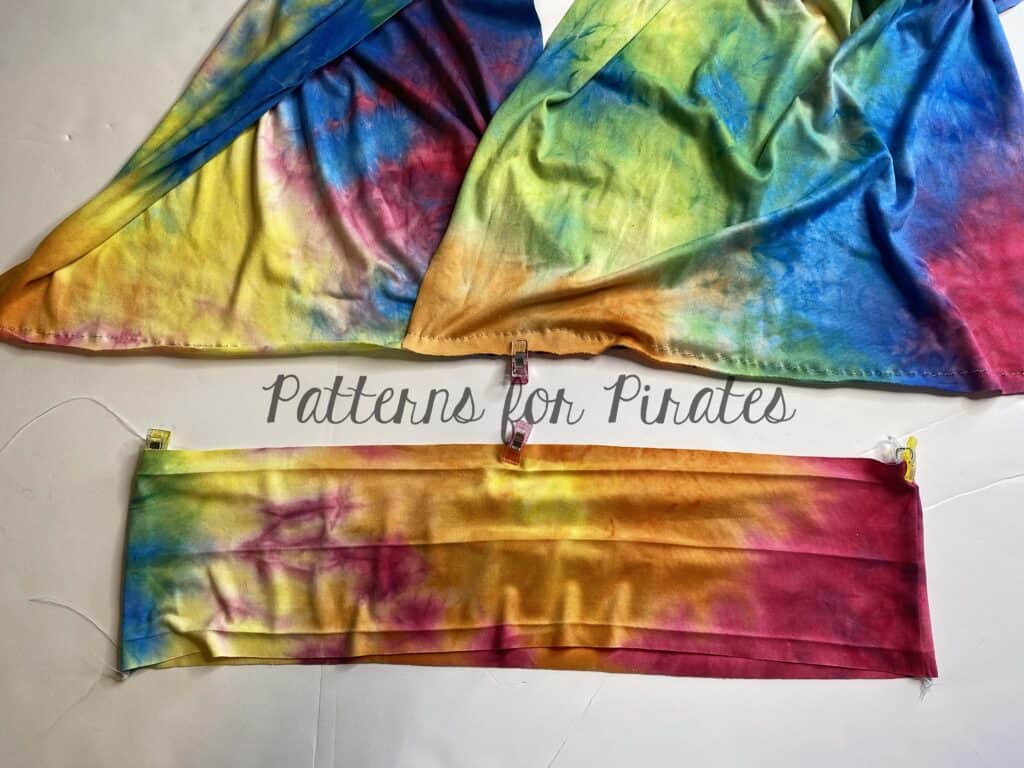
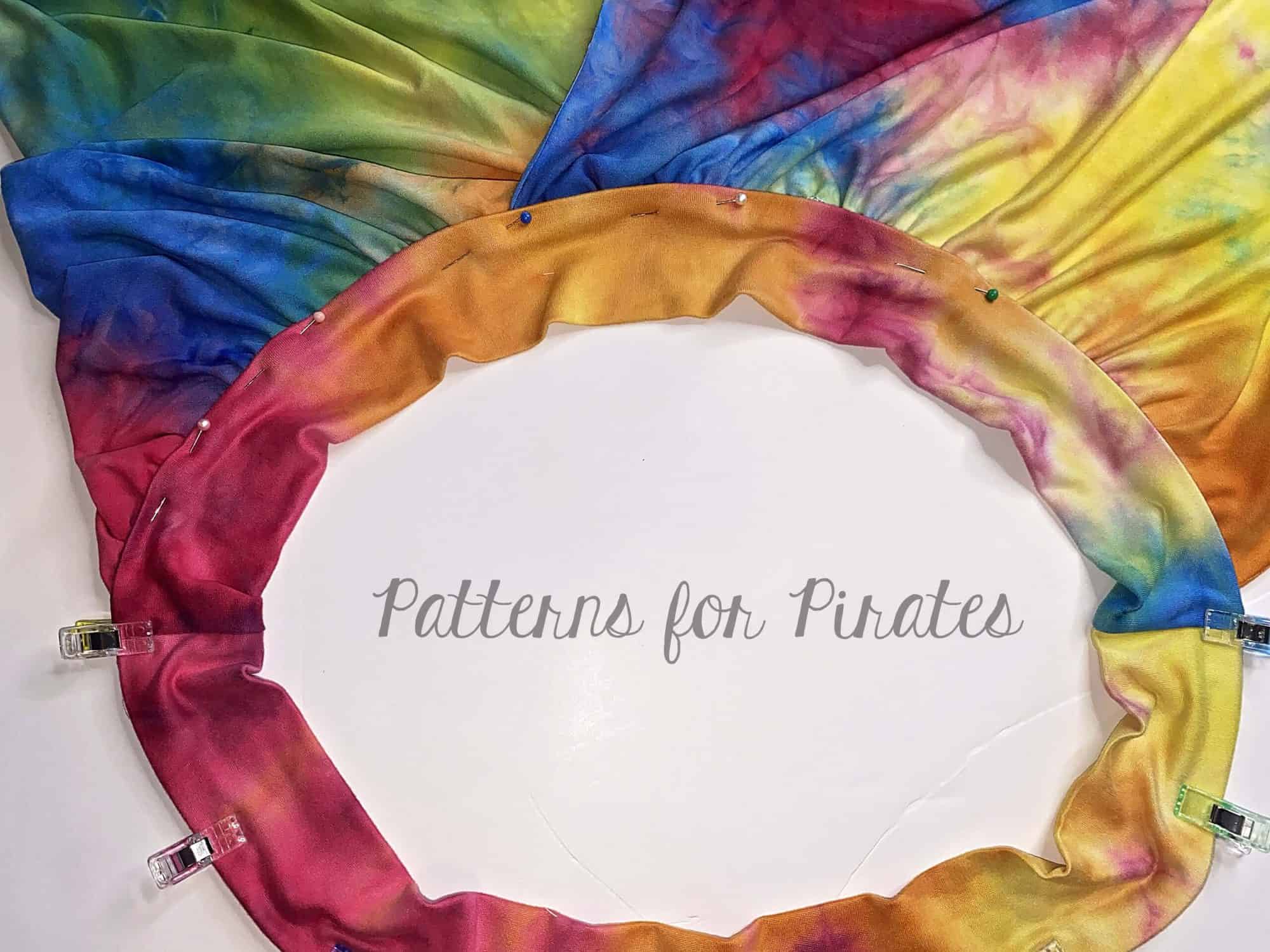
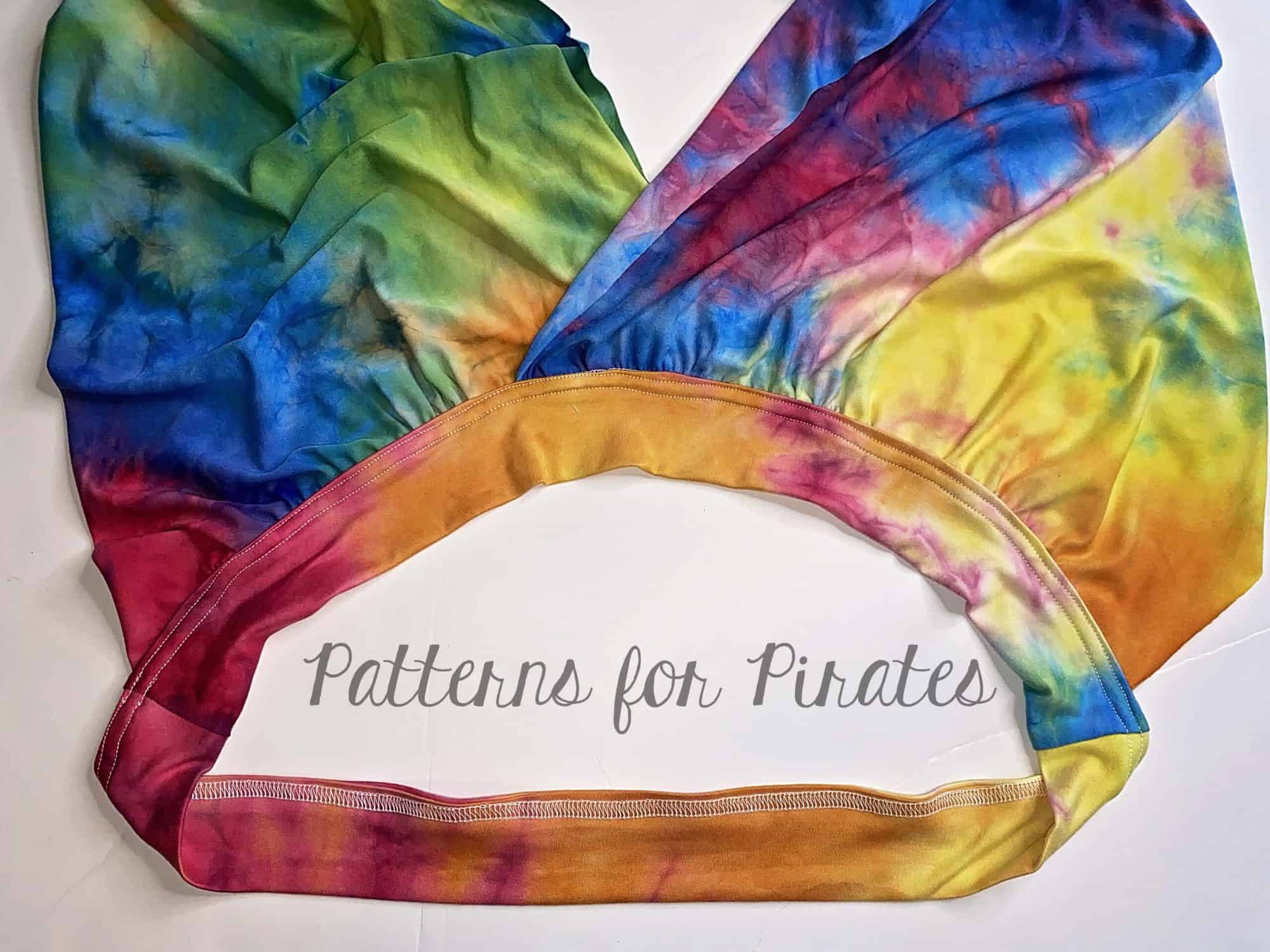
Now let’s make  a crop top! Start by cutting the straps as per the tutorial. You will not need the pants, briefs or skirt. You do need to cut a strip of fabric, that is the length of the waist elastic. You can grab that measurement from the cutting chart.  I cut the band 5″ tall. Since I wanted to use the left over fabric I had on hand I actually made the band out of two pieces, instead of one. Press the band lengthwise.
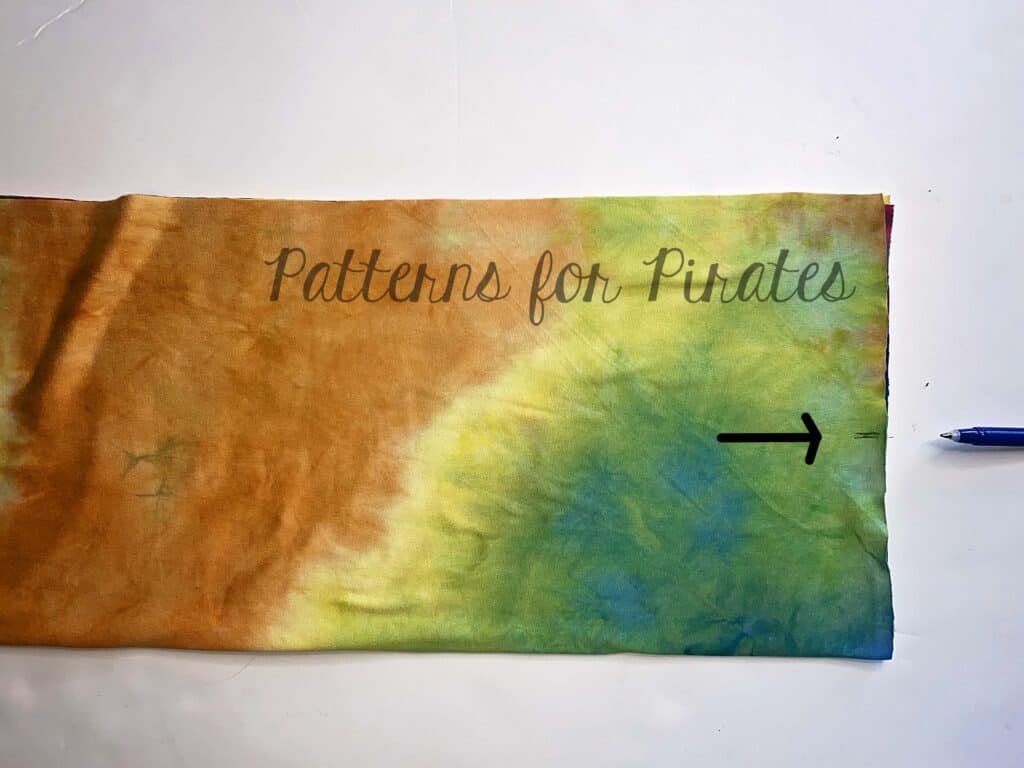

Open the band and press 1/2″ along both length of the band as shown below.

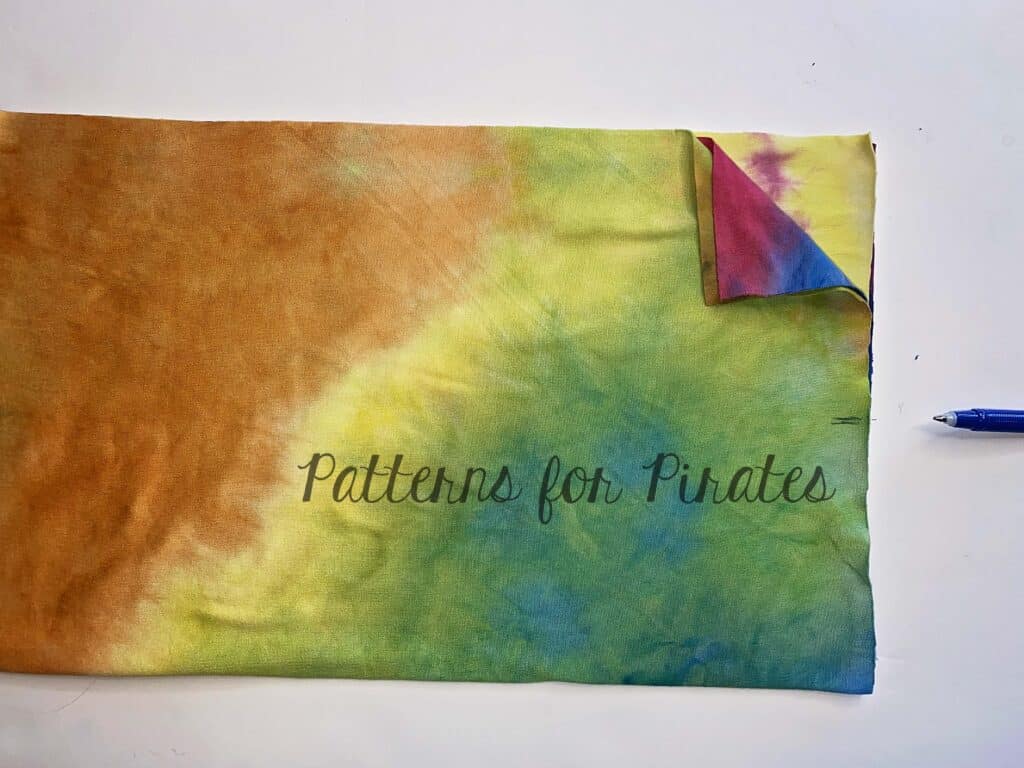
Open the memory hems. Sew the short ends of the band to create a loop.

Mark the center of the band. You will have the seam on the back if you made the band out of one piece or on the sides if your band has two pieces like mine. Create straps as in the tutorial and mark the center piece.


Gather the straps.

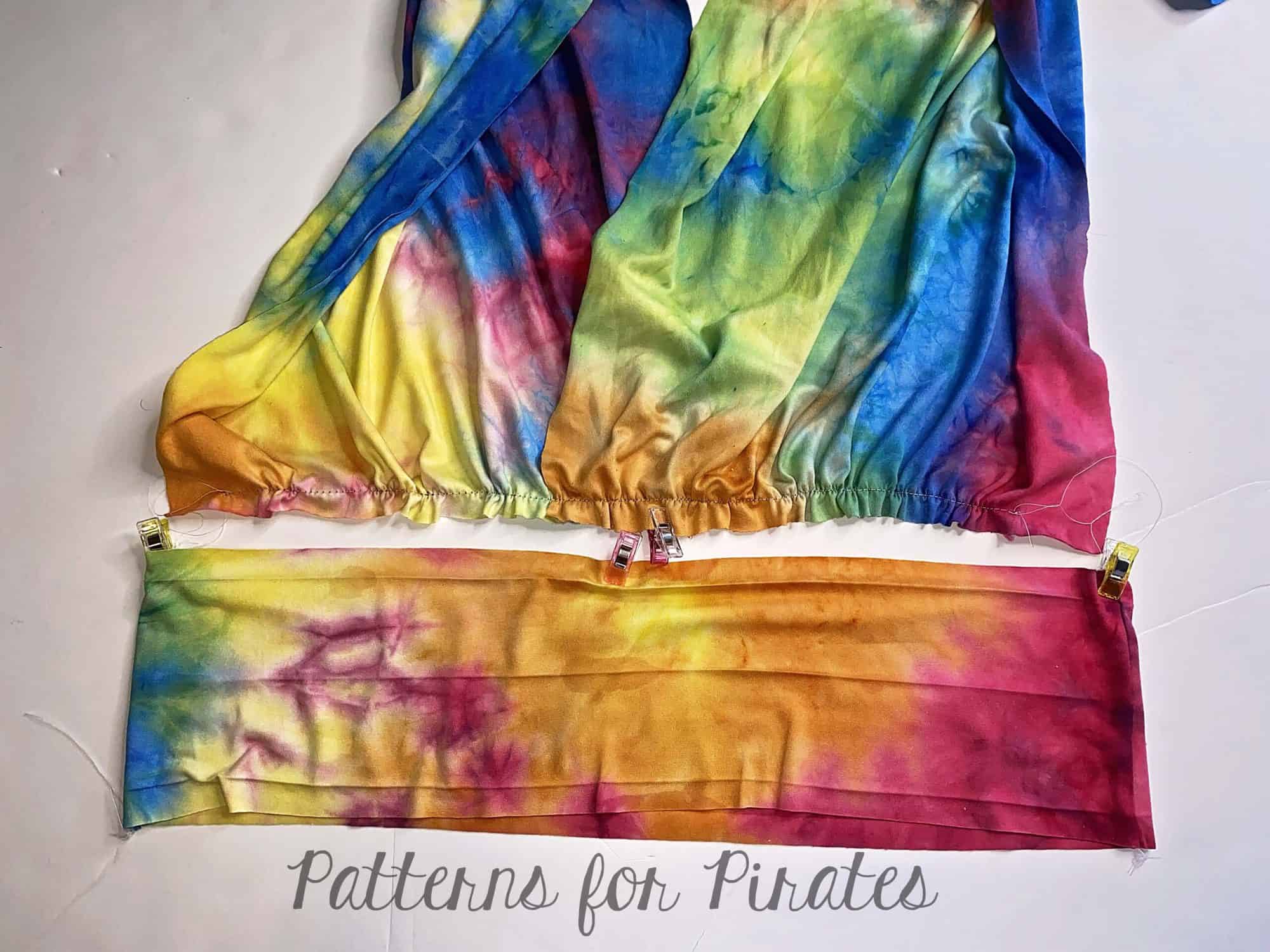
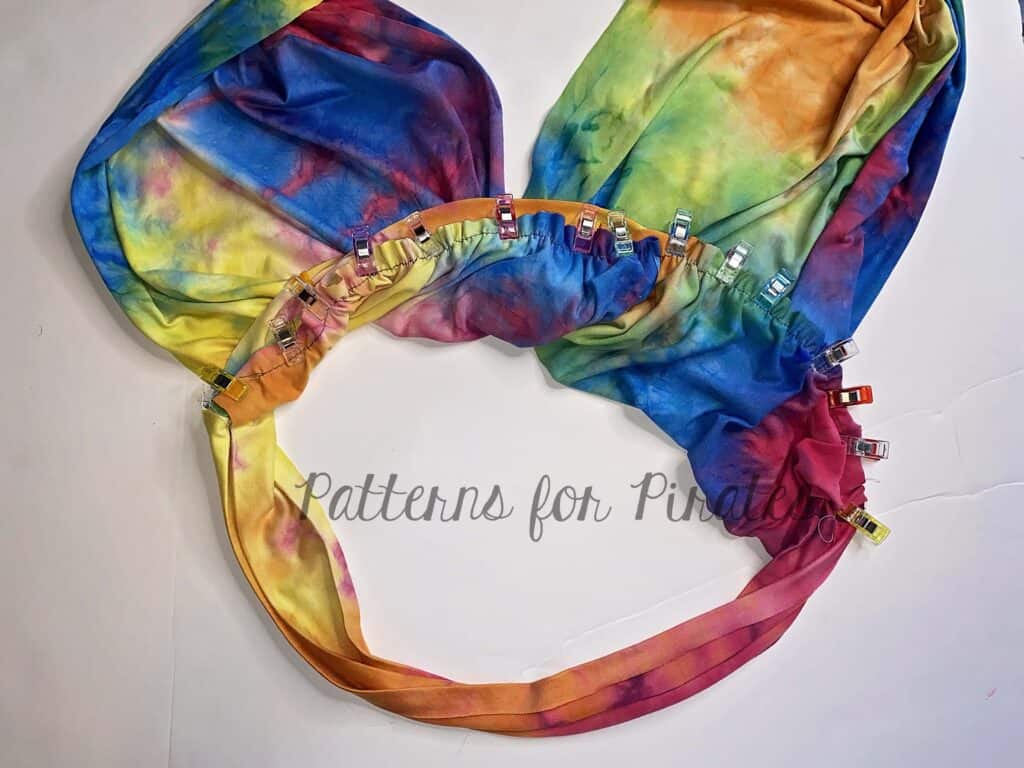
Matching the center markings pin the straps to the band, right sides together. Sew in place with a straight stitch or serger.


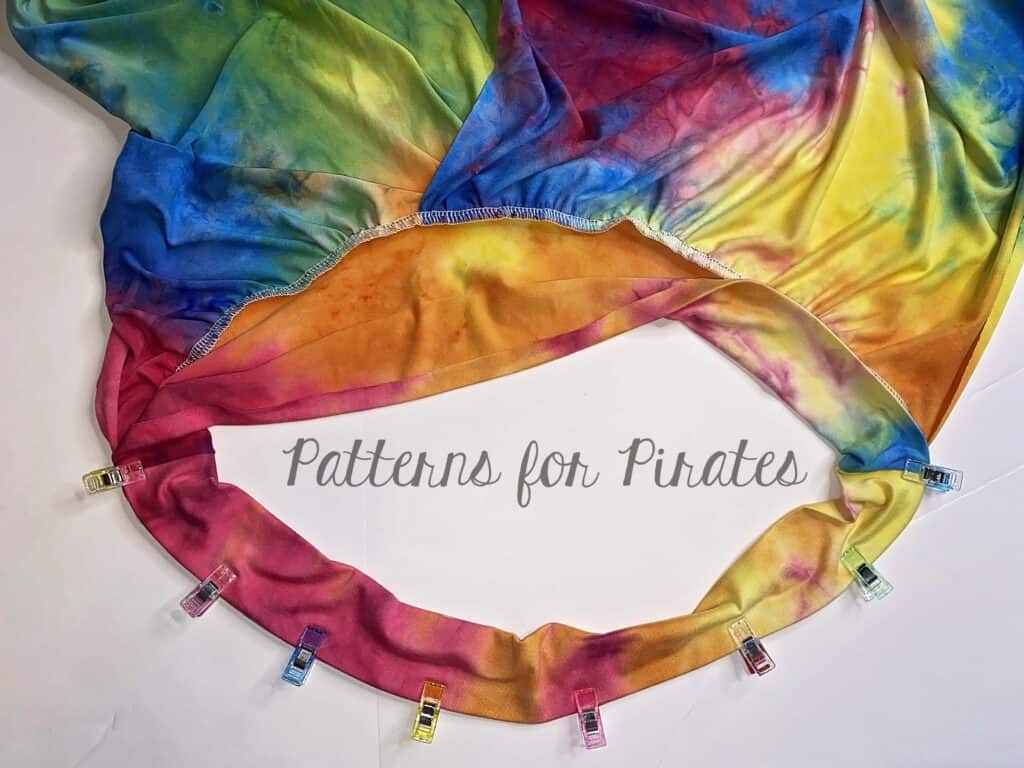
Fold the memory hems, fold the band along the center and pin wrong side together. Using your favorite stretch stitch, sew as close to the edge as possible.

TIP: if your fabric has poor recovery or you need more support, slide a 1.5″ elastic in the band.

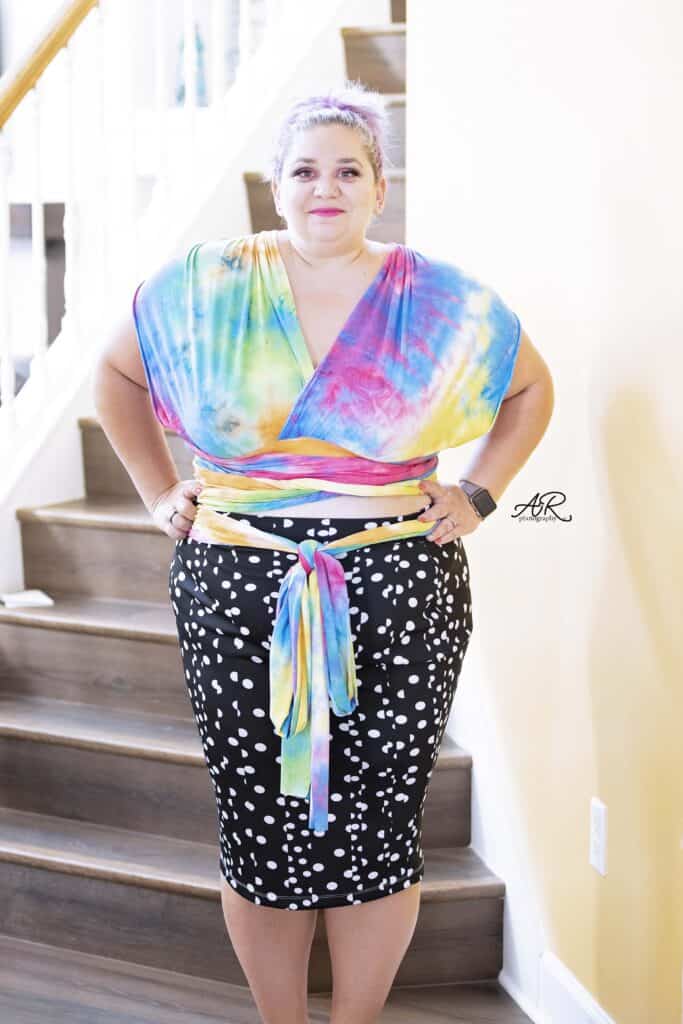
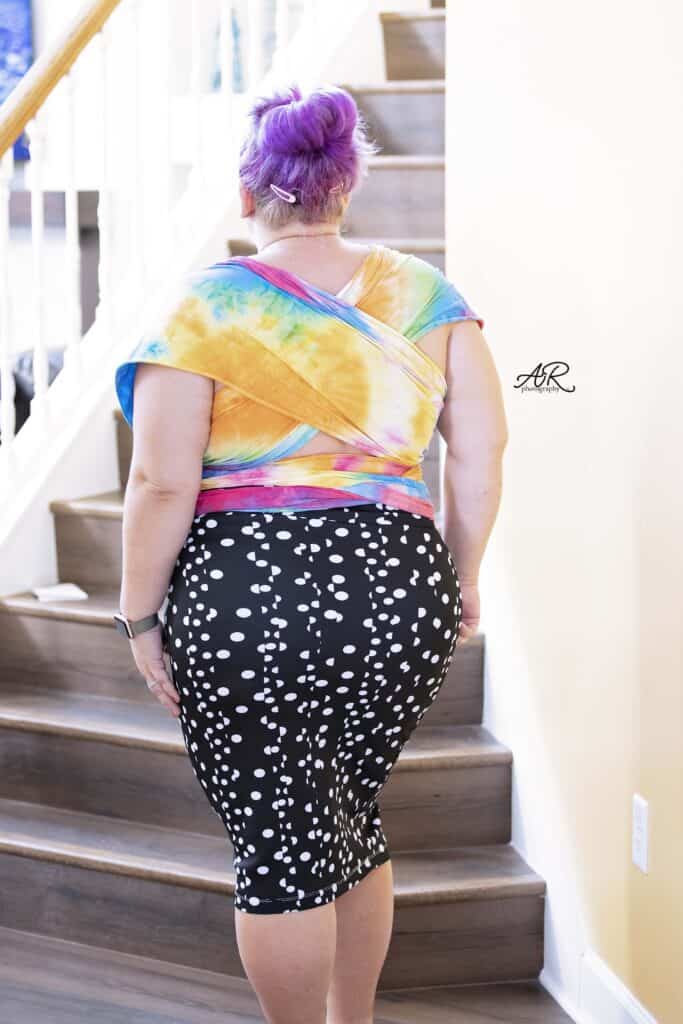
The Infinity crop top is now ready to be paired with your favorite Patterns for Pirates skirt (I used the Pirate Pencil Skirt) or pants.


We can’t wait to see your take on the Infinity Wrap!

Filed Under: Pattern Hacks, Pattern Release, Uncategorized Leave a Comment
Infinity :: New Pattern Release

June 2, 2021

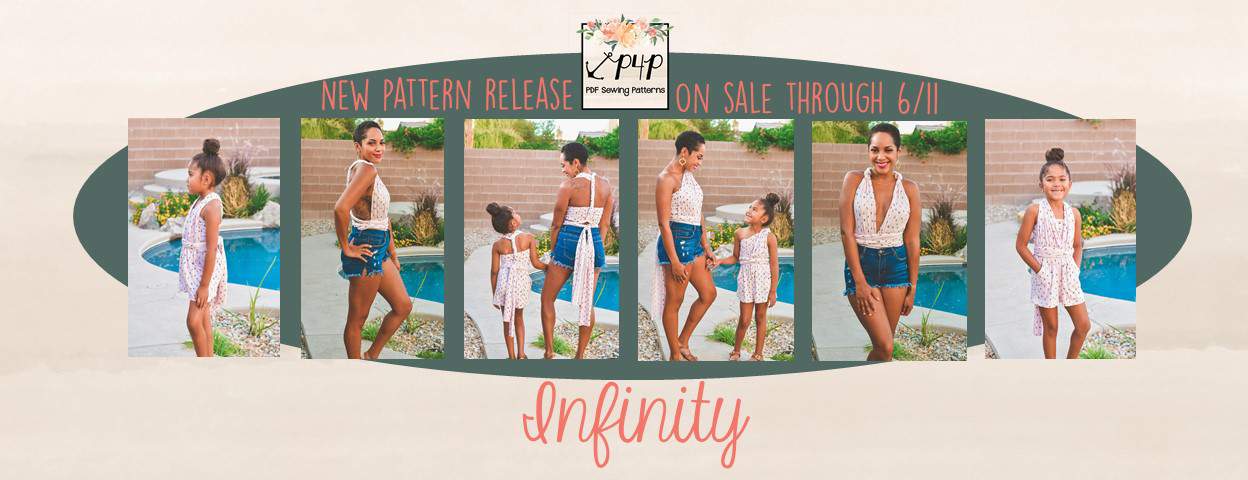
I hope everyone is ready to whip up this quick and easy pattern and get creative tying it up! I’ve always loved this versatile style and now you can make one up that fits you or a loved one perfectly.


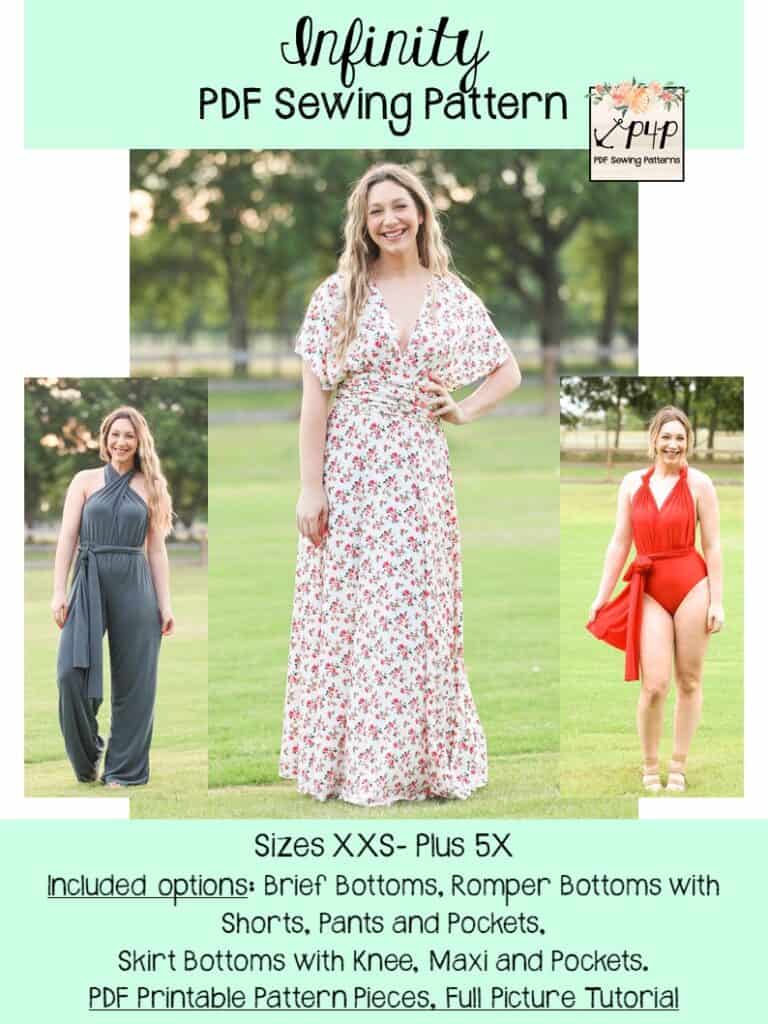
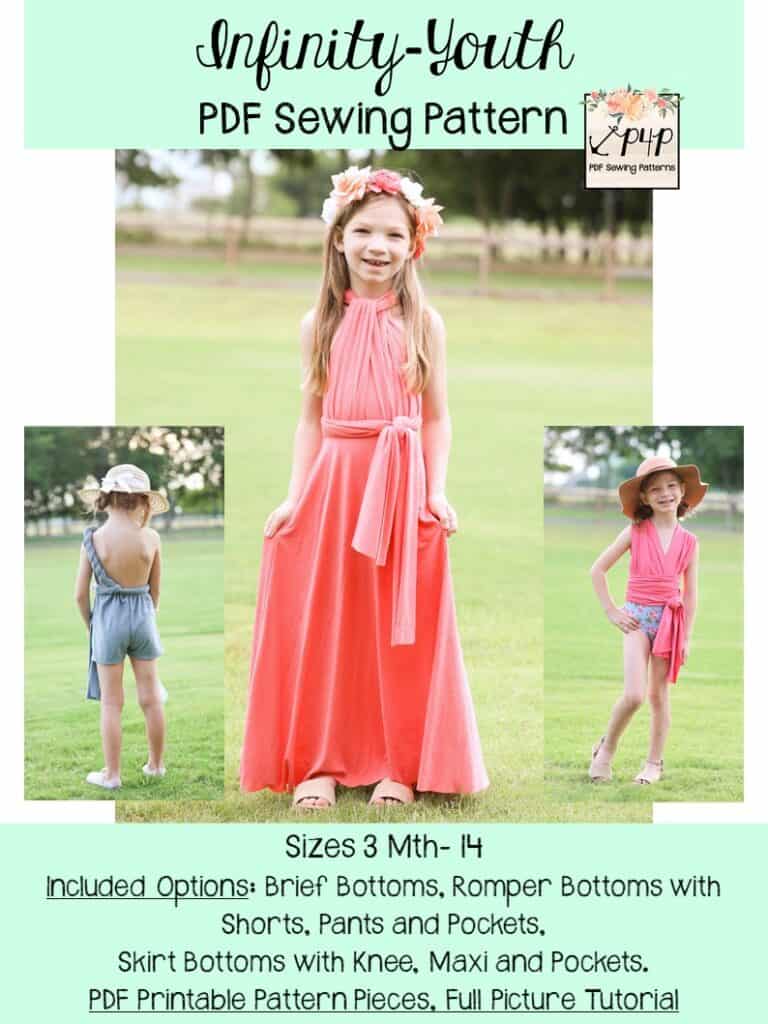
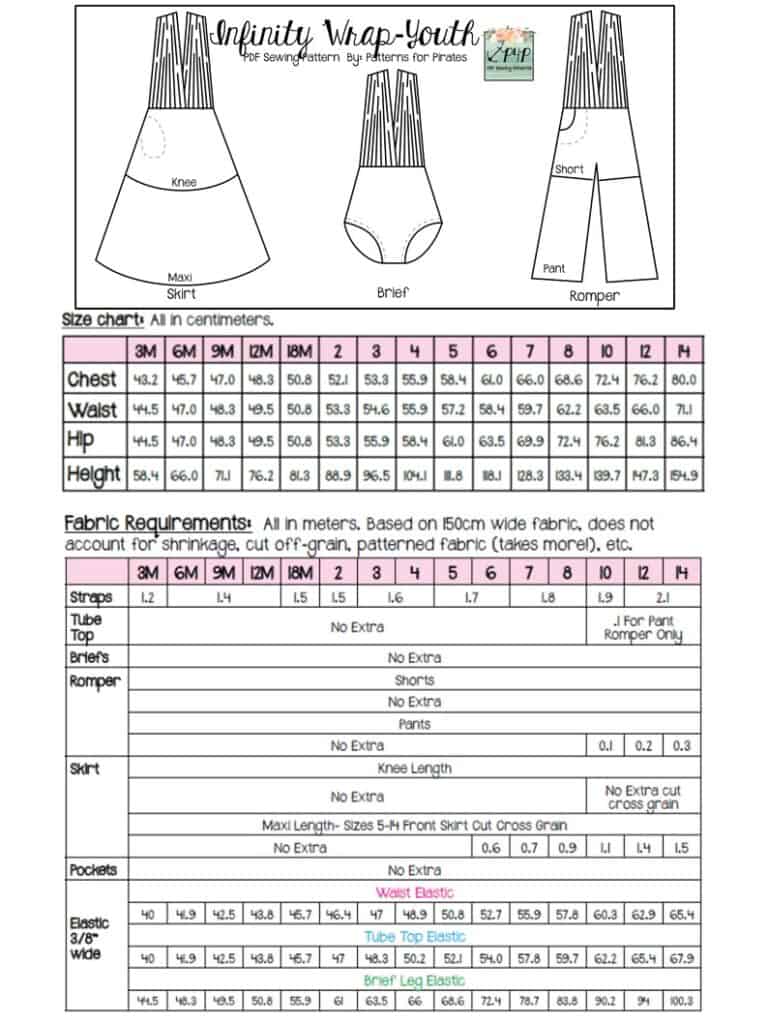
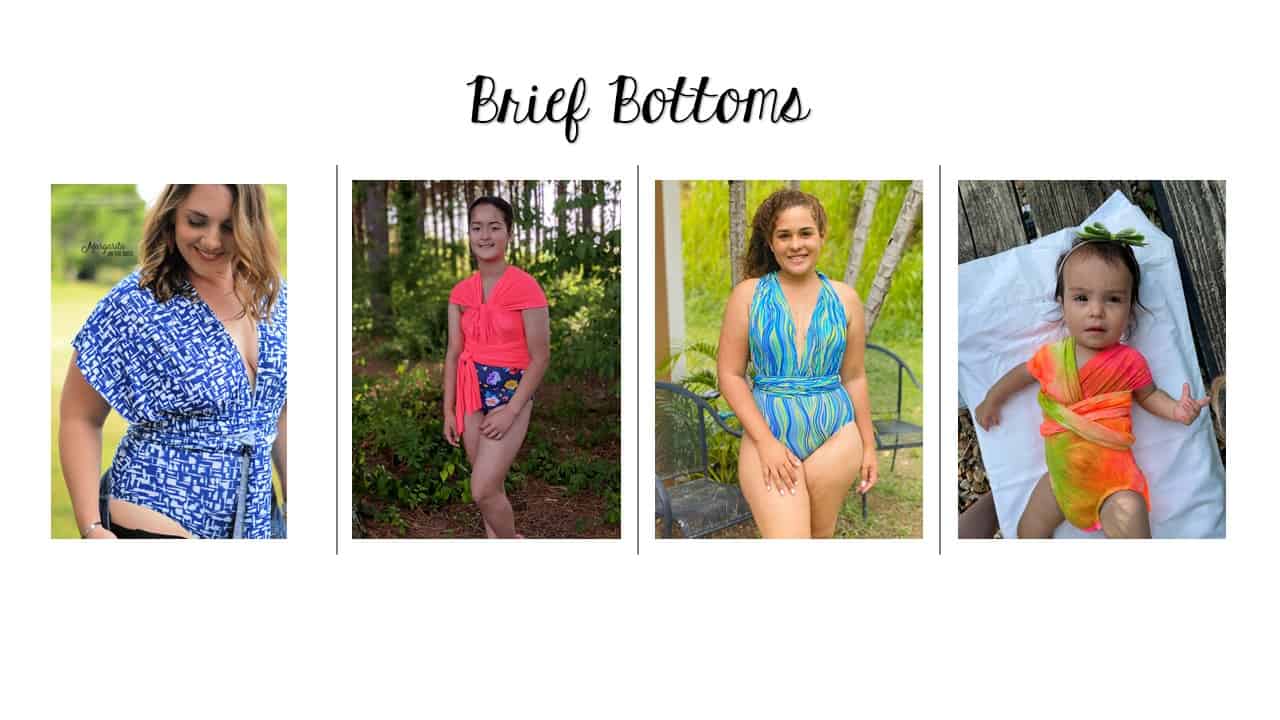
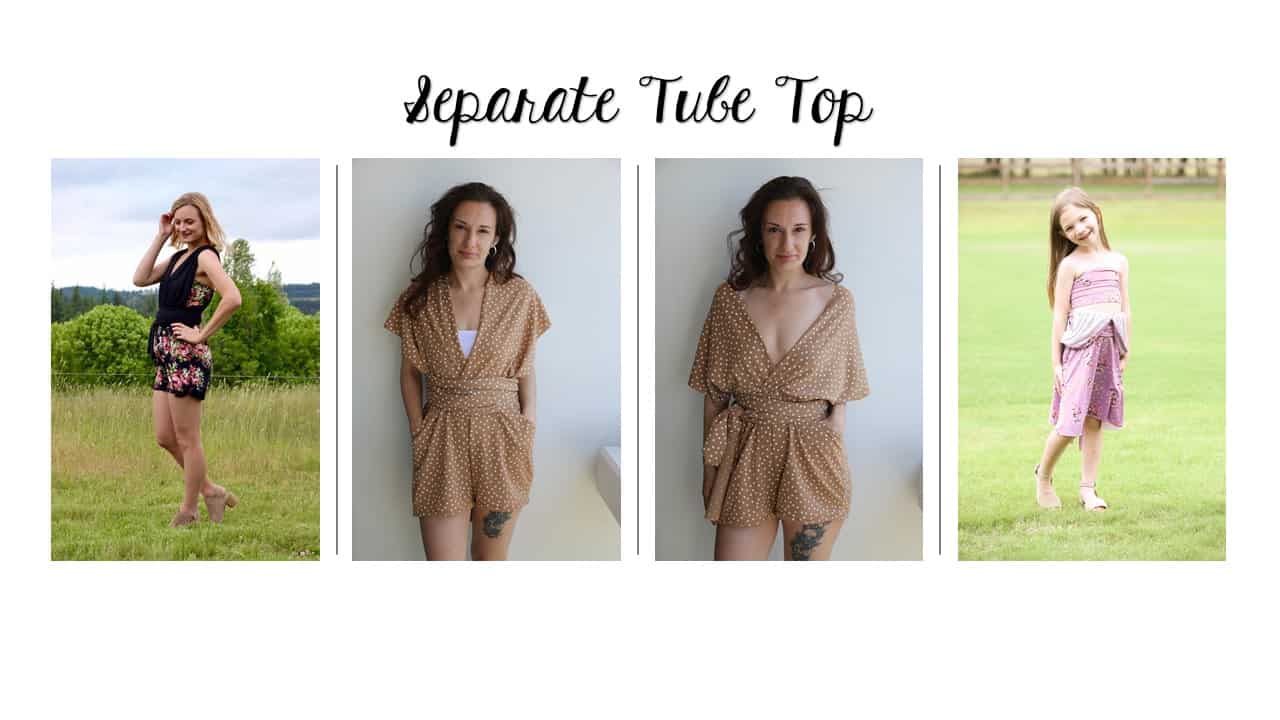
The Infinity patterns are such a fun pattern to wrap a million ways!  You can get a sleeved, tank, strapless look all in one garment. The seperate tube top option can give you a little more coverage under the straps. You can choose from several bottoms to attach it too including briefs, romper shorts, romper pants, knee length skirt and maxi skirt. The skirts can be paired with an inseam pocket and the romper with a slat pocket option.


Drafted for high stretch (4 way stretch) knit fabrics like bamboo, modal, rayon, ITY, swim, athlethic, double brushed poly, cotton spandex, etc.  The romper and skirt bottoms can be make in a 2 way stretch, but the straps are easier to tie in a 4 way stretch and the breifs need 4 way as well since they’re a tight fit.
Enjoy several videos throughout the tutorial including several ways to tie up your Infinities.

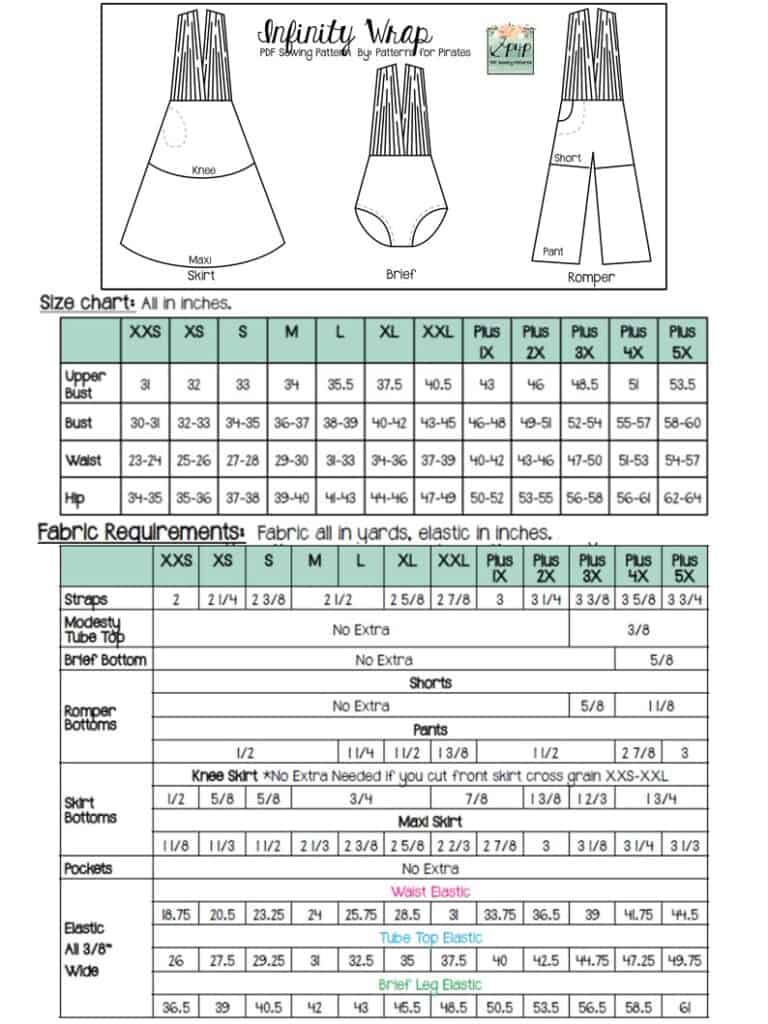
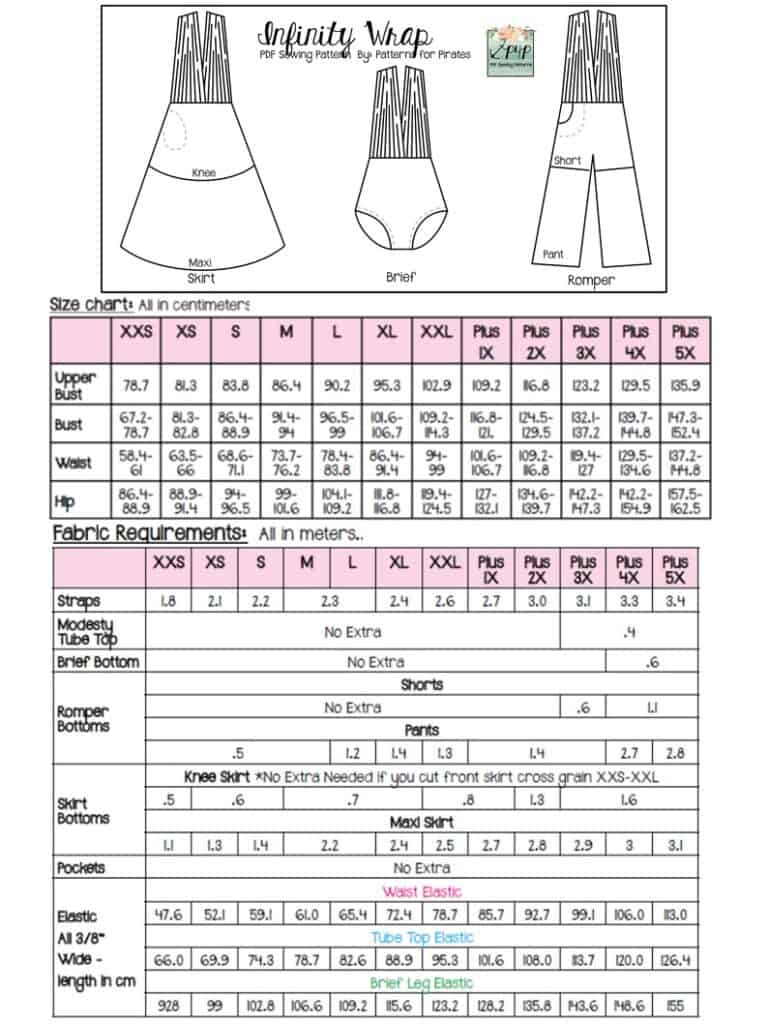
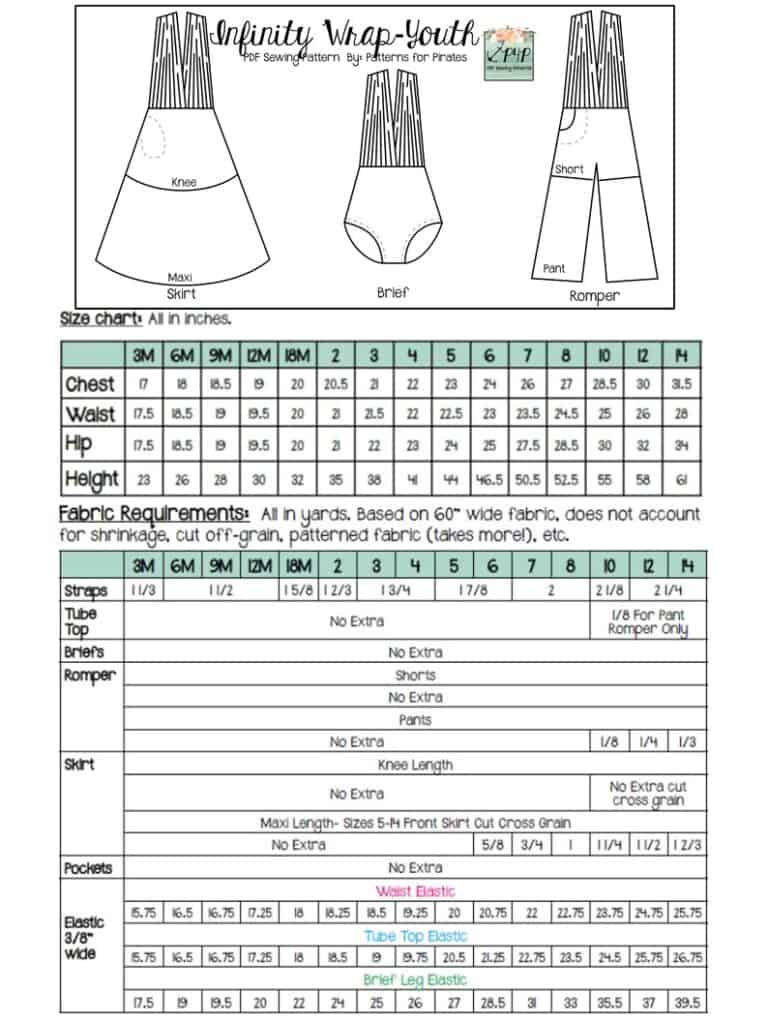
The youth sizes range from 3m – 14 and the adult sizes are XXS – Plus 5X.


*Want to learn more about how to measure yourself for these pattern?  We’ve got you covered with an in-depth blog HERE.  And in case you’re new to Patterns for Pirates and PDF patterns in general, we have a great blog full of new-user tips HERE to help you get started!  As with all of our current releases and updates, the pdfs now include our layers feature and can be found in Letter, A4, A0 and projector sizes.  And for even more helpful fun, we have a free* printable that you can use to help record your measurements as you take them.
Let’s take a quick look at all of the options!

You can get so creative on how to wrap and tie your Infinity! But, if you’re a little intimated by how to wrap it up I made a few videos on some of my favorite ways here!

Infinity Pattern- How to Tie Video Playlist

So, if you have a special event this summer, or just feel like having a ton of fun wrapping all the different ways go grab the Infinity patterns now!  They are available on sale (no code needed) through 11:59pm CST, June 18, 2021.
INFINITY | INFINITY YOUTH | INFINITY – BUNDLE

Maybe hoping for a little more inspiration before you make the purchase?  Head over to our Facebook group where you can see tester albums full of amazing images!

ADULT| YOUTH

If you’re looking for even more options, we show you a few more ways you can use this pattern in our Infinity Easy Hack post.


Filed Under: Pattern Release Leave a Comment

Protected: FABRIC FOR PIRATES :: June 2021 REVEAL

June 2, 2021

This content is password protected. To view it please enter your password below:

Filed Under: Fabric for Pirates 4 Comments

P4P University- Facings

May 27, 2021

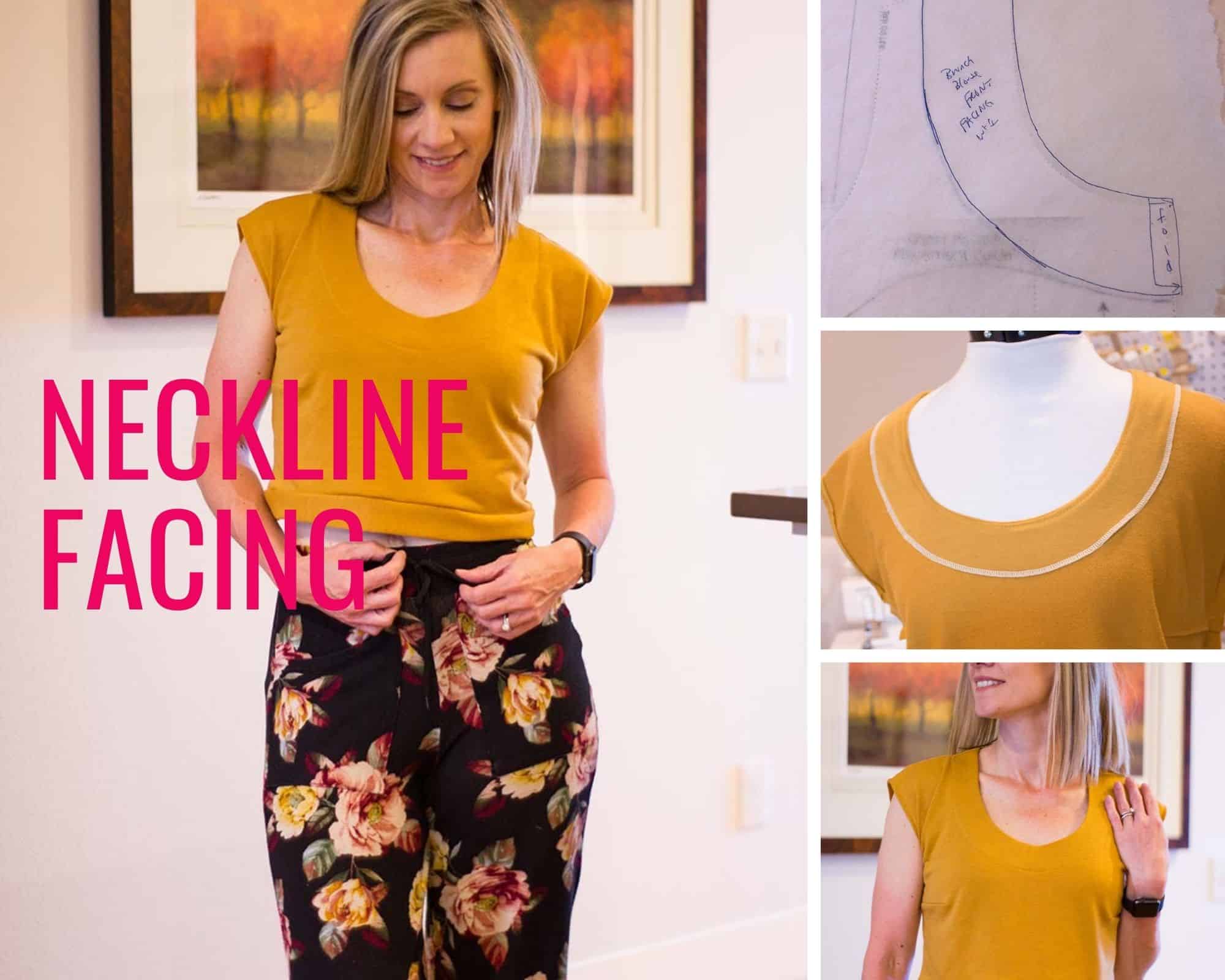
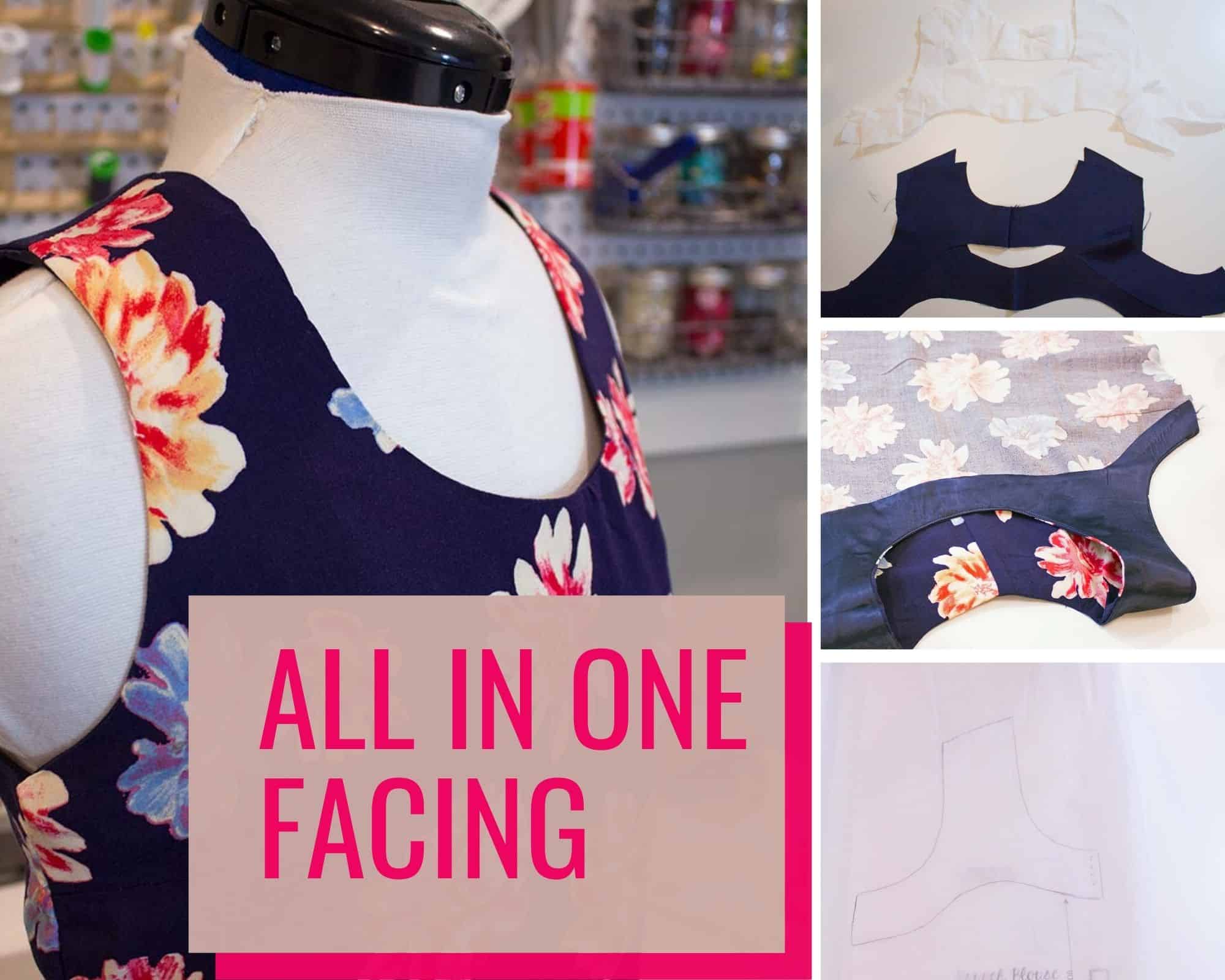
Today’s P4P University is all about facings. We will take a look at what facings are used for, how to draft your own, and where you can use them in your patterns. A facing is a way to finish the edge of a garment. Although you will often see tutorials for using a facing in necklines, they can be used in many other ways as well. Today we will look at both a simple neckline facing, an all-in-one facing, and how to use a hem facing.

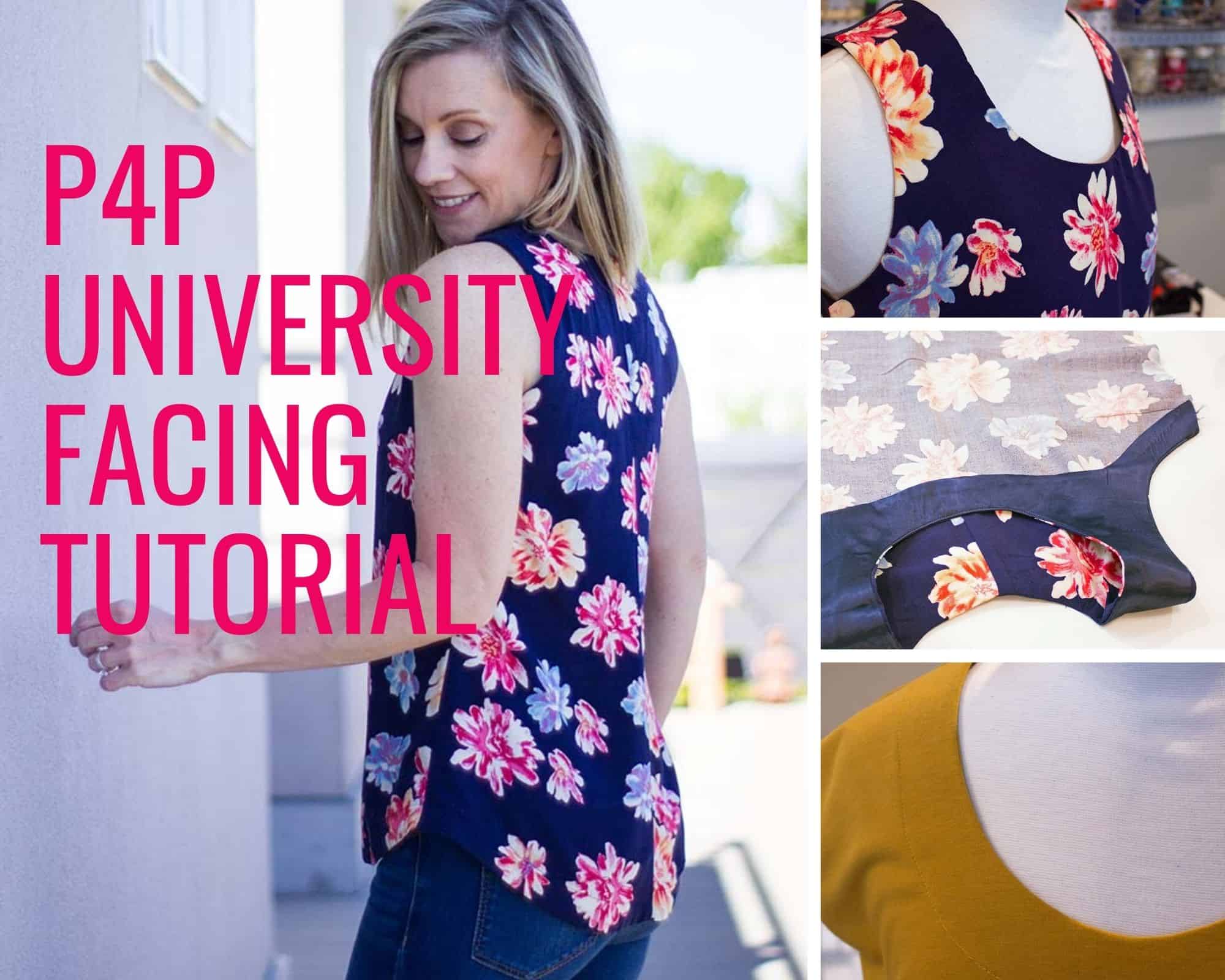
P4P University Facing Pic

**A video tutorial is available at the bottom of this blog post. **

WHEN TO USE A FACING

You can use a facing when sewing a pattern to finish any garment edges (necklines, sleeveless armholes, hems, and more). While they are more common in woven garments, you can also attach a simple facing to a knit garment if you are looking to replace the neckline binding or band. Let’s see how we can draft and use a simple neckline facing on the P4P Brunch Blouse Pattern.

Neckline Facing

NECKLINE FACING

You will need the paper pattern, tracing paper, pencil, ruler

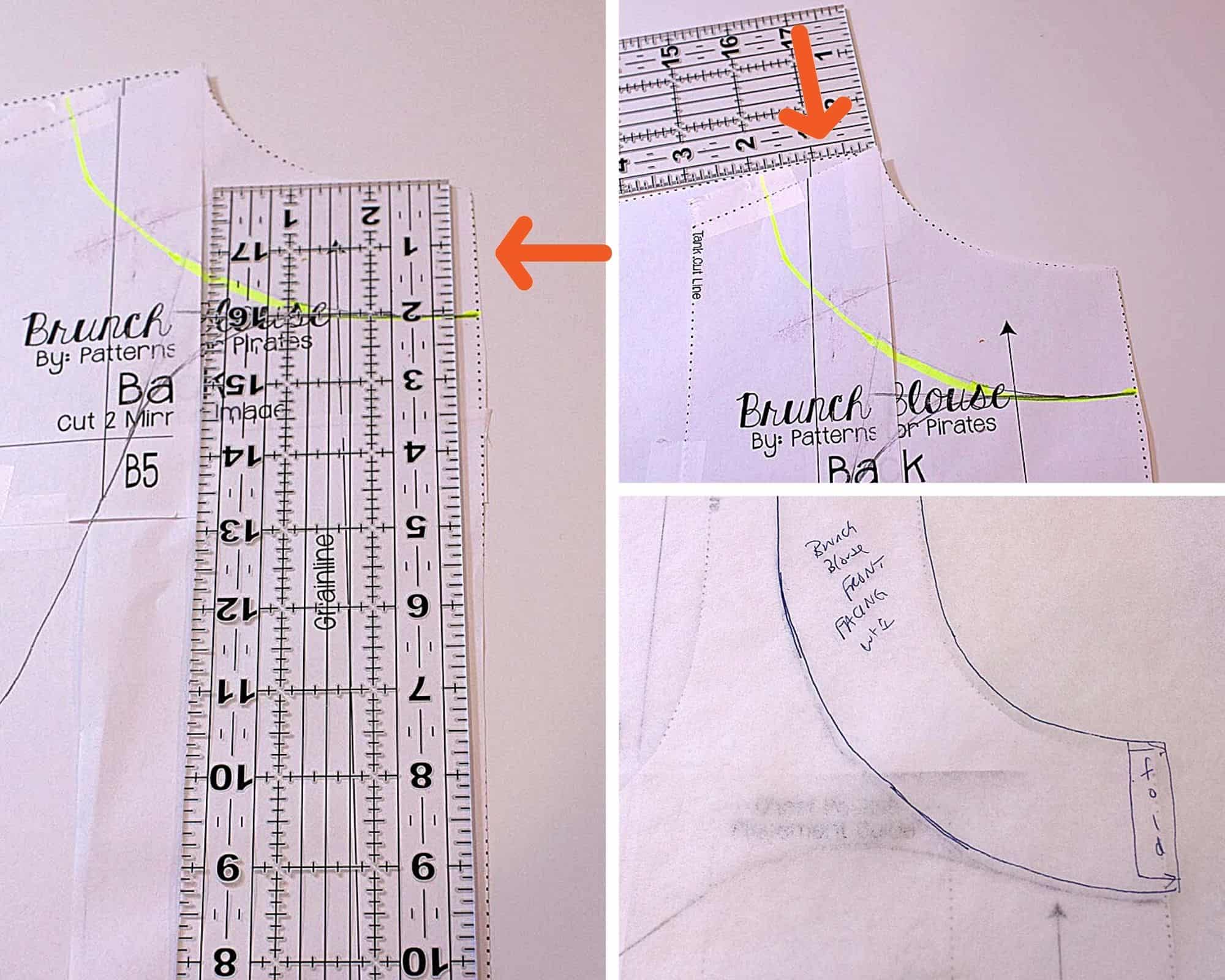
Begin by measuring 2 inches down all around the neckline of the paper pattern and placing marks. Draw a curved line to connect your markings. Trace this line, as well as the original neckline, onto your piece of tracing paper. This will now be your facing pattern piece. Repeat for the pattern back. **The Brunch Blouse uses a center back seam. To remove this in your facing, cut off 1/2 inch from the center back line on your pattern piece. Then cut the fabric on the fold at the new center back line.**

Neckline Facing Draft


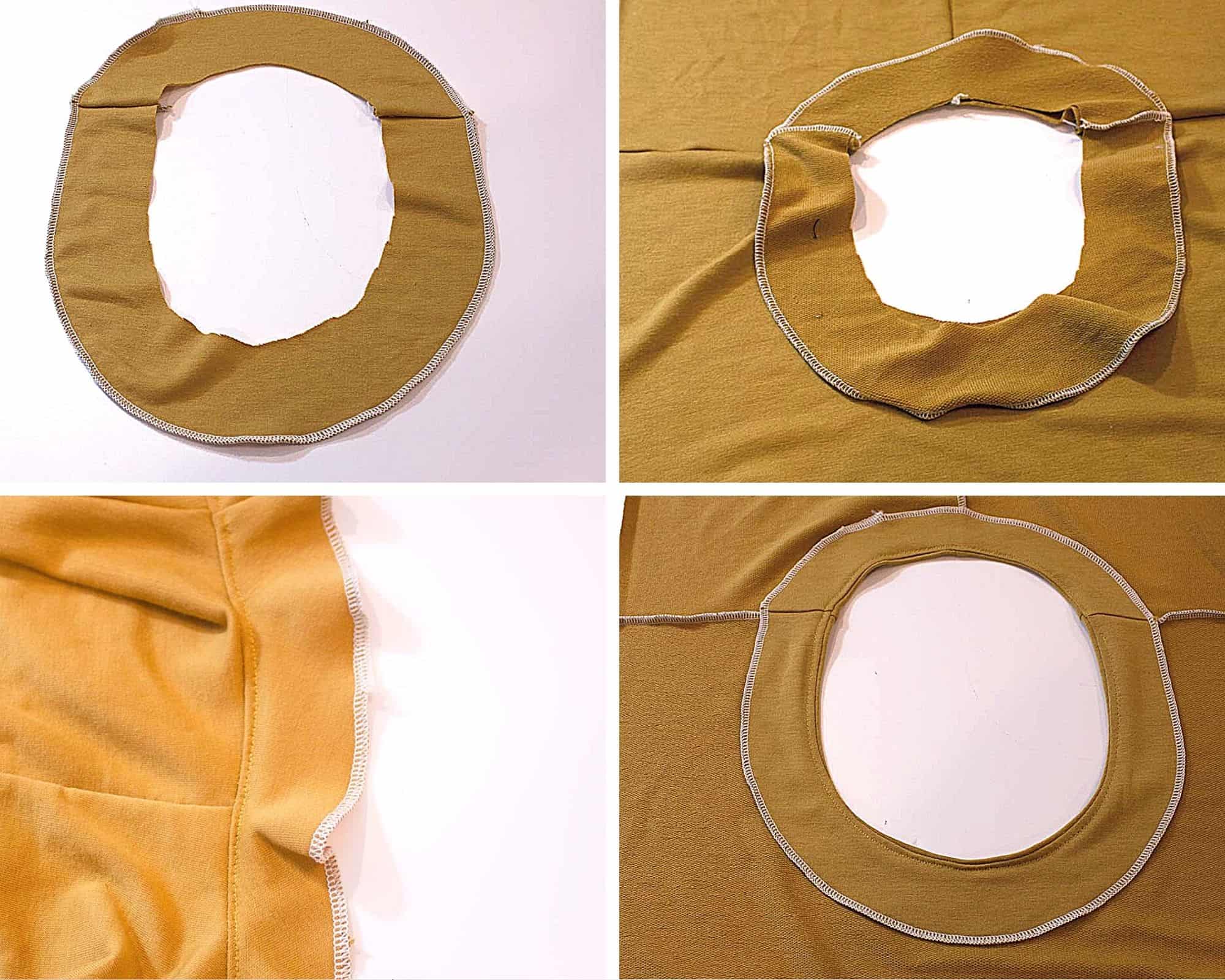
Cut your pattern pieces and facing pieces from your fabric. Make sure you are cutting your facing pieces on the fold as you would your front and back bodice pieces. Apply interfacing to the back of your facing pieces. You can leave off interfacing if you would prefer as I did in this knit pajama top.  Make sure you use knit interfacing if applying to a knit garment.

Neckline Facing Construction


Sew the shoulder seams for your front and back bodice as well as the front and back facings. Press the seams open. Finish the outside edge of your facing with your serger, an overlock stitch on your machine, or your preferred finish. Place the bodice right sides out and mark the quarter points with pins. Repeat with your facing. Match your facing and bodice, right sides together at pins. Stitch together at 1/4 inch using a long stretch stitch for knit garments. **Note this will finish the neckline at 1/4 inch lower than if you were to use a band. If you do not want a deeper neckline, make sure you add the additional 1/4 inch to the neckline during the tracing stage**

Press the seam allowance towards the facing. Understitch. (See this tutorial for help with understitching) Fold the facing to the inside of the garment and press well. You can now topstitch along the facing edge or simply tack the facing down at the shoulder seams for a cleaner finish.

all in one facing title


ALL IN ONE FACING

An all-in-one facing is a great way to create a clean finish on your sleeveless tops. This will create a finished edge on both the neckline and armholes using one piece. Here is how you can create this facing using the P4P Brunch Blouse.

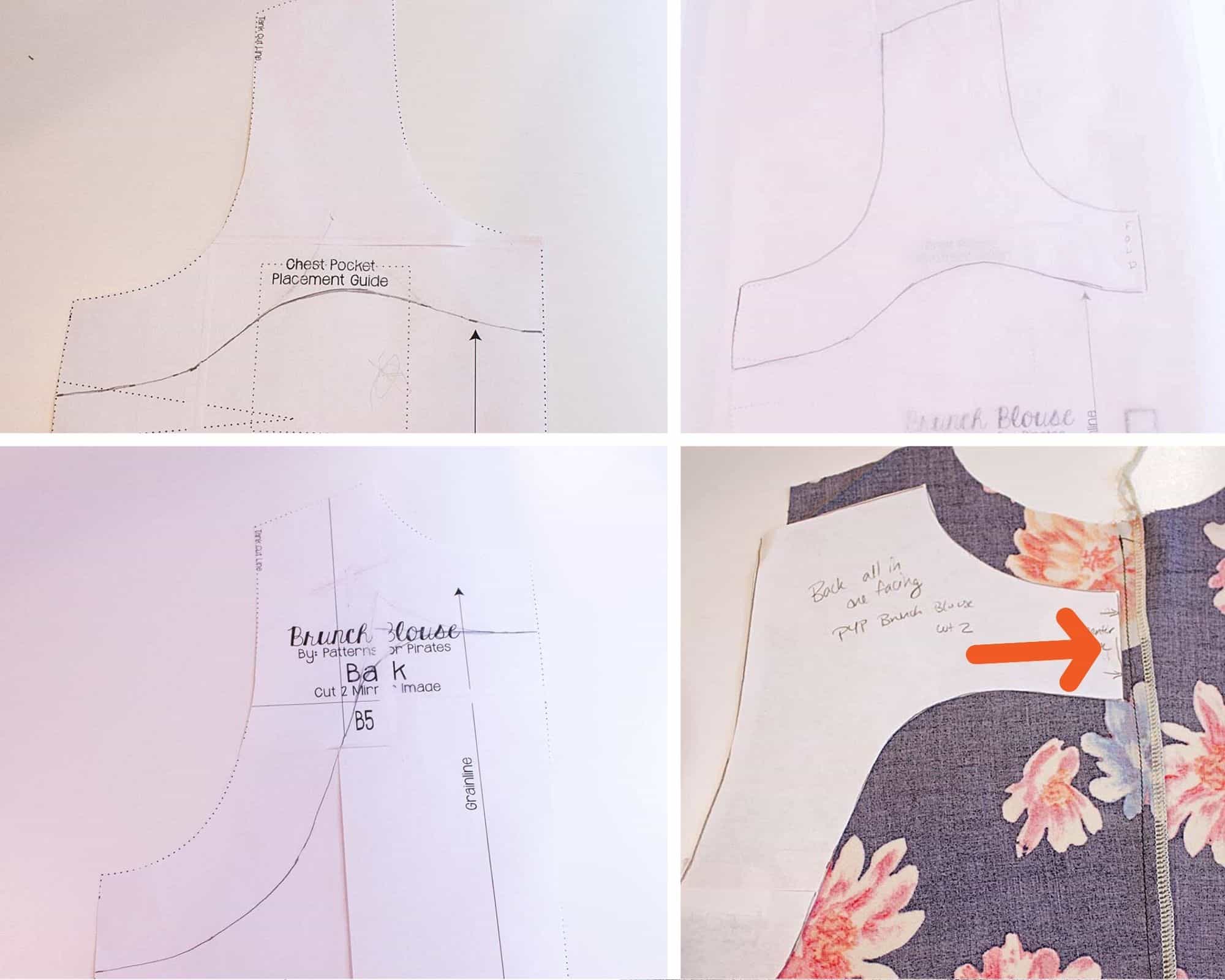
Begin by marking two inches down from the underarm seam and make a mark on your pattern. Continue marking two inches down around the arm and neckline edges, creating a soft curve to bridge the two areas. See the pictures below for how I marked both the front and back bodices. Trace this new facing piece onto tracing paper using your marks and the original pattern lines at the shoulder, neck, and arms.

All in one facing tutorial

Cut your pattern pieces as well as facing pieces from your fabric. Cut your facing pieces from interfacing as well. Sew your bodice together at the shoulders only and center back if you are using the Brunch Blouse. For this facing technique, we will be using our interfacing to create the clean finished edge– the steps will look slightly different from the neckline facing tutorial above. Feel free to use either method on your facings.

All in one facing


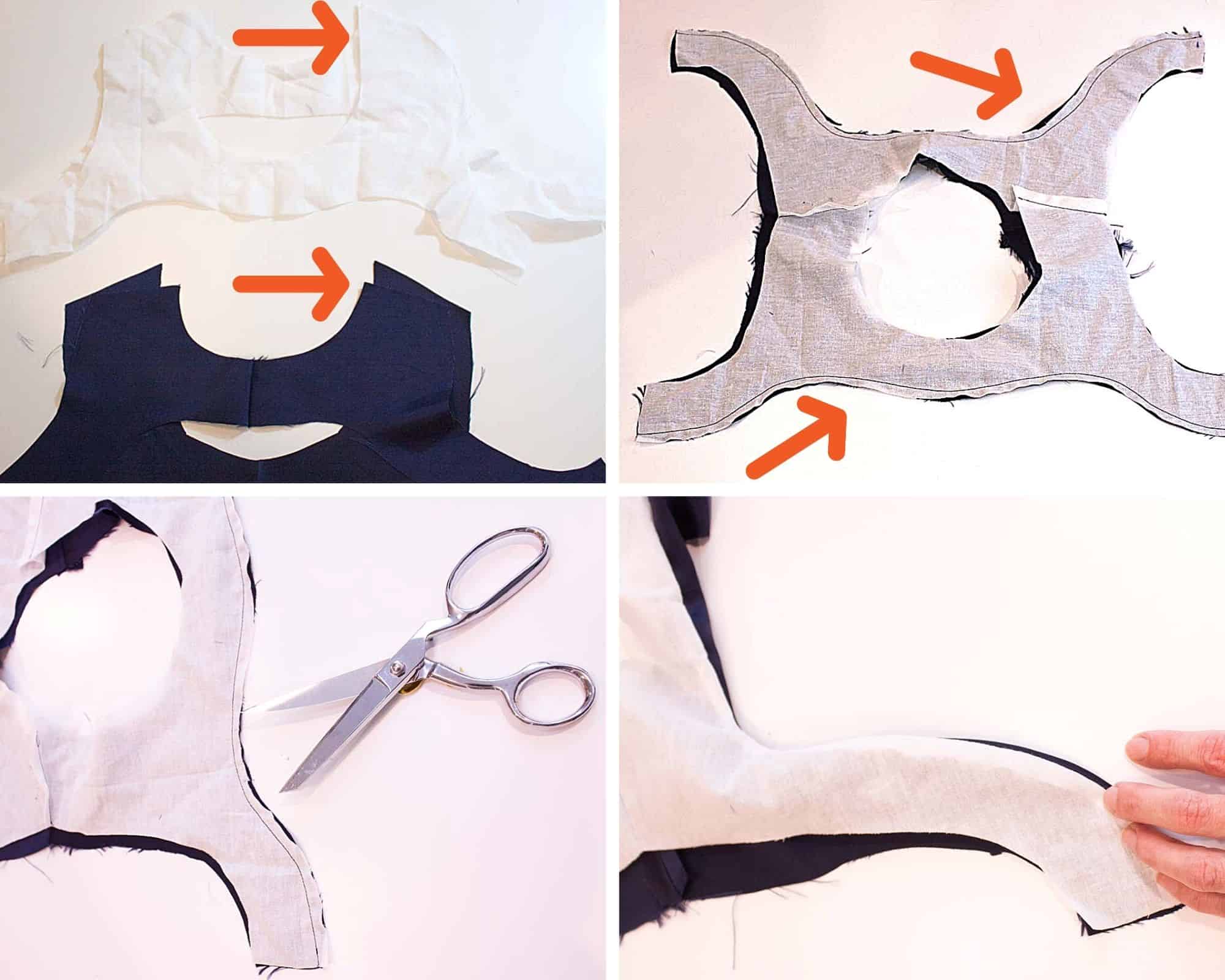
Sew only the shoulder seams on BOTH the facing pieces and the interfacing pieces- DO NOT FUSE the interfacing yet. Next, sew the interfacing to the facing, right sides together, along the outside curved edges using a 1/4 inch seam allowance. Clip the seam allowances around the curves. Finally, turn the interfacing and facing, right sides out. Your fusible side should now be facing the wrong side of the facing. Carefully align the pieces and press well. This will now give you a clean, finished edge along your facing without having to use your serger or machine.


All in one facing


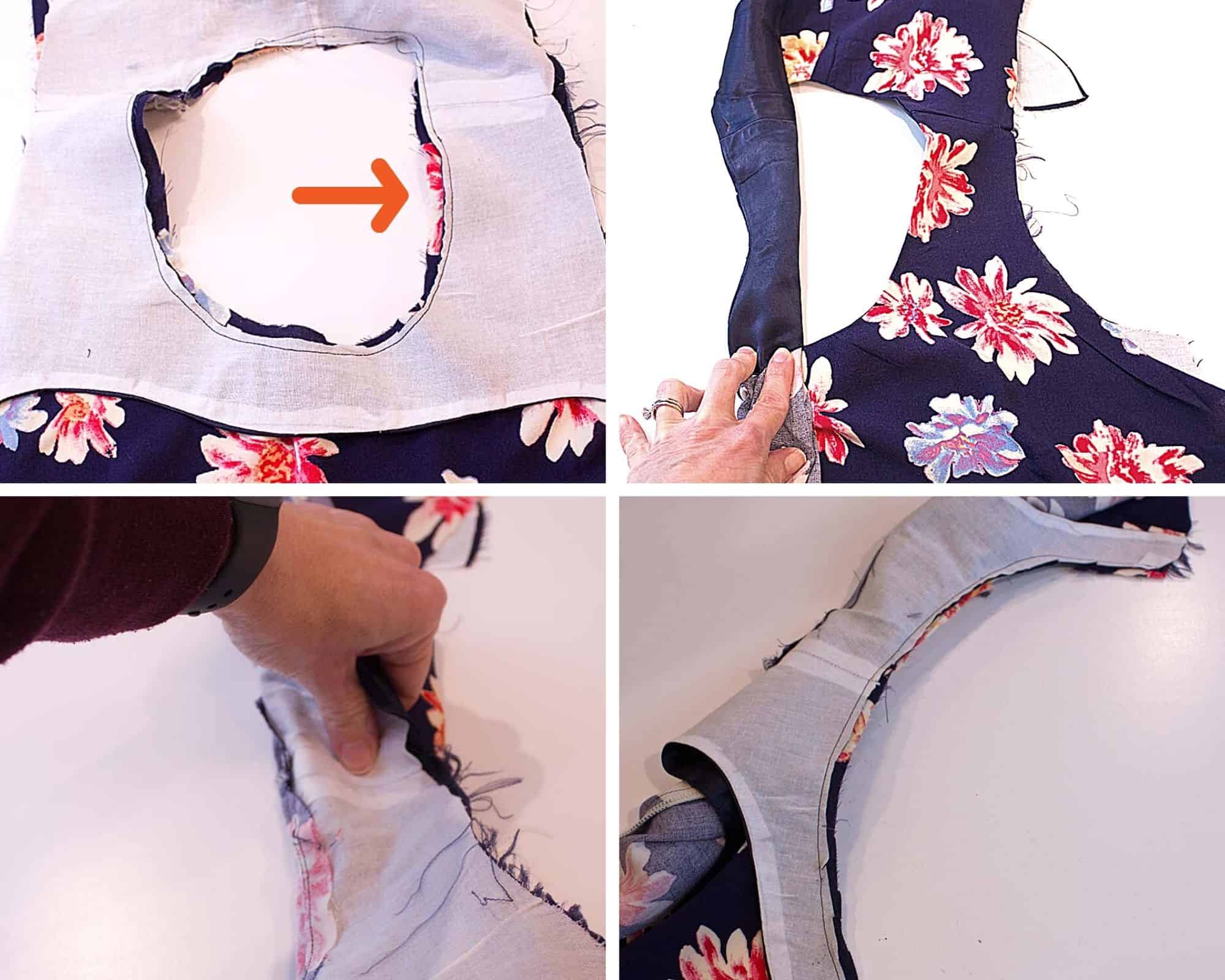
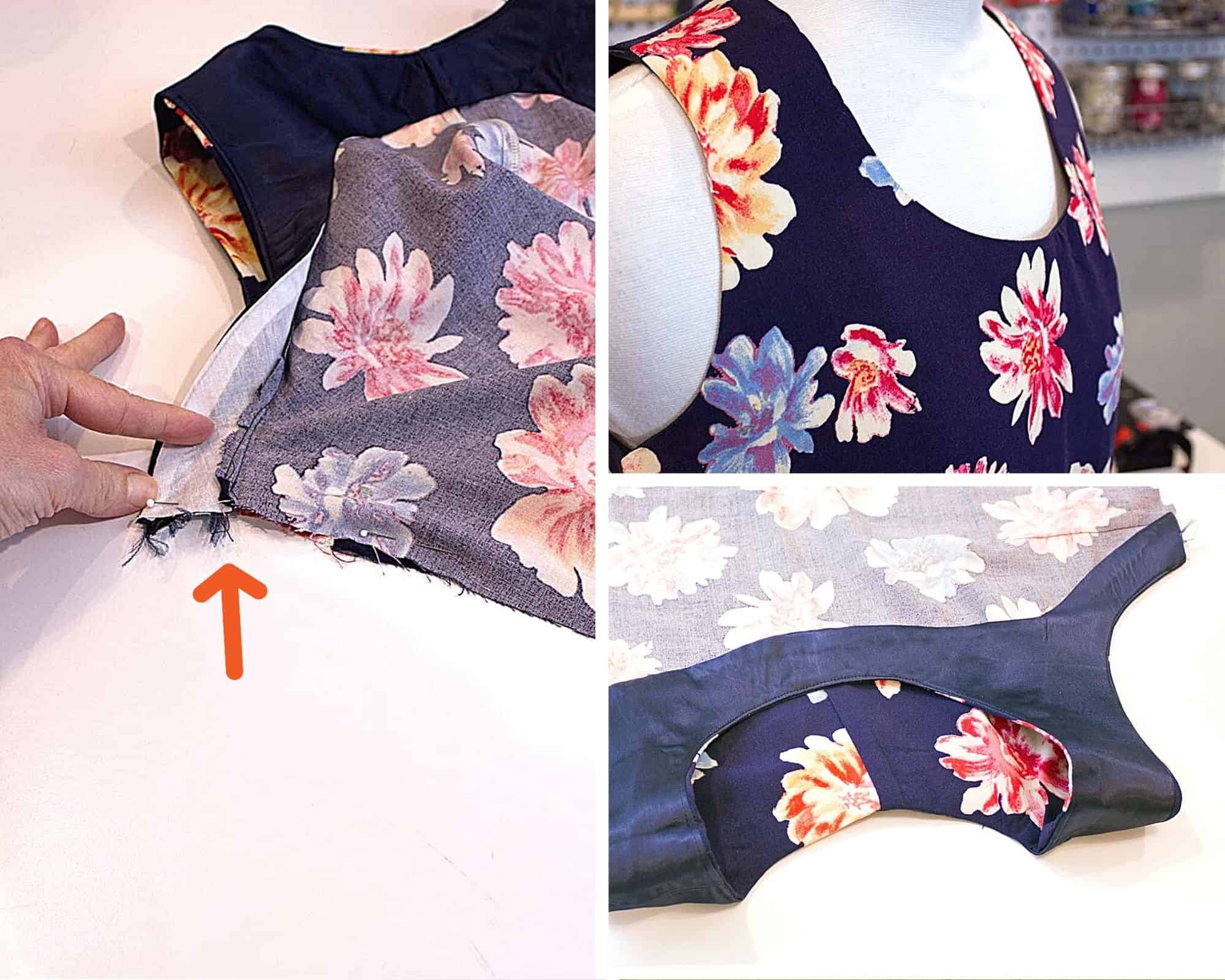
Next, lay the bodice right sides out, flat on the table. Lay the facing on top, right sides together. Match all seams and pin around the neckline. Stitch with 1/4 inch seam allowance, then clip and grade seam allowance. Press seam allowance towards facing and understitch at the neckline. Once the neckline is done, turn the garment right side out and lay flat. Roll one side of the bodice in a tight roll towards the opposite shoulder seam. Wrap shoulder seam fabric around the rolled fabric, pinning right sides together. Stitch with a 1/4 inch seam, being careful to not catch rolled fabric while stitching. Carefully pull the fabric through the opening and understitch as far as possible on each side of the armhole. Then repeat on the opposite side.


All in one facing


Fold facing up away from the underarm, match seams and stitch the side seams per the pattern. Trim away any bulk and fold seam allowance back down. Tack at underarm. Repeat on other side. The all-in-one facing is now complete. Finish the top per the pattern instructions.


HEM FACING

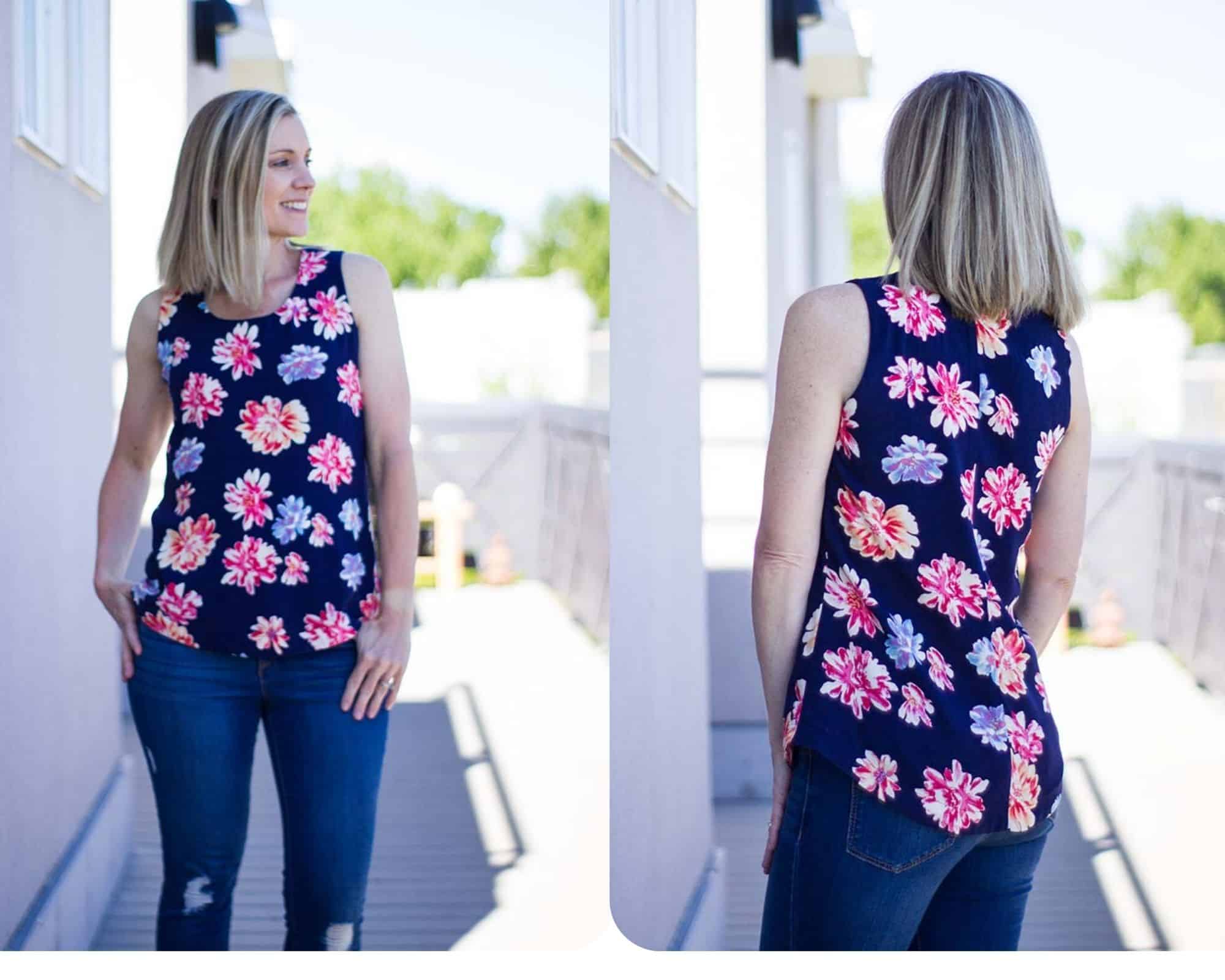
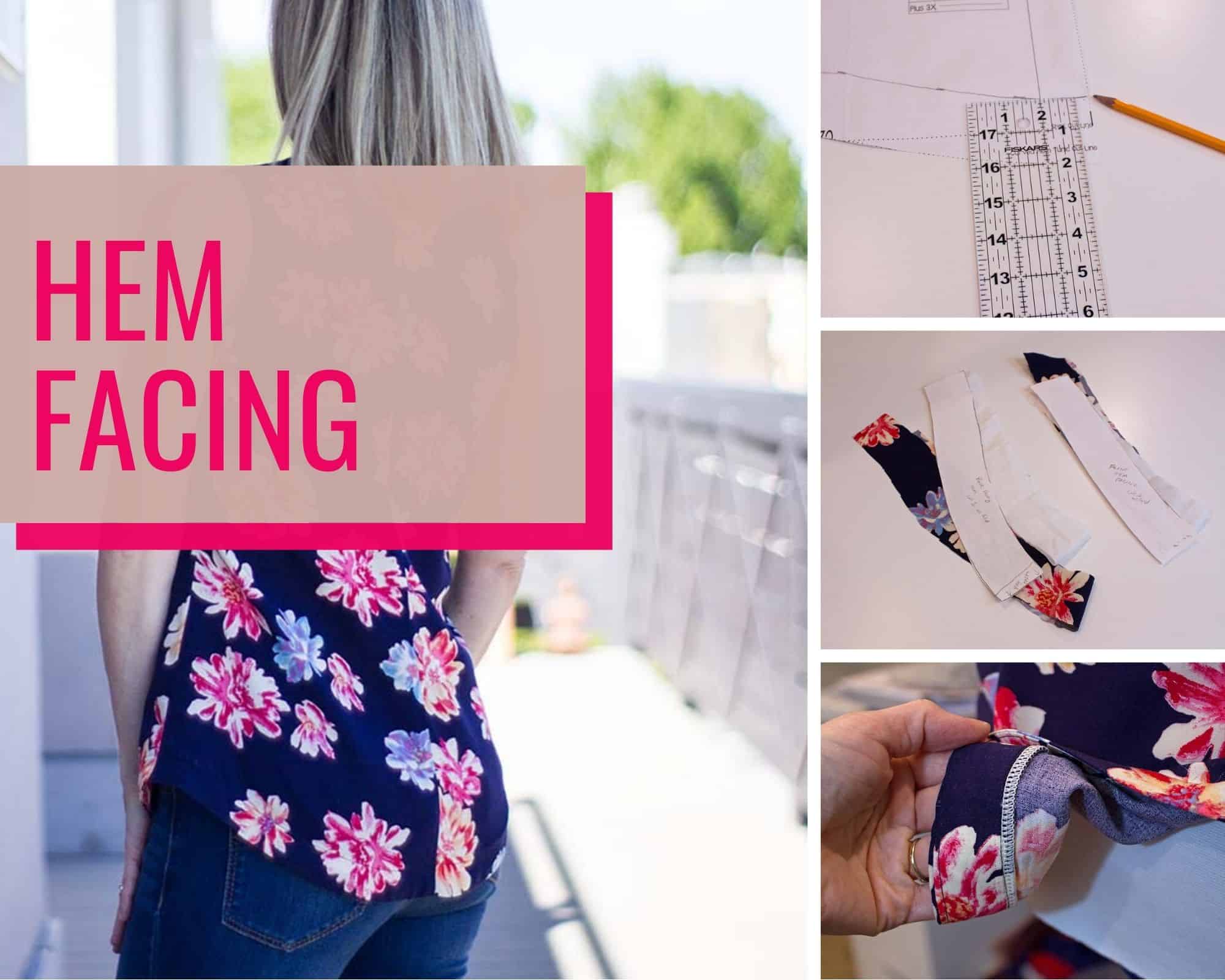
The final type of facing I will show today is the hem facing. This simple finish is helpful when creating a curved hem like the Brunch Blouse.

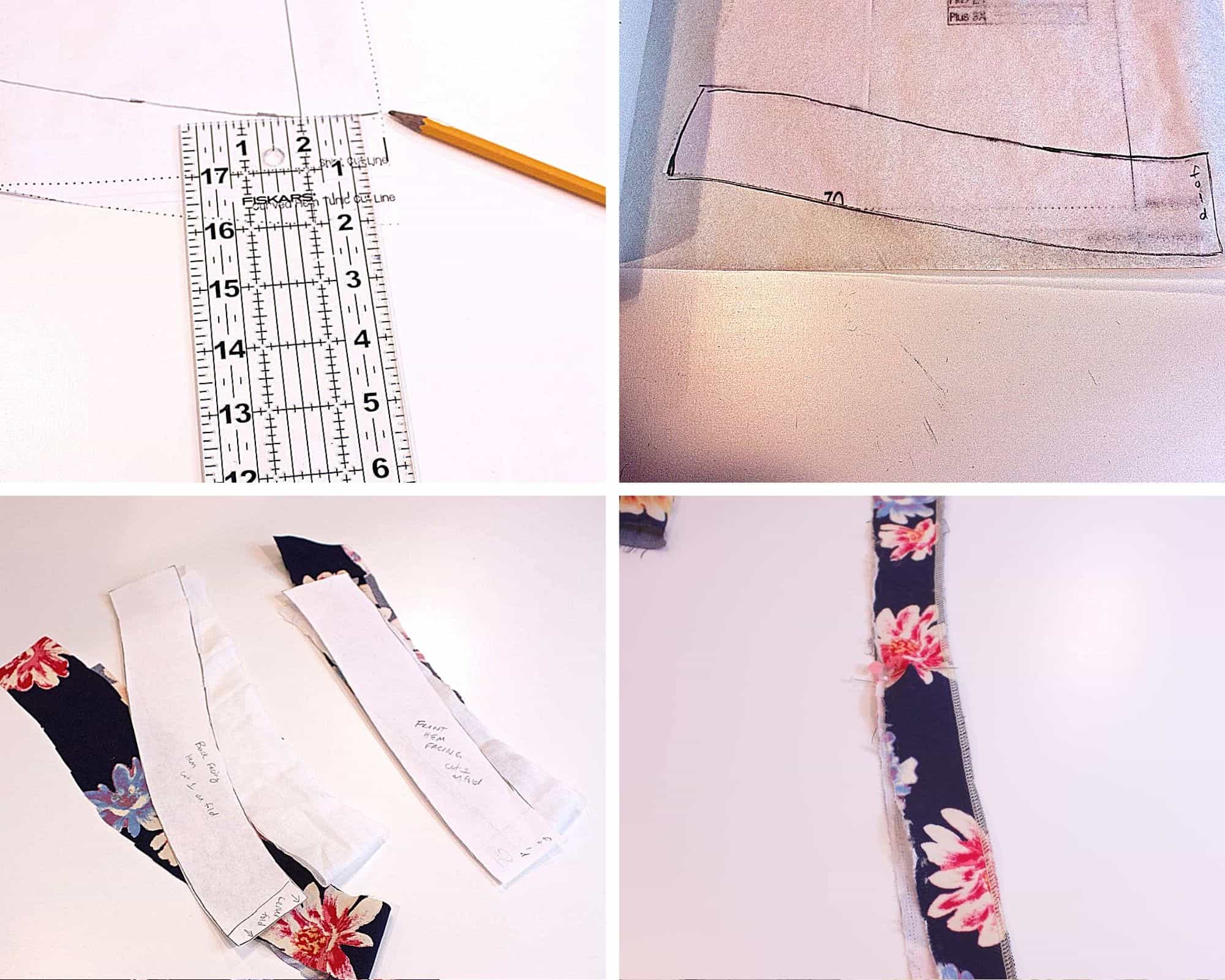
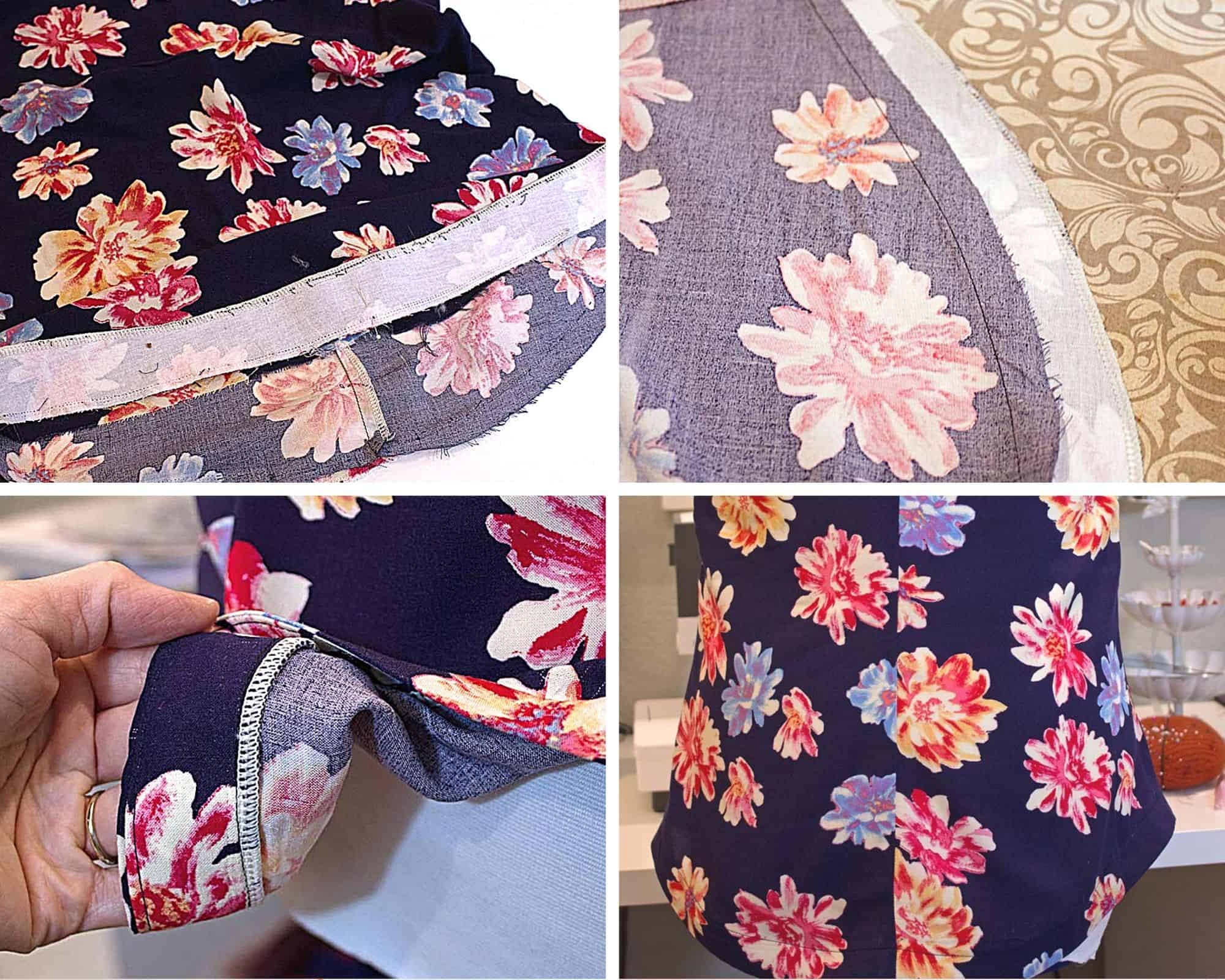
To create the hem facing pattern pieces, take your front and back bodice pieces and mark 2 inches from the bottom edge working from side seam to center. Make sure to mark your fold line and trace your facing piece onto paper. Cut one front and back facing from fabric and interfacing. Fuse the interfacing to the back of the facing pieces. Sew the side seams of your facing and finish the narrow side of the facing. (Make sure you are finishing the top of your pattern piece and not the bottom edge. Otherwise, your piece will not fit inside your garment without bunching.)

Hem Facing Tutorial

Complete your top per the instructions until the bottom hem. Lay your facing and top, right sides together and sew the raw edges together at 1/2 inch seam allowance. Press seam allowance towards facing. Understitch. Press the facing towards the wrong side of the top. Finish with your preferred stitching. You can edgestitch the facing or handstitch a blind hem.

Hem Facing


This video will show you how to create the facings discussed in this blog post for those who prefer to learn that way.

Thank you for joining me today to learn all about facings. You can find more sewing tips and tricks on the P4P University blog posts.

Shannon 


Filed Under: P4P University, Sewing Techniques Leave a Comment

P4P University – Interfacing for Garment Sewing

May 17, 2021


The correct use of interfacing is one of the main things that takes your garment sewing to the next level.  Today we will be talking about different types of interfacing, why you might want to use it and how to correctly apply it.


The first thing we need to clarify is the difference between stabiliser and interfacing.  Getting these two confused is easy to do, and people can often buy the wrong one for their needs, but their uses are quite different.


STABILISER

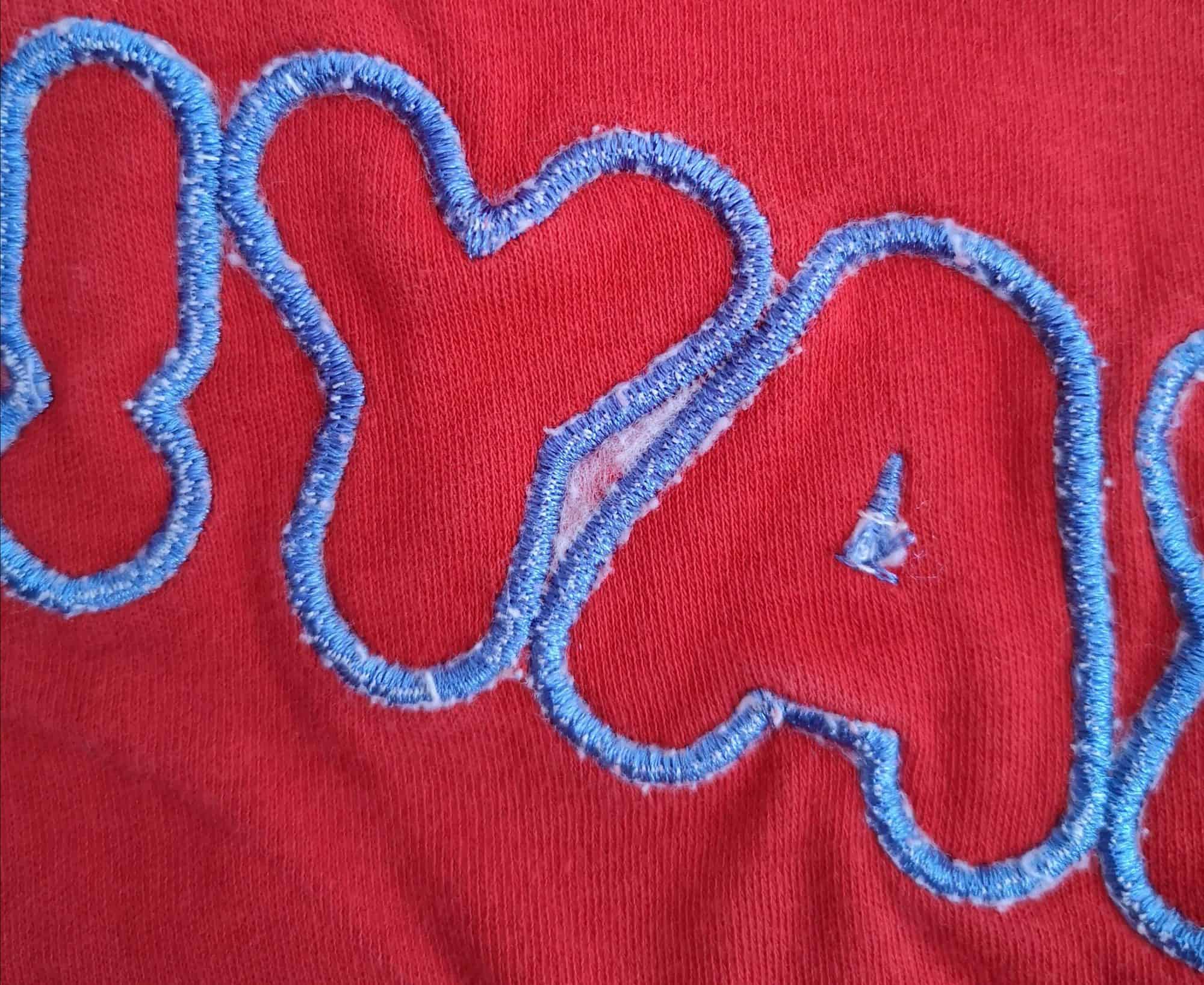
Stabiliser is a type of textile used to add extra weight to a particular part of a piece of fabric, usually so some sort of decorative work can be added to that section.  For example, you might add stabiliser to the wrong side of the front of a pair of children’s pyjamas to add some embroidery or applique to the bodice.  The stabiliser helps keep the fabric from distorting when adding the decoration to it.  It can be left on, trimmed down or torn off after use, depending on it’s type.  The picture below shows some embroidery on the reverse of a pair of pyjamas.  You can see the tear-away stabiliser still sitting between the A and the Y, after the rest has been removed.


INTERFACING

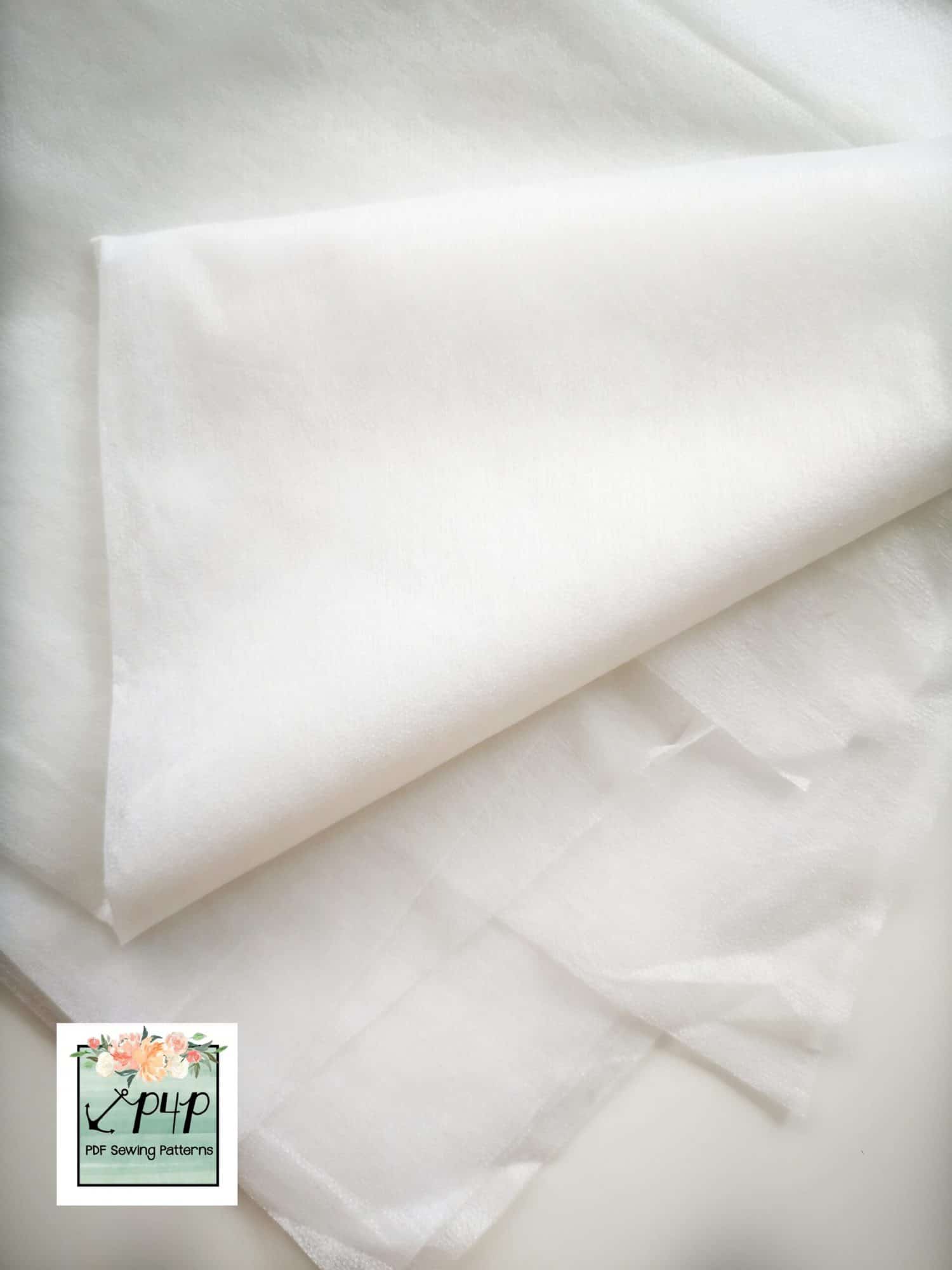
Interfacing is a type of textile used on the wrong side of a fabric to make that particular area stronger/more weighty.  For example it is often used in shirt collars to help them stand upright.  The interfacing gives the fabric more rigidity and is not removed, it is permanently attached. 


There are two types of interfacing, differentiated by the way you attach them to your fabric.  ‘Sew In’ interfacing is sewn onto the wrong side of your main fabric, within the seam allowance so it is not visible when the garment is finished.  Alternatively it can be quilted on in a particular pattern of your choice, so that it is visible when completed.  It seems to be less popular these days, but is the traditional, couture interfacing.

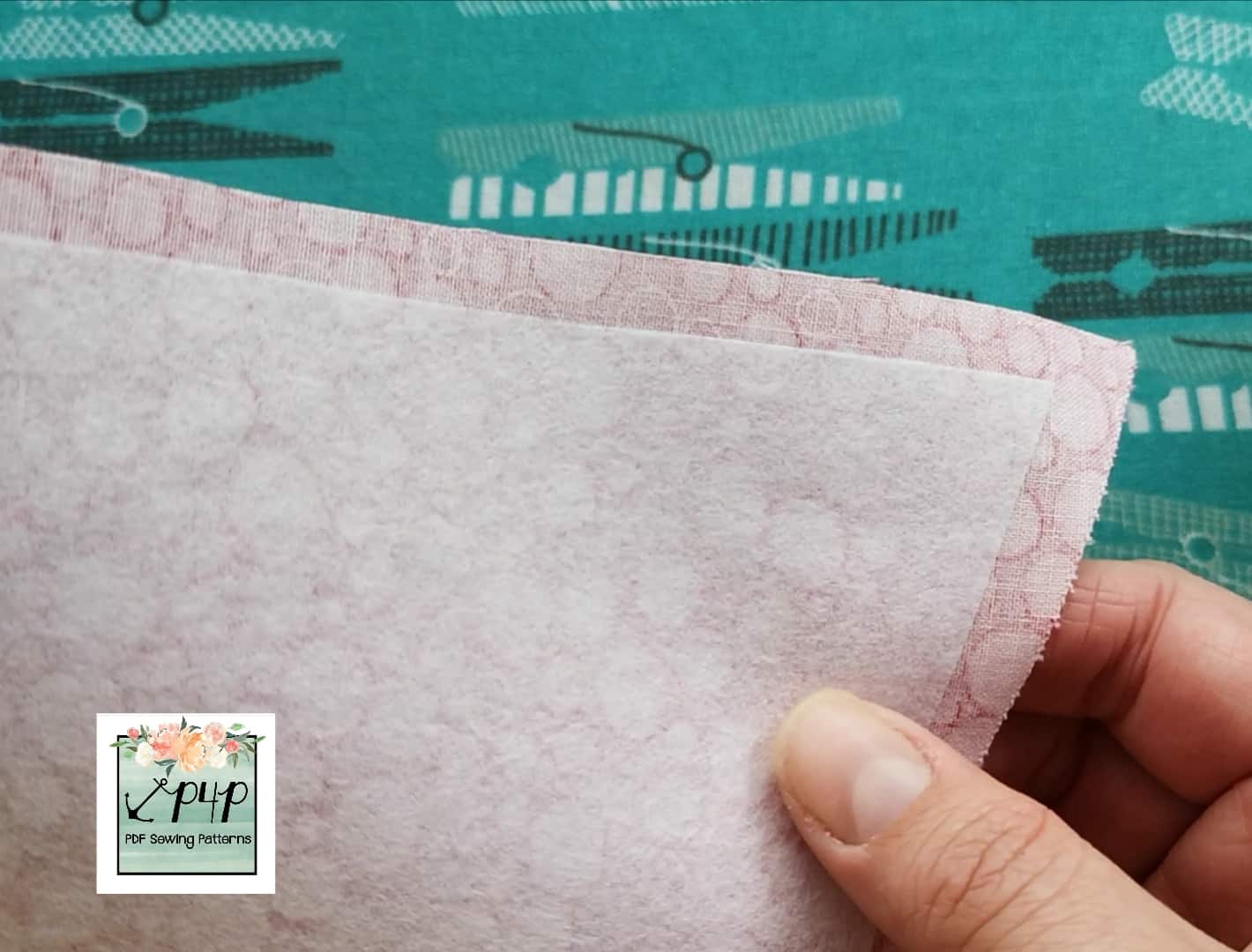
More popular is ‘Fusible’ interfacing.  This is the same as ‘Sew In’ but it has a layer of heat activated adhesive on the wrong side, which means it can be ironed directly onto the wrong side of your main fabric and adheres permanently.  The instructions for ironing will either be printed on the selvedge, if you have bought it by the metre, or they will be on the packet if you have bought it bagged.  It is important that you ensure the interfacing is fully adhered before sewing the garment together because otherwise it can start to peel off and look messy. This picture below shows an example of an iron-on interfacing attached to the wrong side of a piece of cotton.


Interfacing comes in many different weights, from a light weight interfacing used to add a little extra body to the facing on a silk blouse, to a very heavy weight interfacing used to reinforce the brim of a cap/hat.  I used a medium weight interfacing along the placket of my So Classic Sundress to give added support for the poppers and stop it distorting with wear.

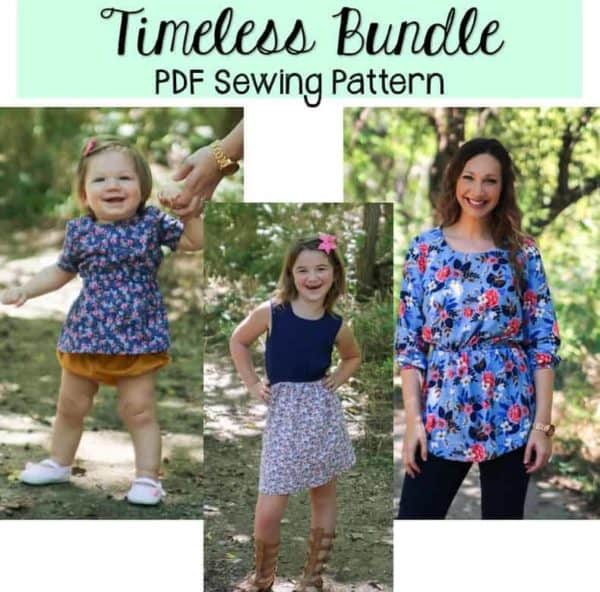
Pattern instructions will advise you which weight of interfacing you will need, so that you can ensure you purchase the type needed to get the finish shown in the pattern listing pictures. For example, the Timeless Tunic notions require a lightweight interfacing for adding body to the neckline facing to help it keep the correct shape.

You will also find interfacing used in woven patterns to add body/structure/strength to shoulder seams, around pocket openings, along plackets, in collars, and even over entire bodice and sleeve pieces in jackets and coats.

KNIT/STRETCH INTERFACING

As well as woven interfacing, you can also find knit/stretch interfacing used for adding greater structure or strength to knit fabrics.  It can be used to stop these fabrics from stretching out too far, for example it is often used around pockets in a knit dress, so that the dress doesn’t become misshapen with use.  I like to use it to add greater structure to the front of my Go To Jacket before sewing on the zipper, as it helps stop the fabric stretching out when attaching the non-stretch zipper to the stretch fabric.


In this video I discuss a few different types of interfacing and show how they are adhered to fabric.  Sometimes seeing the fabrics being handled can give you a much clearer idea of what they would be like to use in real life.

Whichever type or weight of interfacing you need, the pattern you are using will give you details of what you need and when you need to use it.


Now that you know more about how to use interfacing, why not take a look at one of these patterns above or the Timeless Tunic or Tiny Timeless and put your new found skills to use.


Happy Sewing!

Dana x


Filed Under: P4P University, Sewing Techniques, Sewing with Stretch, Knit Fabrics, Sewing with Woven Fabrics Leave a Comment

  • « Previous Page
  • 1
  • …
  • 17
  • 18
  • 19
  • 20
  • 21
  • …
  • 68
  • Next Page »

connect with me

  • Email
  • Facebook
  • Instagram
  • Pinterest
  • YouTube
Privacy & Cookies: This site uses cookies. By continuing to use this website, you agree to their use.

To find out more, including how to control cookies, see here: Cookie Policy
  • Privacy Policy
  • Refund Policy
  • Contact Us
  • About

Copyright © 2026 Patterns for Pirates

Copyright © 2026 · Genesis Framework · WordPress · Log in